Pos: 36.22 /Tec hnische Dok umentation Sp eck Pumpen/B etriebsanleitung/ Beschreibu ng/BADU Omnitr onic_ BADU Om ni Stellantrie b/Grundsätzlich e Programmausw ahl @ 16\m od_1579868704 313_370.docx @ 320625 @ 3 @ 1
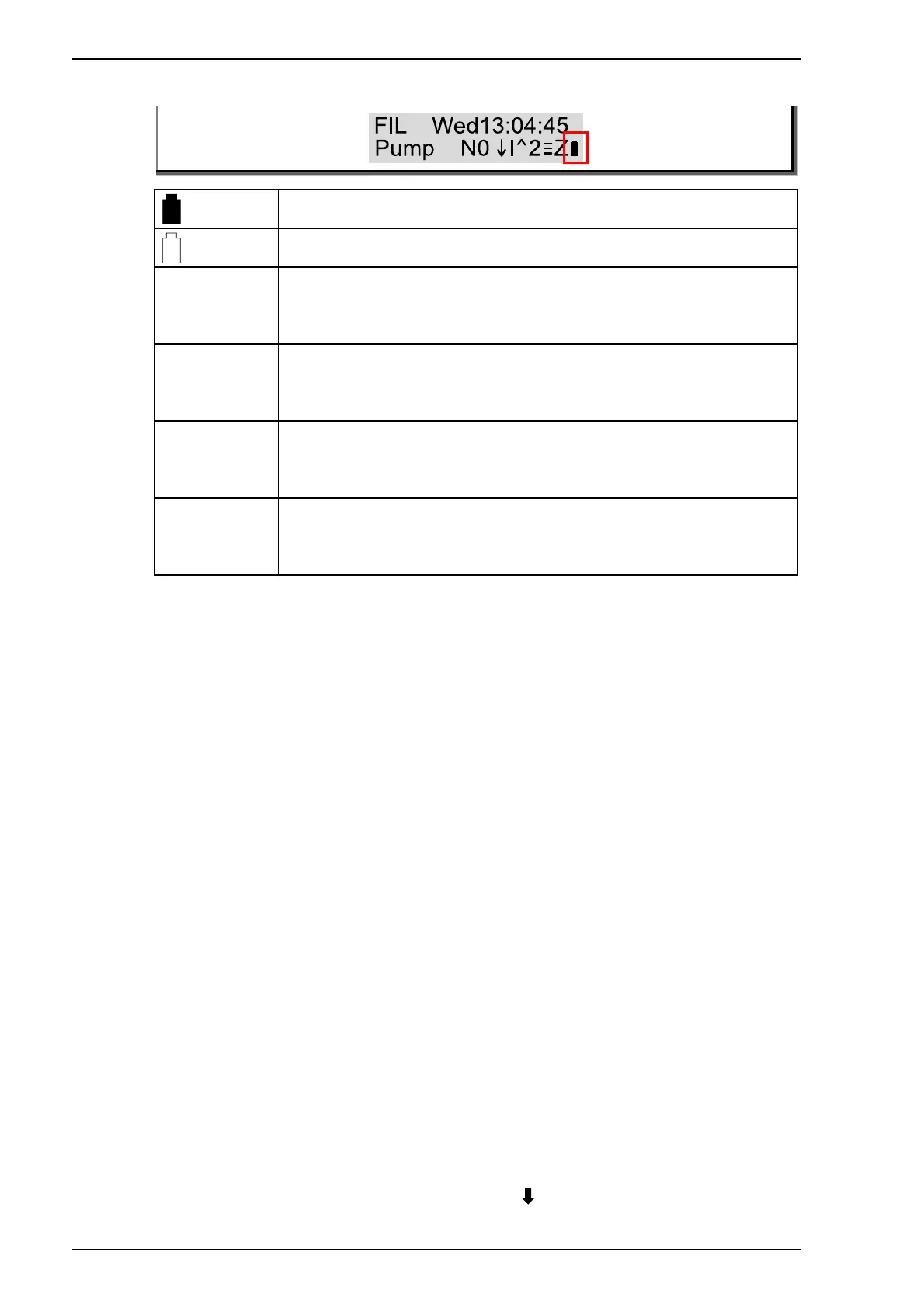
3.2.2 Basic programme selection
It is possible to choose from two different programmes:
• Interval-controlled – Status display I
• Time-controlled – Status display T
Interval-controlled
Interval control is the simplest method of telling the device which
function it should carry out. It is not necessary to specify a time for
the start of the backwash/rinse cycle or the filter time. The right-
hand button (BW/Status button) on the housing must be pressed
for 3 seconds. The starting time for the backwash cycle and the
filter time is then set permanently. According to the factory
settings, the filter duration is set to 8 hours per day. The repetition
cycle (in days) for the backwash/rinse cycles can be chosen
individually. The default setting is 7 days. If the BW button is
pressed again, this time is saved as the new start time. The filter
time is started once a day. If another manual mode is selected in
the meantime, the filtering does not start until the next day.
Time-controlled
Exact time specifications are required for the time-controlled
programme. A start time for the BW/R cycle must be set. The daily
filter times must be set additionally. In time mode, five filter cycles
can be set per day. If the currently set filter time phase is
completed or saved, the “OK” button ( ) on the display keyboard


 To Next Page