14
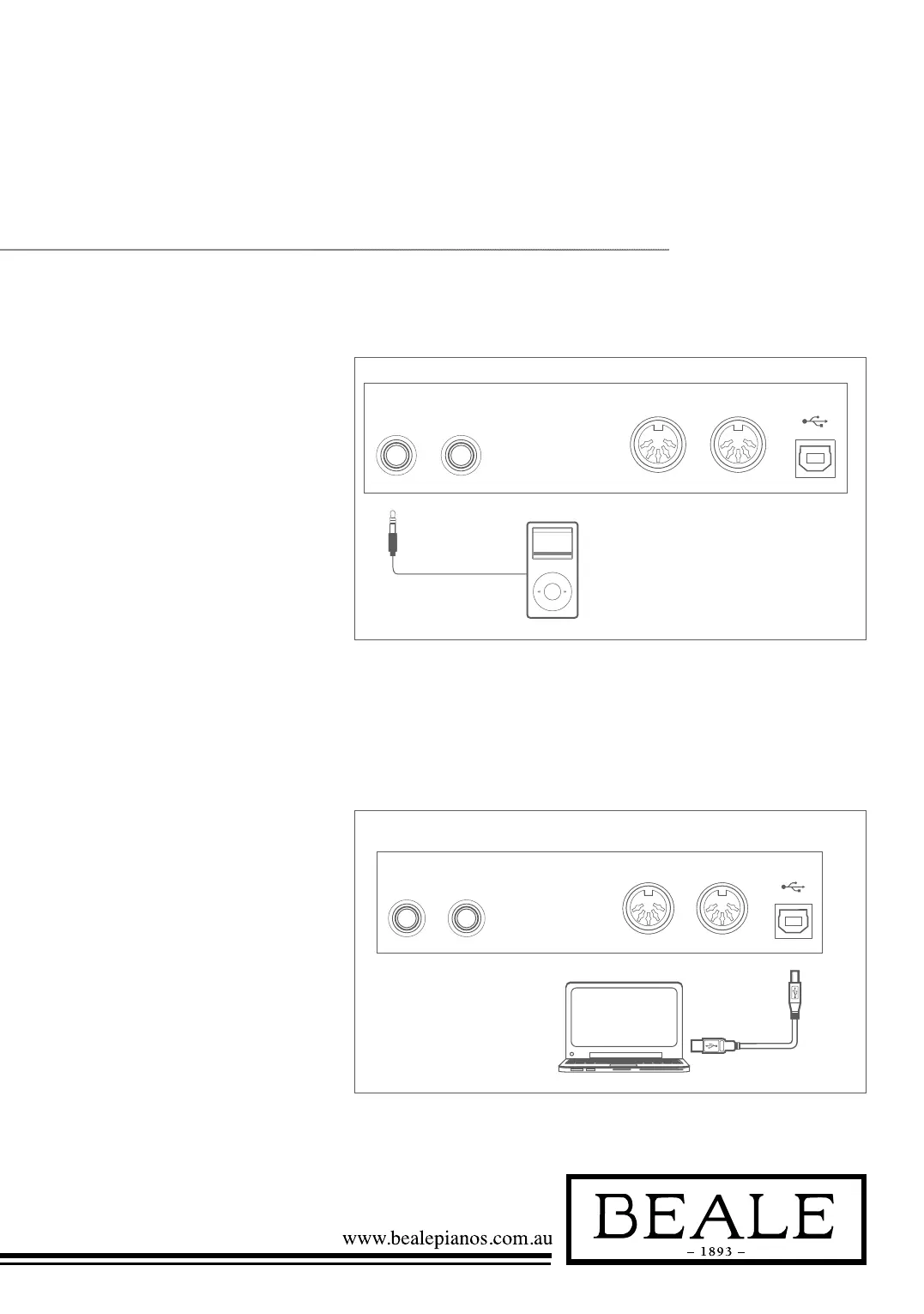
Connecting to a Computer
Connecting an MP3/CD Player
Headphone Jack 1
Headphone Jack 2
USBMIDI OUTMIDI INAUX OUTAUX IN
USBMIDI OUTMIDI INAUX OUTAUX IN
USBMIDI OUT
MIDI OUT
MIDI OUT
MIDI IN
MIDI IN
MIDI IN
AUX OUTAUX IN
USBMIDI OUTMIDI INAUX OUTAUX IN
Headphone Jack 1
Headphone Jack 2
USBMIDI OUTMIDI INAUX OUTAUX IN
USBMIDI OUTMIDI INAUX OUTAUX IN
USBMIDI OUT
MIDI OUT
MIDI OUT
MIDI IN
MIDI IN
MIDI IN
AUX OUTAUX IN
USBMIDI OUTMIDI INAUX OUTAUX IN
Connect the audio output of an MP3/
CD player or other audio source to
the stereo AUX IN jack on the rear
panel. The input signal is mixed with
the piano signal, allowing you to play
along the music.
The instrument receives and
transmits MIDI messages via the USB
connector. Connecting the MIDI IN
/OUT to Computer via The MIDI/
USB converter.
Note:
If this product does not work correctly when
connected to a USB 3.0 port, you will need to
connect to a USB 2.0 port.



 To Next Page