A part of Australian history since 1893.
5
6
song alBUM
song reCorDing
The piano Song Album function has
120 preset album songs which includes
style type, tempo, and voice. You
can play the preset song using song
album function using the parameter in
accordance with that song. Please refer
to appendix for album list.
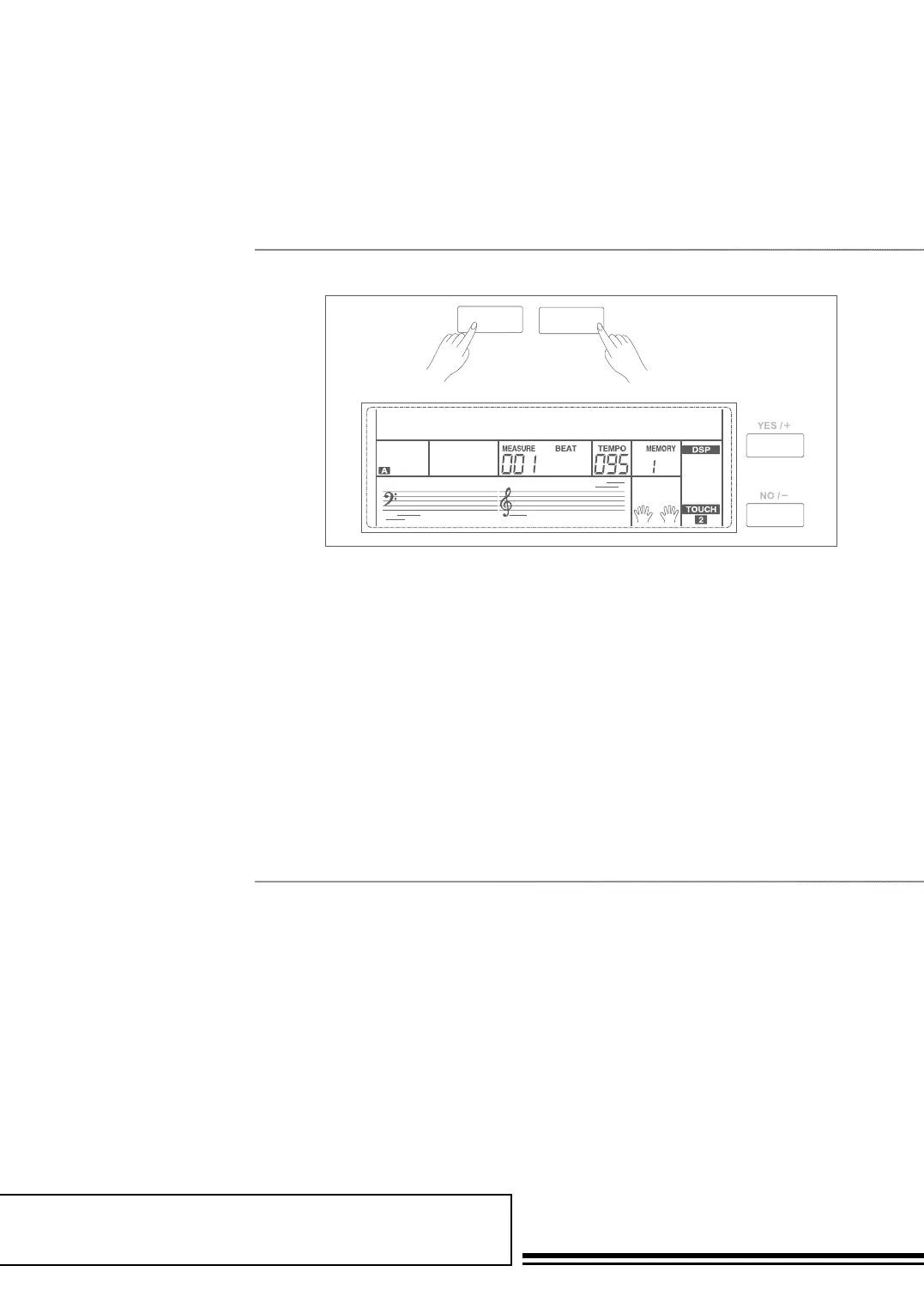
1. Holding down SHIFT button,
and then press FUNCTION+/-
button can turn the album
function on or off.
2. When the album function is on,
LCD displays the album song
name and the indicate of album.
Now use the data dial, +/YES or
-/NO button can select the song
to play. The piano will adjust the
accompaniment parameters to fit
that song.
3. Press voice direct button or style
direct button can exit the album
function.
With the easy-to-use song recording features, you can record your own keyboard
performances as a user song. 3 user songs can be recorded with 6 tracks
(1 ACCOMP track, 5 MELODY tracks) each. Among them, the accompaniment
track is used for recording style and this recorded track is user song’s accomp.
Melody tracks are used for recording melodies.
Accomp track and melody track can be recorded together, but you cannot record
two melody tracks at the same time. Of course you can only record accomp or
melody; Accomp and several melody tracks can simultaneous playback.
The recorded data will not be lost when you turn off the power.
SHIFT ALBUM
13 JOURSENFR001



 To Next Page