A part of Australian history since 1893.
6
0
1. Press and hold RECORD and
SONG buttons together and turn
power on simultaneously -
all user songs will be erased.
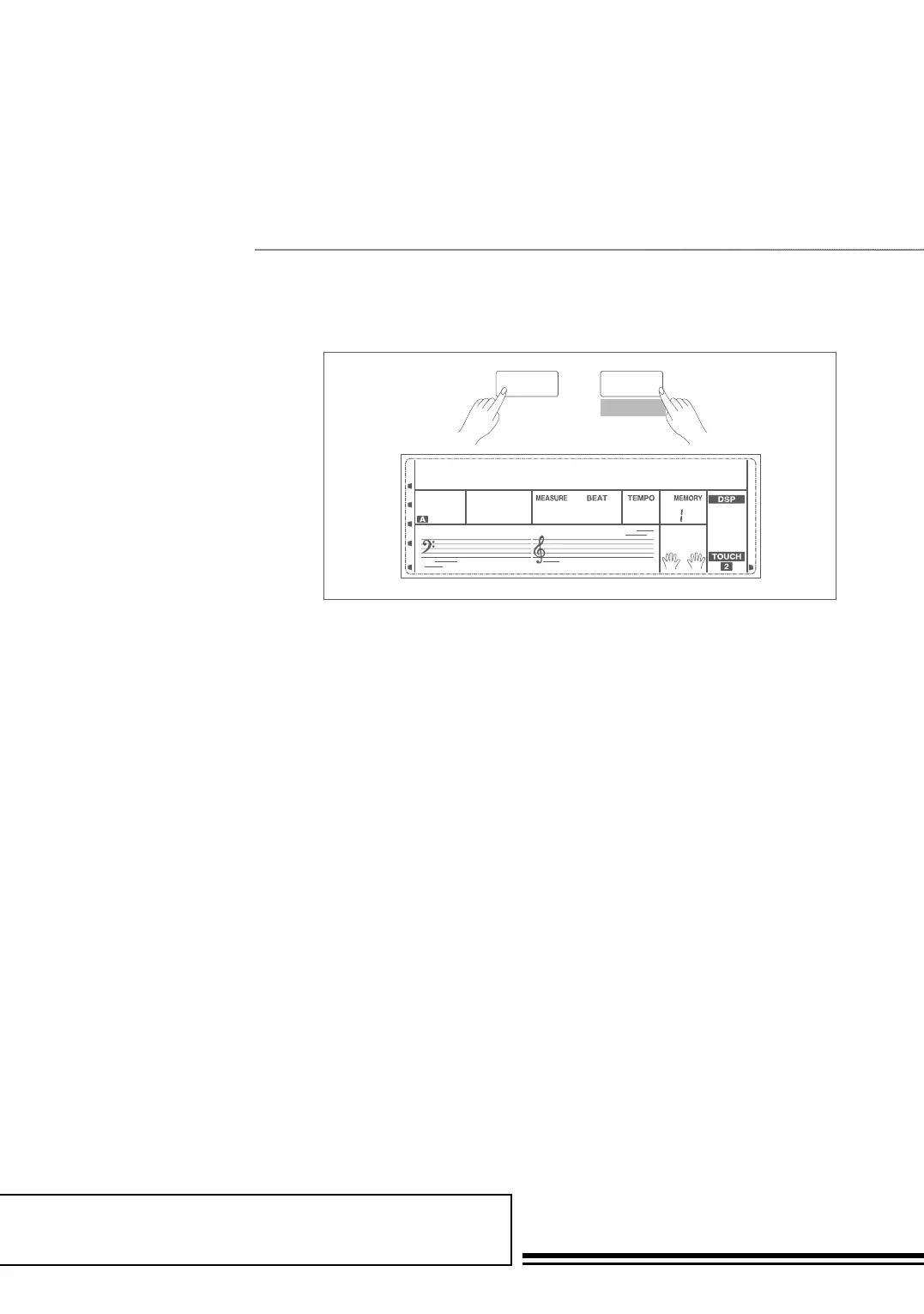
2. In the recording preparation
status, holding down SHIFT
button and then press the
RECORD button for two
second, the LCD will display
“Delete?”. Holding down SHIFT
button then press ACCOMP
(or MELODY 1 to MELODY
5) button to select the track
you want to delete. When a
track indicator is illuminated, it
indicates the track data you want
to delete, otherwise, it indicates
the track data you want to keep.
If all the track indicators are
illuminated, the whole user song
will be erased after confirmation.
3. Choose the track you want to
delete, press +/YES to confirm
and the recorded data in this
track will be erased. Press -/NO
to quit this step, and go back to
the recording preparation status.
SHIFT
RECORD
Delete?001
001 120
Delete User Song



 To Next Page