4
5
Tune
Keysplit
This function sets the pitch of the
entire keyboard by steps.
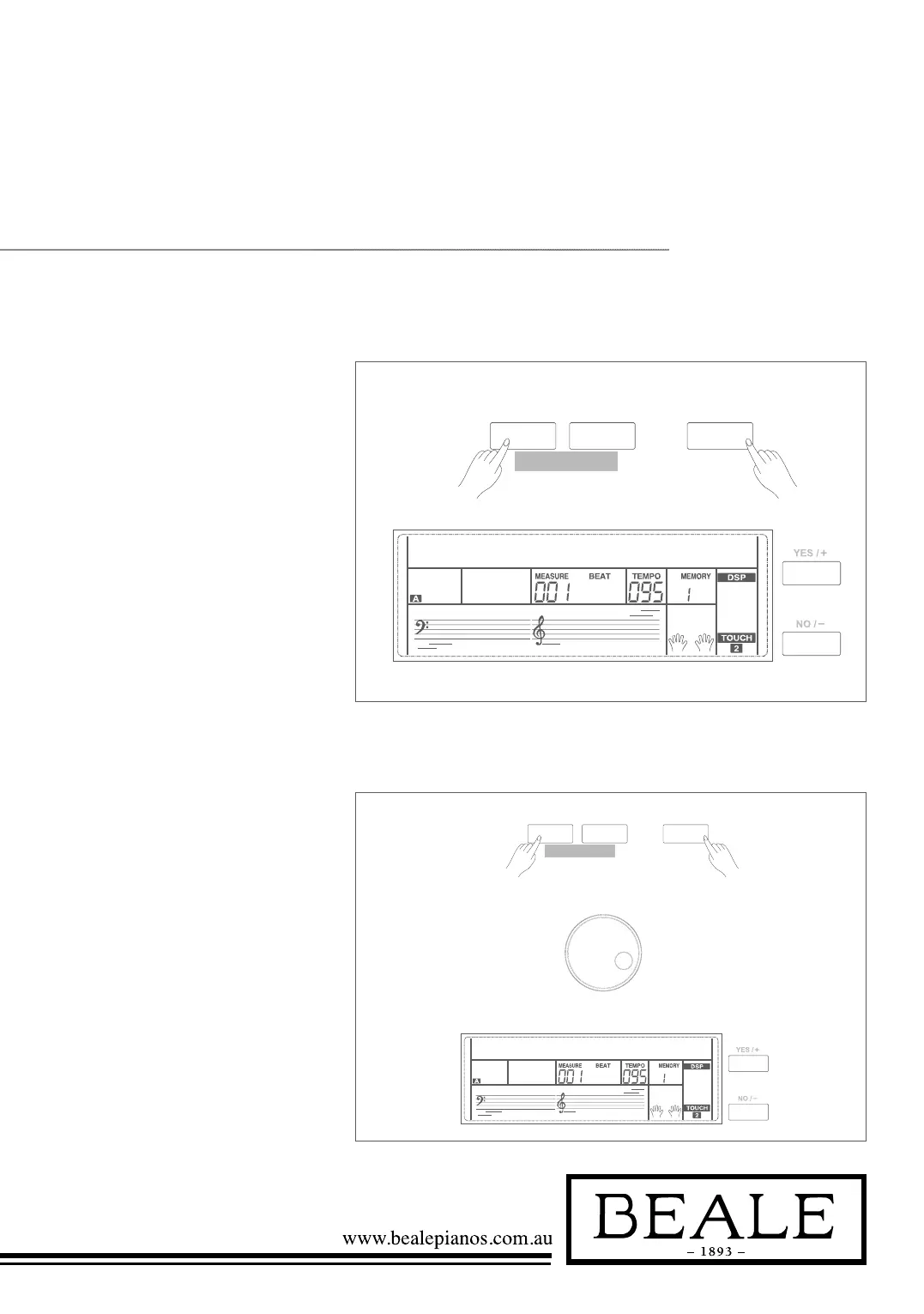
1. Holding down SHIFT button,
press FUNCTION+/- button to
select tune menu. LCD displays
“xxx Tune”. Use
+/YES / -/NO or data dial to
change tune value. Its range is
from -50 to 50 cents.
2. Press +/YES and -/NO
simultaneously will set the tune
value to its default setting: 000.
The setting is applied to both
accompaniment and the voice.
This function sets the point which
separates the entire keyboard to
two sections.
1. Holding down SHIFT button,
and then press FUNCTION+/-
button to select keysplit menu.
LCD displays “xxx Keysplit”.
Use +/YES / -/NO or data dial
to change keysplit value. The
range of keyspilit: 1~88.
2. Press +/YES and -/NO
simultaneously will set the
keysplit value to its default
setting: F#3(34).
Note:
When Twinova is opened, the range of keysplit
is C3~C6 (28~64). Press +/YES and -/NO
simultaneously will set Twinova keysplit value to
its default setting: E3(32).
SHIFT
- +
FUNCTION
tune000
SHIFT
- +
FUNCTION
KeySplit034



 To Next Page