A part of Australian history since 1893.
25
TWINOVA
TWINOVA
STGRDPNO
001
TWINOVA
Default Split Point E3
Default Split Point E3
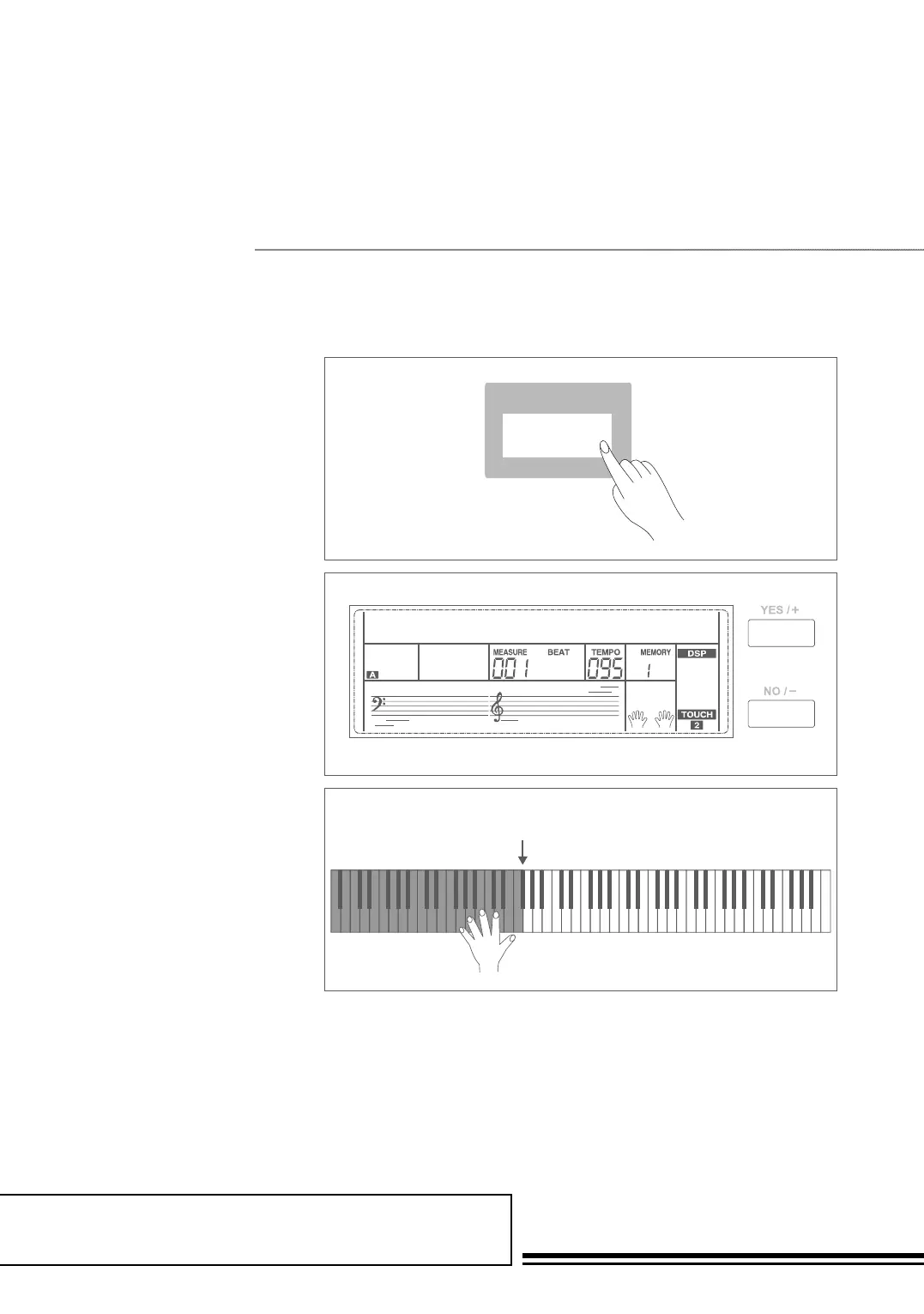
The Twinova mode can split the
keyboard into two sections which
have the same pitch and voice. It helps
teaching and learning piano.
1. Press TWINOVA button to
turn Twinova function on. The
LCD indicate of Twinova is
illuminated. In Twinova mode,
dual voice and lower voice are
unavailable. The default split
point is E3 (32). When you are
ready to exit, press TWINOVA
button again.
2. In Twinova mode, the default
voice of right hand and left hand
is the upper voice you select
before entering Twinova mode.
Use the data dial, the +/YES,
-/NO button or the voice direct
button to choose voice.
3. In Twinova mode, press
OCTAVE button, LCD
temporarily displays the octave
value of Twinova. Now you can
use the data dial, the
+/YES, -/NO button to set
octave value of Twinova.
The range of octave is -1 to
1. Press +/YES and -/NO
simultaneously will set the octave
value to its default setting: 000.
Note:
1. In the Demo and song mode, the TWINOVA
button is invalid.
2. Please refer to Keysplit setting to set the split
point setting.
3. The OCTAVE button is invalid outside
Twinova mode. When the octave is changed,
some voices may be muted in the highest or
lowest range.



 To Next Page