24
Metronome
METRONOM
STGRDPNO
000
1. Using the metronome helps guide
your playing by providing a beat to
a preset tempo.
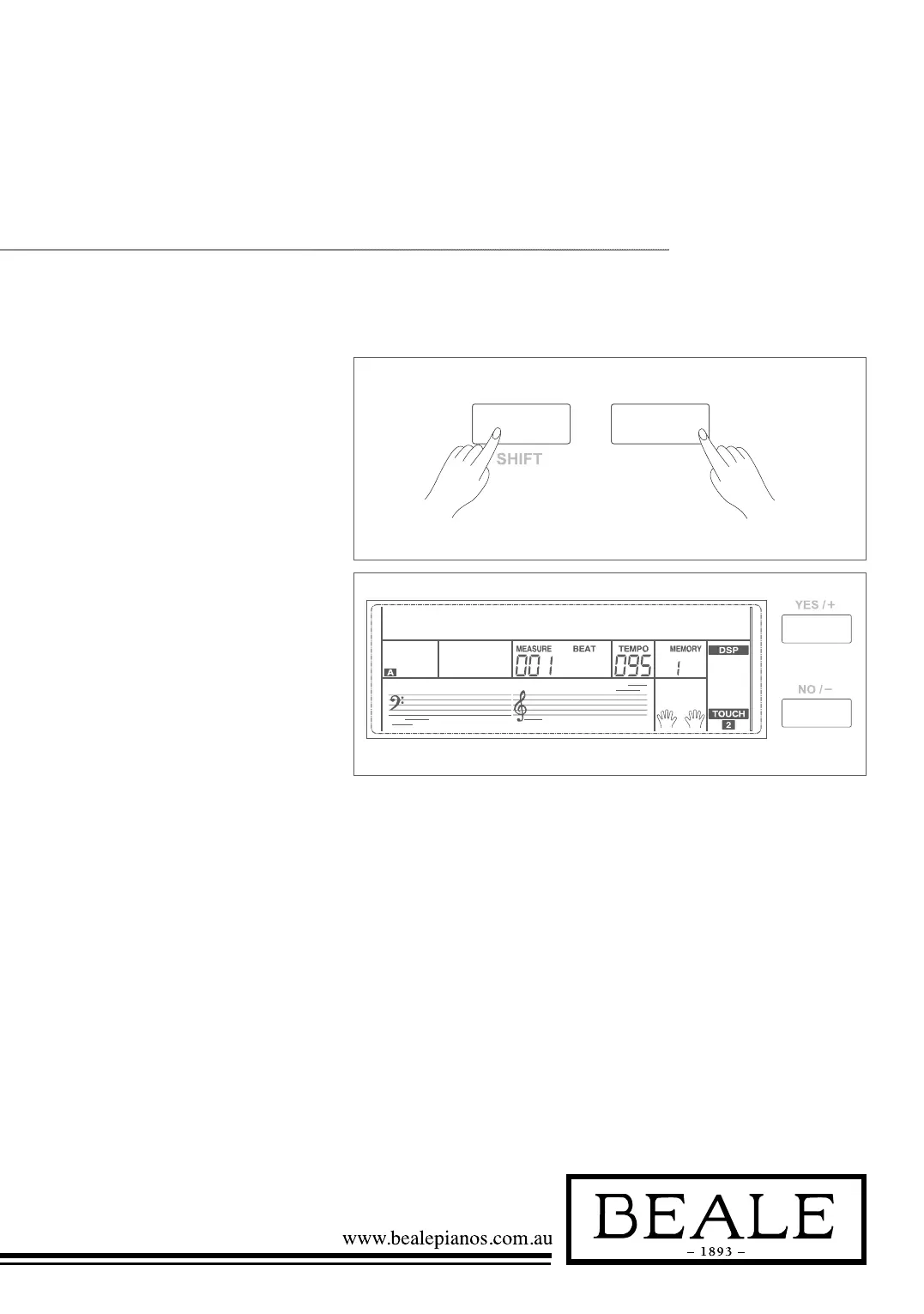
2. Holding down SHIFT
button, and then press the
METRONOME button to turn
the metronome on or off.
3. Metronome beat type setting
Please refer to Beat Type Setting.
Note:
1. The metronome will respond in the
next beat if it is opened when the
accompaniment is playing.
2. When the metronome is on, then start the
accompaniment, the metronome will adjust
the beat to the accompaniment.
3. When recording, metronome beats cannot
be recorded.



 To Next Page