A part of Australian history since 1893.
5
2
Performance Beat Type
This function is used to set the
performance assistant beat type.
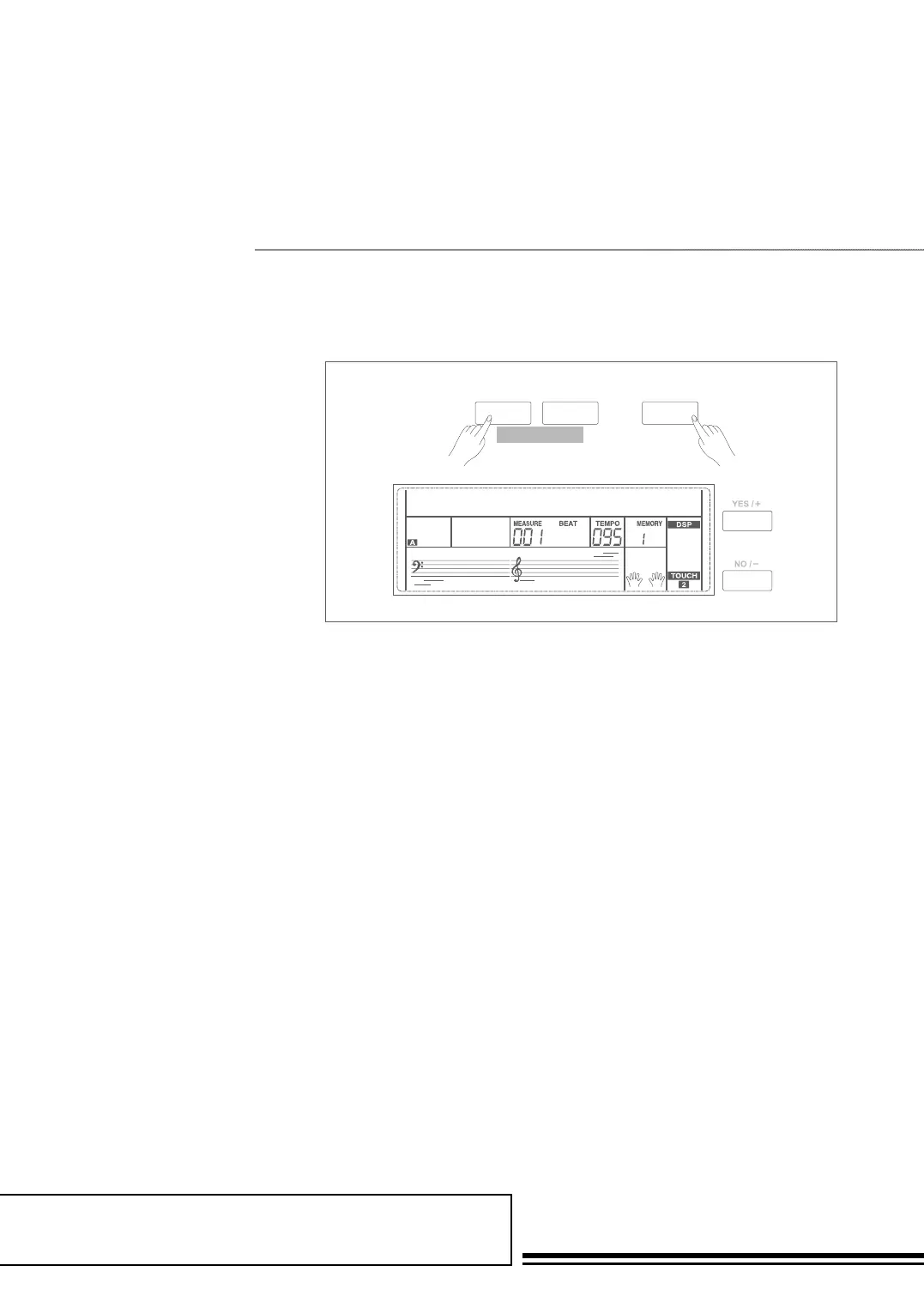
1. Holding down SHIFT button,
and then press FUNCTION+/-
button to select Perform Beat
menu. LCD displays “xxx
Perform Beat Use +/YES /
-/NO or data dial to change
performance beat: 4-4, 3-4, 2-4,
6-8.
2. Press +/YES and -/NO
simultaneously will set
performance beat channel to its
default setting: 4-4.
SHIFT
- +
FUNCTION
harmony speed001
SHIFT
- +
FUNCTION
MIDI IN001
SHIFT
- +
FUNCTION
MIDI OUT001
SHIFT
- +
FUNCTION
POWER OFF030
SHIFT
- +
FUNCTION
PERFORM BEAT4-4



 To Next Page