4
7
Pedal Type
Reverb Volume
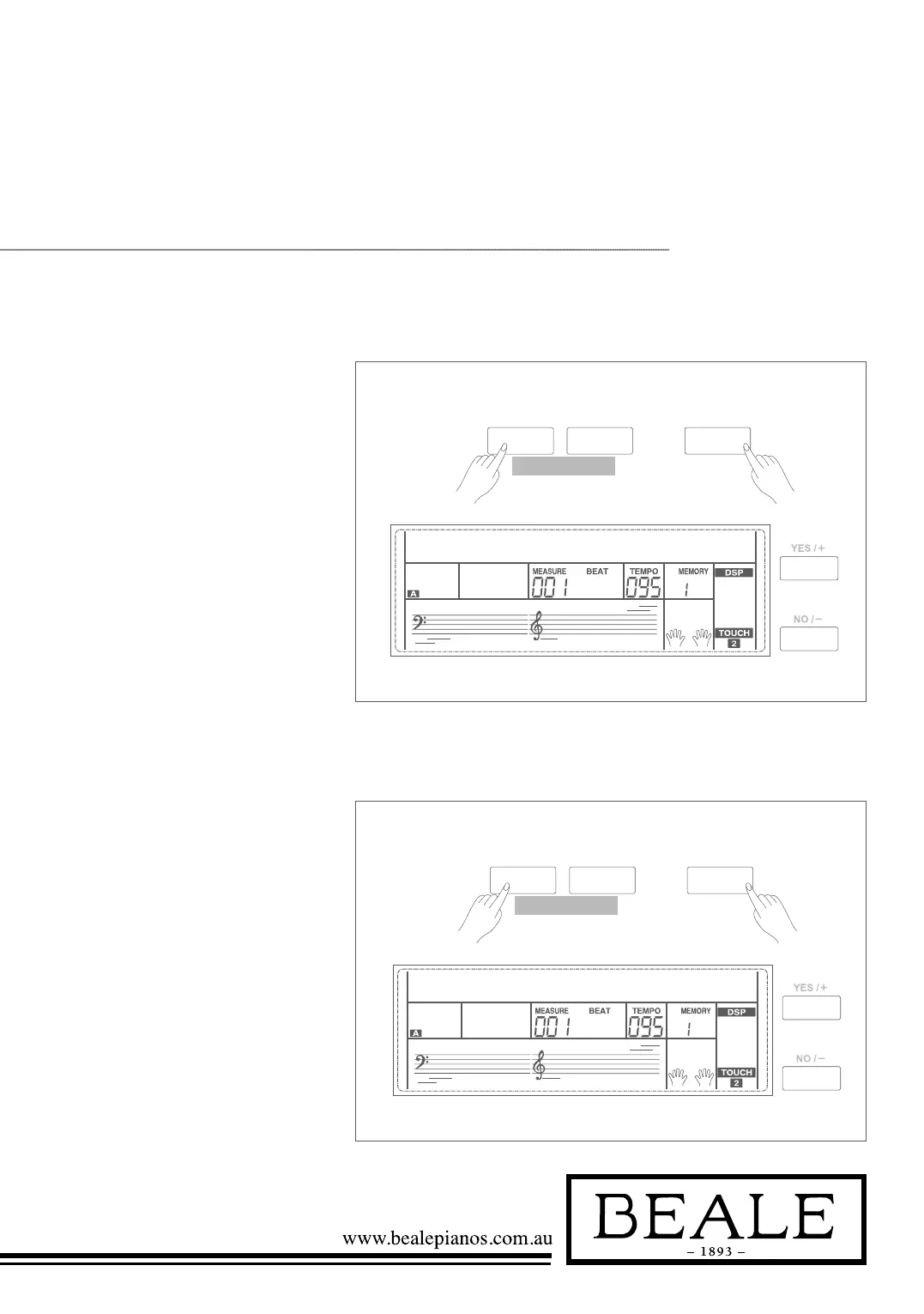
1. Holding down SHIFT button,
press FUNCTION+/- button
to select pedal type menu. LCD
displays “00x Pedal xxxx”. Use
+/YES / -/NO or data dial
to change pedal type. 3 types
of pedal are available: sustain
pedal(Sust), accompaniment
start/stop Pedal(St/T), memory
switch pedal(Mem).
2. Press +/YES and -/NO
simultaneously will set the pedal
type to its default setting: Sust.
1. Holding down SHIFT button,
press FUNCTION+/- button to
select reverb volume menu. LCD
displays “xxx ReverbVol”. Use +/
YES/
-/NO or data dial to change
reverb volume. Range: 0~127
2. Press +/YES and -/NO
simultaneously will set the reverb
volume to its default setting.
Note:
The reverb volume default value depends on the
voice.
SHIFT
- +
FUNCTION
pedal sust001
SHIFT
- +
FUNCTION
Reverbvol035



 To Next Page