5
7
recsong1
001
SHIFT
RECORD
SHIFT
RECORD
START/
STOP
SYNC
START
REC
001
MELODY 5
MELODY 4
ACCOMP
MELODY 3
MELODY 2
MELODY 1
ACCOMP MELODY 1 MELODY 2 MELODY 3 MELODY 4 MELODY 5
recsong1
001
SHIFT
SHIFT
RECORD
SHIFT
RECORD
REC
001
MELODY 5
MELODY 4
ACCOMP
MELODY 3
MELODY 2
MELODY 1
ACCOMP MELODY 1 MELODY 2 MELODY 3 MELODY 4 MELODY 5
Start Recording
Before you start recording, you need to
select a user song to keep the recording
song, and set the recording tracks.
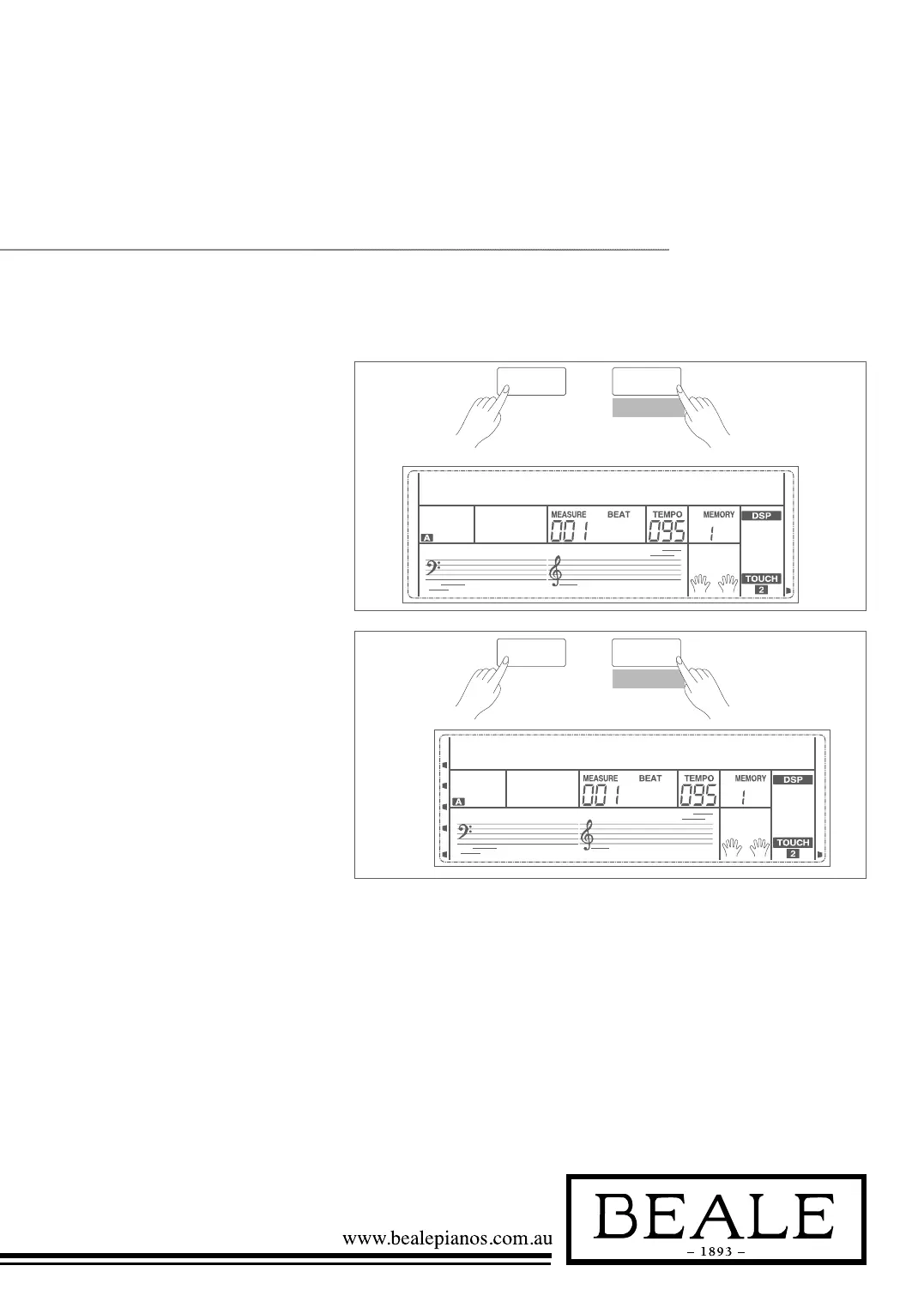
1. Holding down SHIFT button,
and then press the RECORD
button to enter user song
selection mode. The LCD displays
“RecSong1” and sequence
number. Use the data dial,
+/YES or -/NO button select
the user song you want to record.
2. Holding down SHIFT button,
and then press the RECORD
button again to enter record
preparation mode. LCD lightens
the “REC” flag, and LCD will
flash beat indicate. The piano will
automatically select an empty
track to record your performance.
The LCD indicate in the left
which flashes shows the
record track.



 To Next Page