A part of Australian history since 1893.
21
The piano is equipped with a touch
response feature that lets you
dynamically and expressively control
the level of the voice with your
playing strength just as on an acoustic
instrument. The piano has three touch
types to choose.
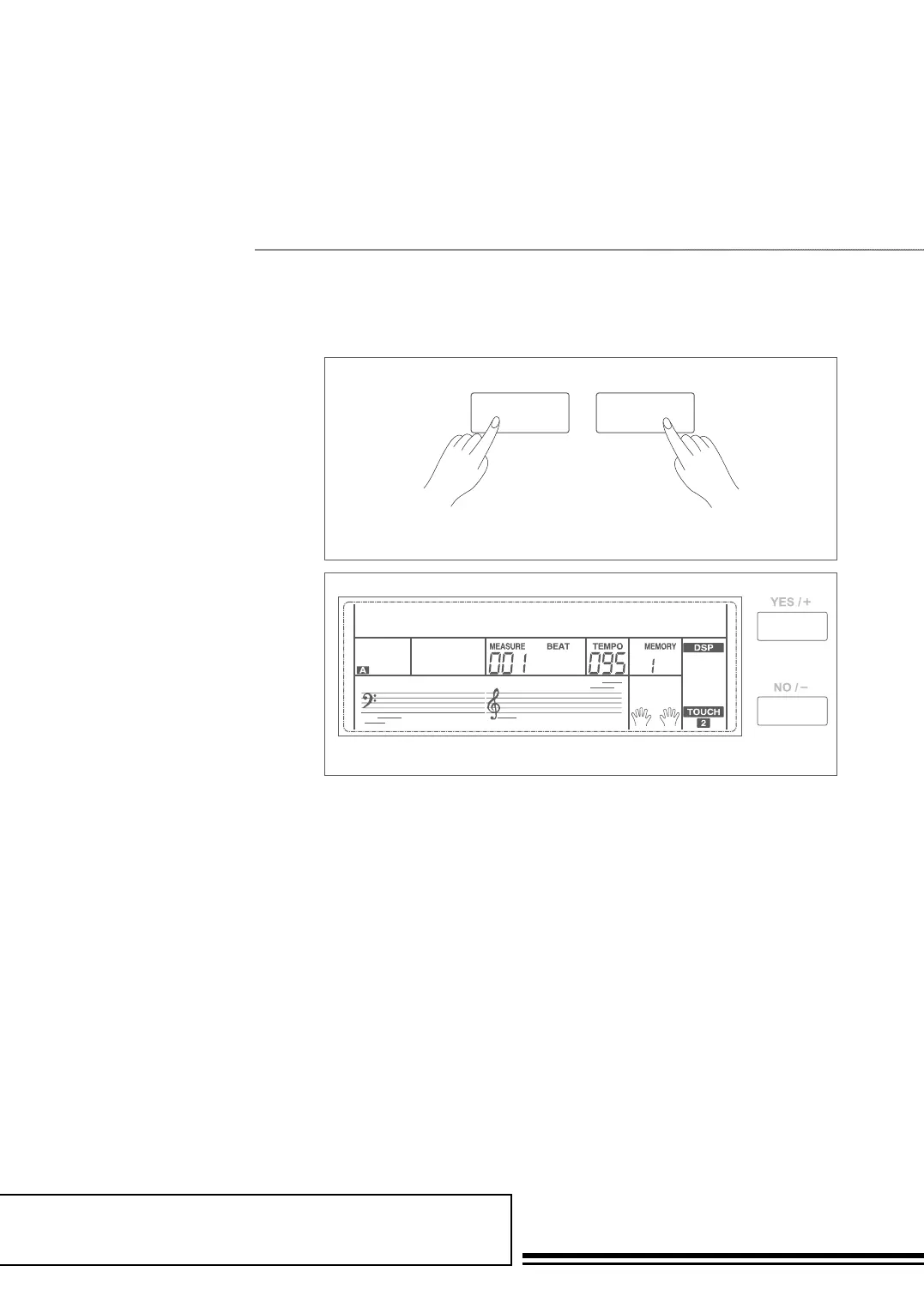
1. Hold down the SHIFT button,
and then press TOUCH button
to enter touch settings. LCD
displays the touch setting
number. The default number is 2.
2. Choose a touch type. When LCD
displays touch setting, using
+/YES / -/NO or data dial or
holding down SHIFT button,
and then pressing TOUCH
button can change touch type:
OFF, 001(soft), 002(normal),
003(hard). Pressing +/YES and
-/NO simultaneously will set
touch value to default setting:
2(normal).
Touch
TOUCH
SHIFT
TOUCH
002



 To Next Page