20
Playing Dierent Voices with Both hands-LOWER
LOWER
SSLowStr
LOWER
Default Split Point F#3
Default Split Point F#3
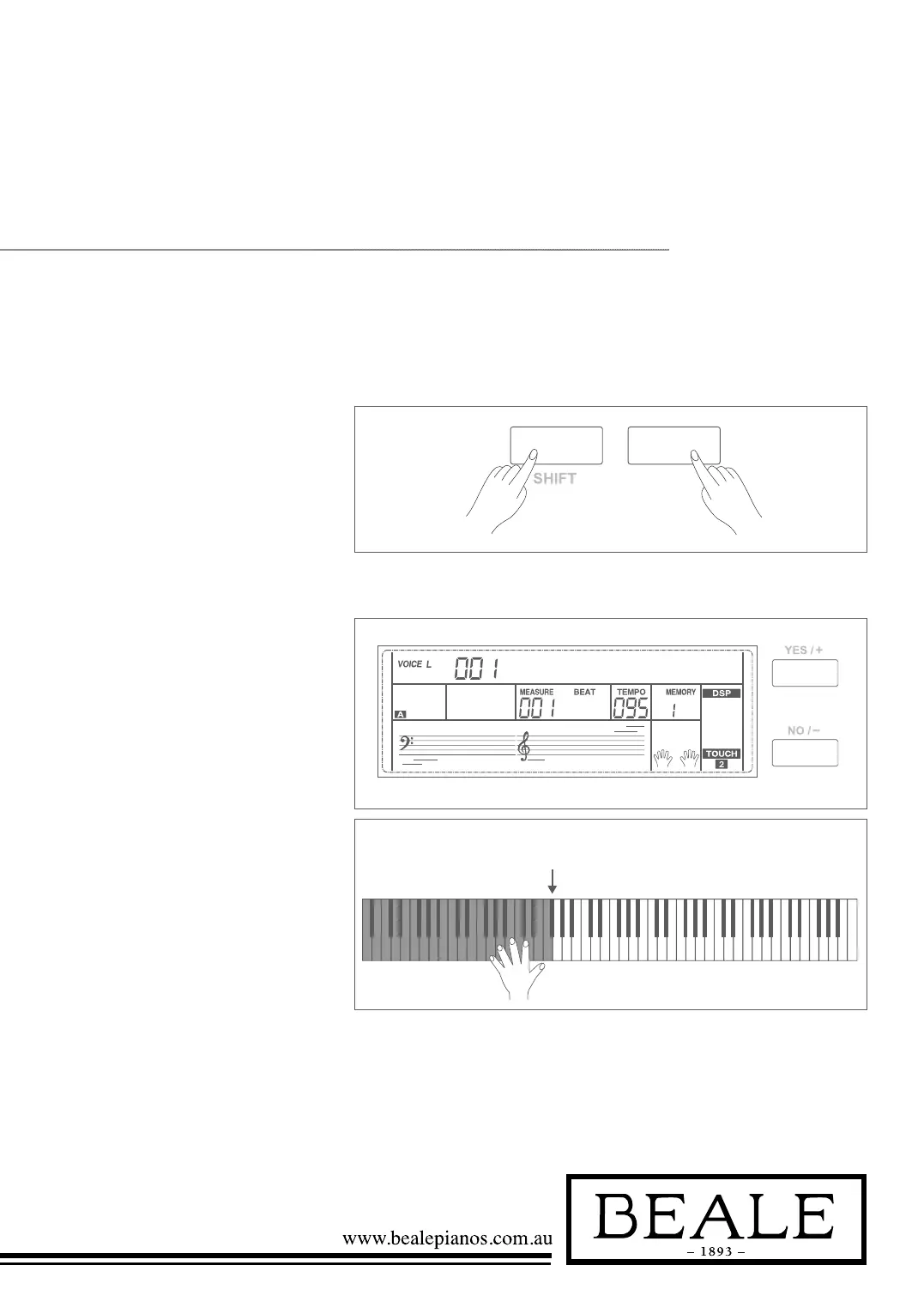
1. In idle mode, hold down the
SHIFT button, and then press
the LOWER button to turn the
lower function on. The keyboard
is split into two independent
sections, and each section has
its own voice. The LCD displays
the left hand voice name and
number, and indicates
VOICE L and LOWER.
2. You can use the data dial, the
+/YES, -/NO button or voice
direct button to select the lower
voice you want to play.
3. Play the keyboard in different
sections, and you will hear two
different voices.
4. When lower function is on,
holding down SHIFT button, and
then pressing LOWER button
will turn lower function off.
Note:
The right hand voice does not change when you
change lower voice.
SPLIT POINT
The Point on the keyboard that separates voice L
and voice R1/R2 is called the “split point”. The
split point is set to F#3 at the factory setting.
However you can set this to any key you want.
Refer to Keysplit setting for split point setting.
The lower function splits the keyboard into two section. Each section can be set to a voice.
The left section voice is lower voice.



 To Next Page