A part of Australian history since 1893.
31
Accompaniment Volume
This function is used to change
the volume of all tracks of
accompaniment.
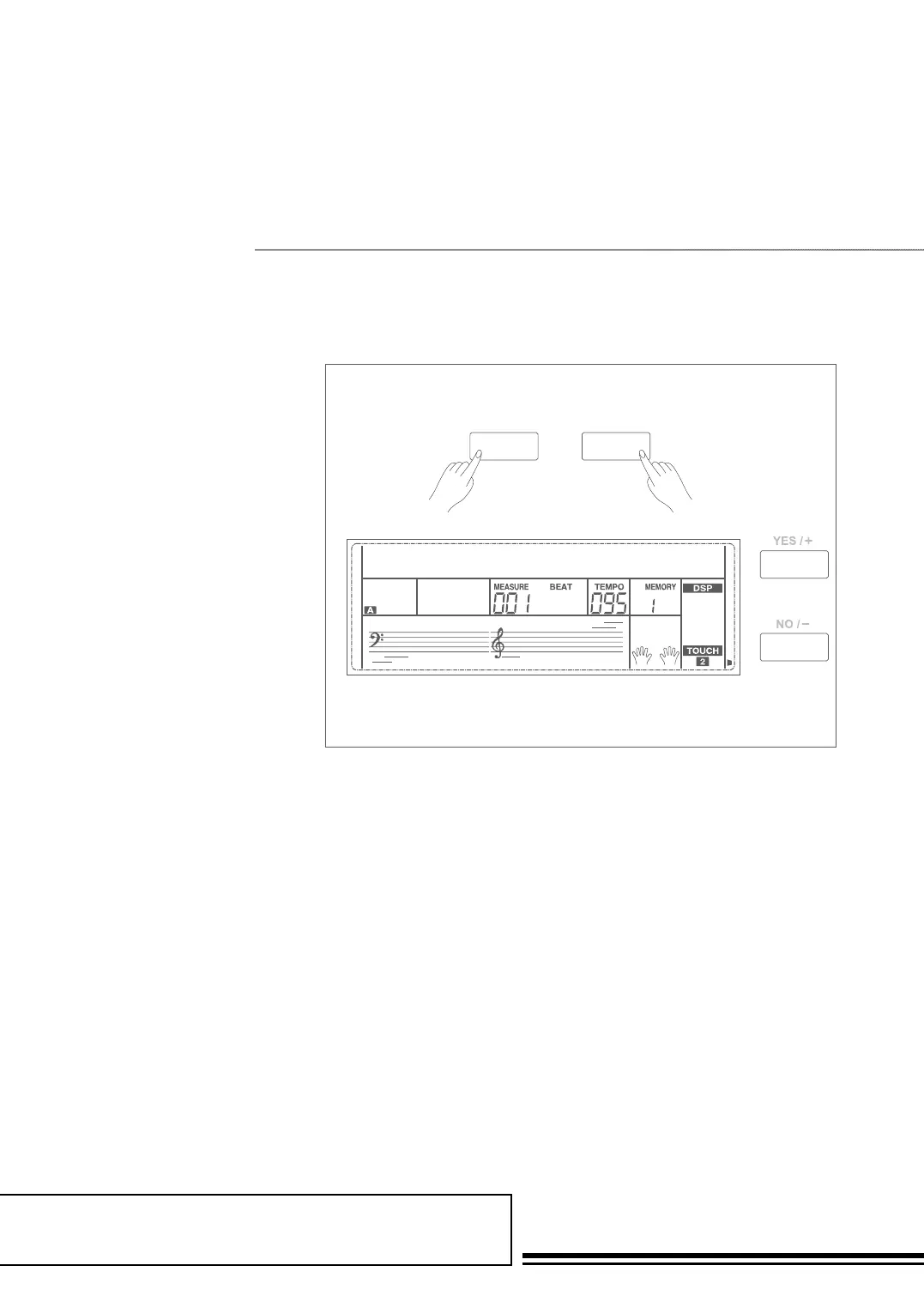
1. Holding down SHIFT button,
and then press ACCOMP button,
the LCD will display ACCOMP
volume (0 to 127). At this time,
you can use the data dial, or
+/YES/ -/NO button to adjust
ACCOMP volume.
2. When the LCD will displays
ACCOMP volume, press +/YES
and -/NO button simultaneously
can mute the ACCOMP volume.
The LCD displays “OFF Accomp”.
press +/YES and -/NO button
simultaneously again can unmute
the ACCOMP volume.
accomp
110
SHIFT ACCOMP



 To Next Page