34
One Touch Setting
ST mugt
148
O.T.SM4M3M2M1
One Touch Setting is a powerful and
convenient function that lets you
instantly recognise virtually all auto
accompaniment related panel settings
such as voice with one touch of a
single button.
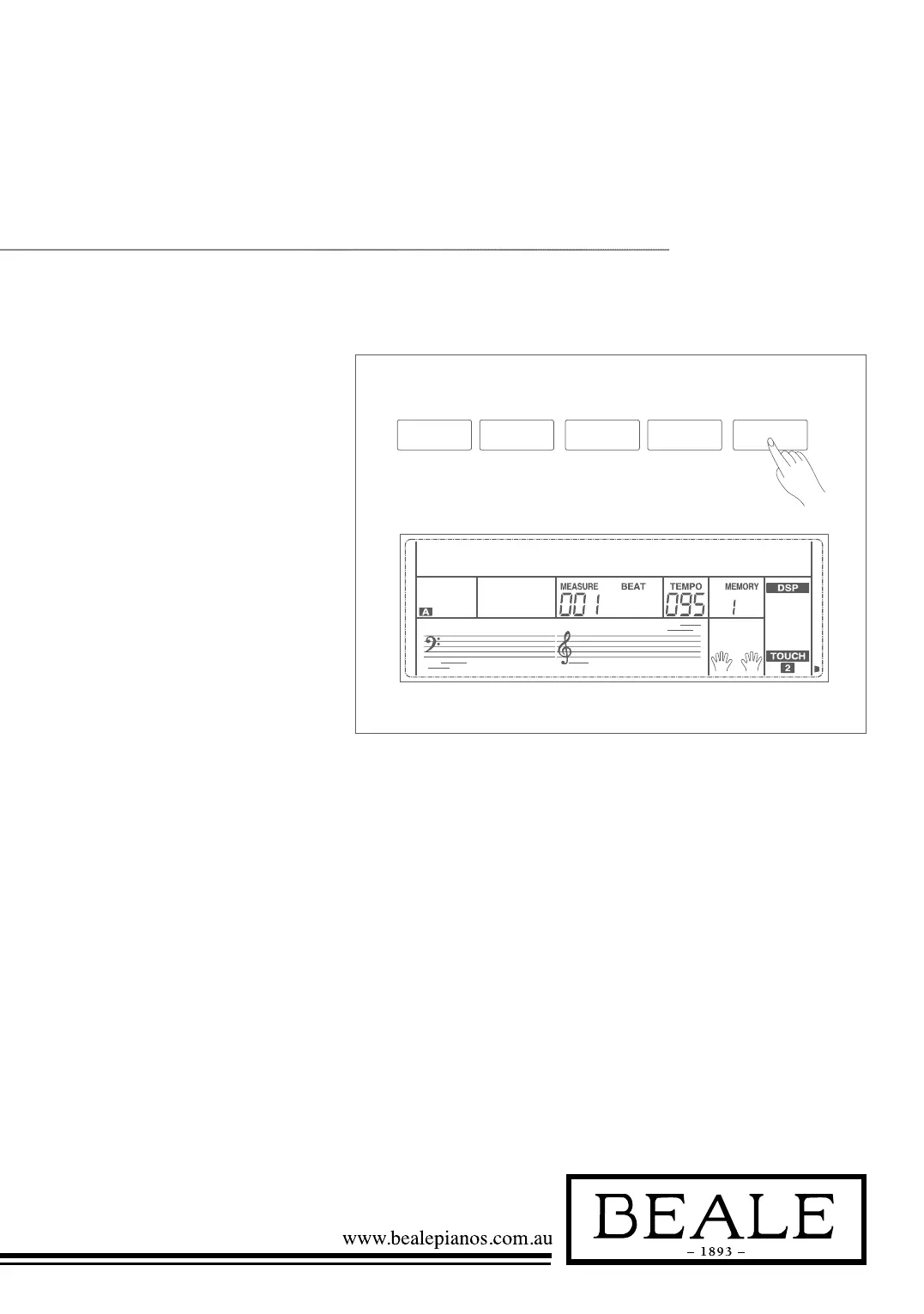
1. Press the O.T.S. button to turns
on the One Touch Setting for
current style.
2. Press one of the one touch
setting buttons M1-M4. Various
panel settings (such as voice,
effect, etc.) that match the
selected style can be instantly
recalled with just a single
button press.
Auto accompaniment is automatically
turned on during O.T.S mode.
One Touch Setting parameter list:
Part ON/OFF (VOICE R1, R2, L)
Voice Change (VOICE R1, R2, L)
Voice Volume (VOICE R1, R2, L)
Voice Reverb Level (VOICE R1, R2, L)
Voice Chorus Level (VOICE R1, R2, L)
Note:
In O.T.S. mode, the A.B.C. function would turn
on automatically.



 To Next Page