A part of Australian history since 1893.
4
2
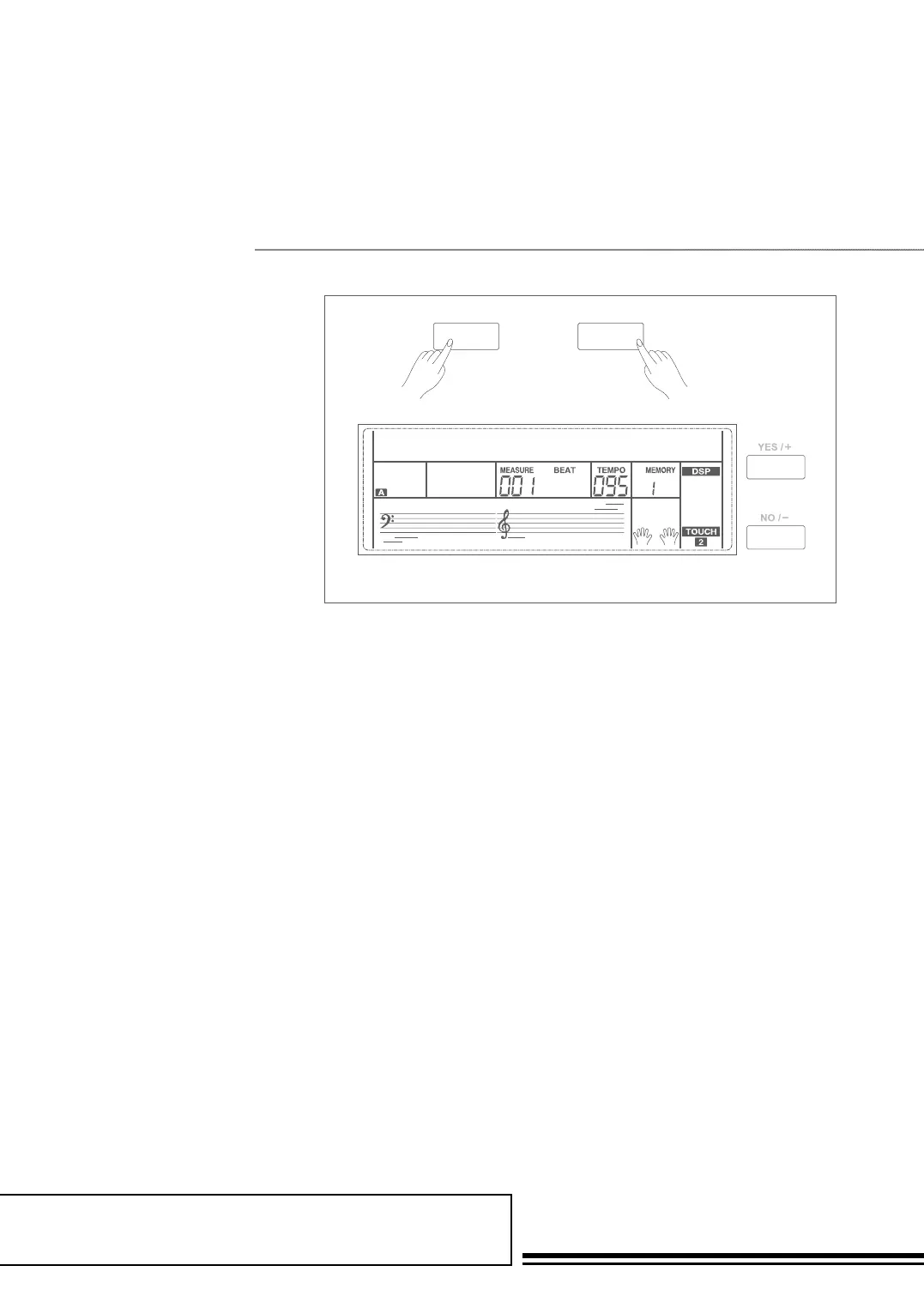
Mixer function can control the volume
of different tracks.
1. Holding down SHIFT button,
and then press the Rhythm
button to set the Rhythm track
volume. LCD displays “Rhythm”
and the track volume.
2. When the LCD displays
“Rhythm” , use the data dial or
the +/YES / -/NO button to
adjust the value. Pressing +/YES
and -/NO button simultaneously
can turn off/on a track volume.
3. The volume of other tracks such
as Bass, Chord, Lower, and
Upper can be set the same to
Rhythm track.
Note:
In voice R1 setting status, the Upper button adjusts
the main voice volume. In voice R2 setting status, the
Upper button adjusts the R2 voice volume.
RHYTHM
RHYTHM120
SHIFT
MiXer
The option and parameters are
as follows:
LCD Display Range
Rhythm: xxx 0 - 127
Bass: xxx 0 - 127
Chord: xxx 0 - 127
Lower: xxx 0 - 127
Upper: xxx 0 - 127



 To Next Page