69
Upload/Download Data from the Computer
1. Connect a standard USB cable
between the rear-panel USB jack
on the instrument and the USB
jack on your computer.
2. Turn on the piano first, and then
open the PCSUITE software in
your computer. If the
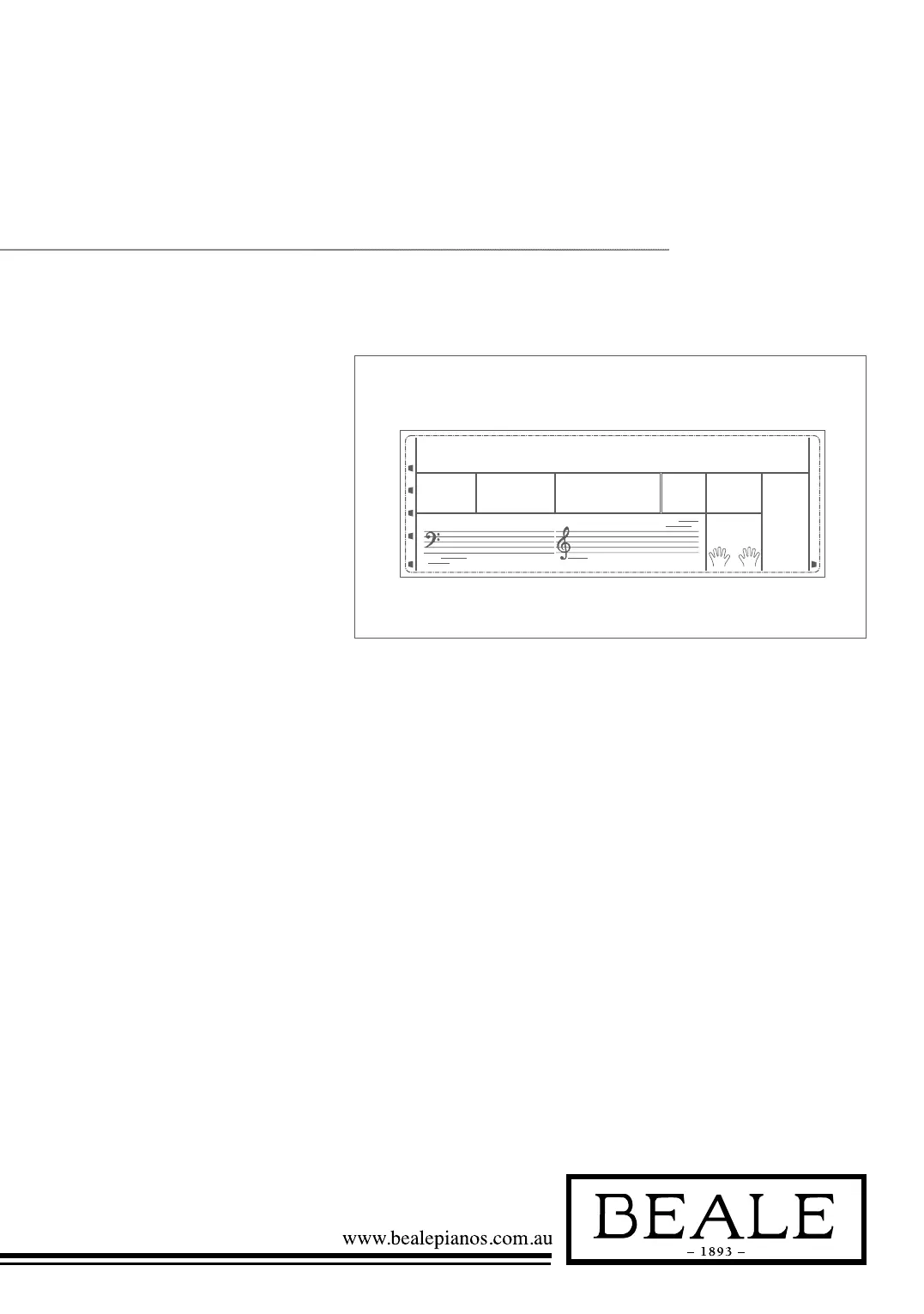
LCD displays “PCLink..” it
indicates the piano has connected
to the PC successfully.
3. You can download 3 MIDI files
to the keyboard as user songs or
upload the user songs to PC.
4. You can upload user styles to
the computer as a backup or
download them to the keyboard.
You can upload memory files
to the computer as a backup or
download them to the keyboard.
5. Please refer to software
operation instructions for
detailed operating methods.
SHIFT
DICT.2
200
-01
L&R
DICT.
RL
PC LINK...



 To Next Page