A part of Australian history since 1893.
4
6
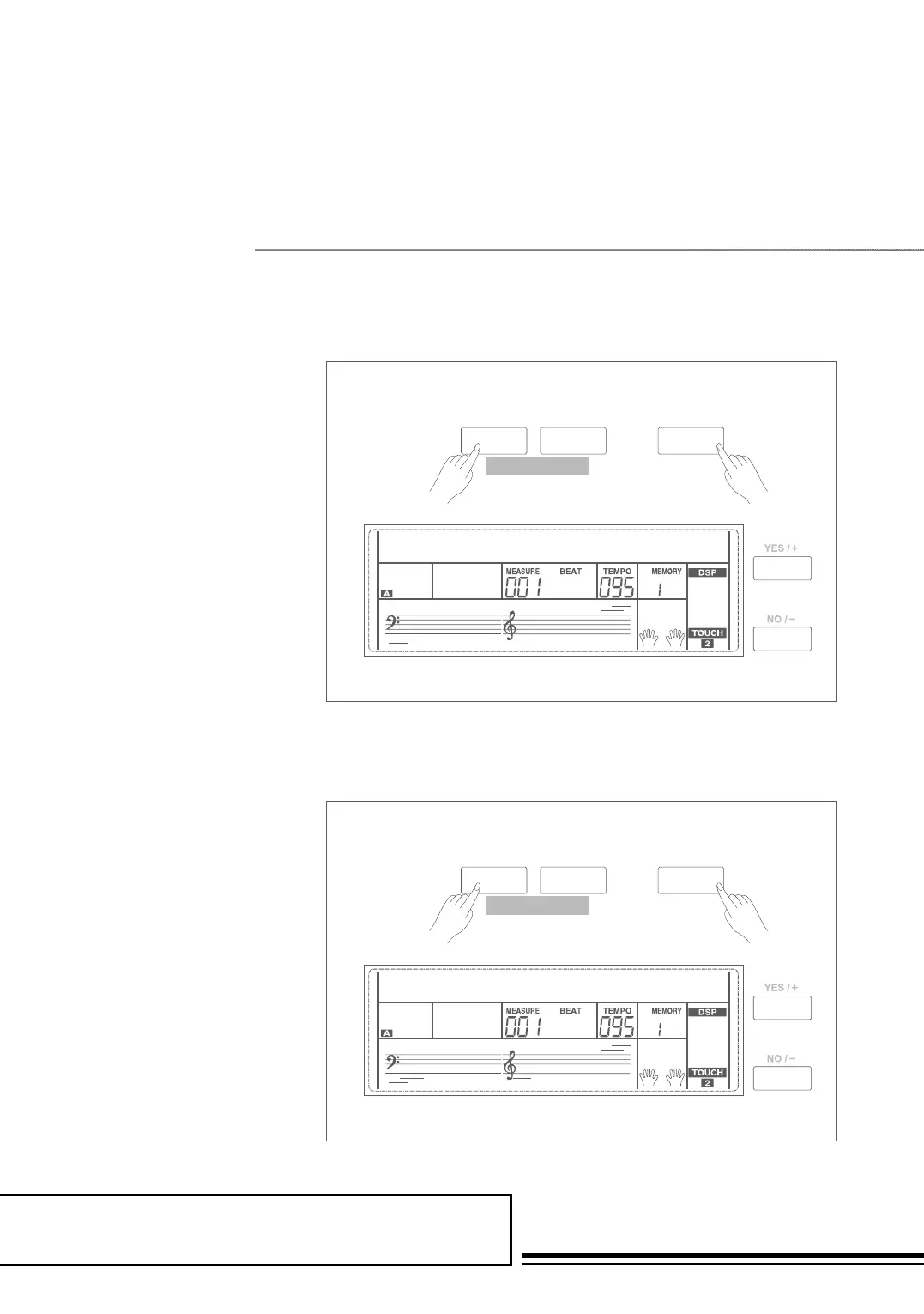
Beat Type
Metro Volume
1. Holding down SHIFT button,
press FUNCTION+/- button
to select beat type menu. LCD
displays “xxx BeatType”. Use
+/YES / -/NO or data dial to
change beat type. The range of
beat type: 0, 2~9.
2. Press +/YES and -/NO
simultaneously will set the
beat type value to its default
setting: 004.
1. Holding down SHIFT button,
press FUNCTION+/- button to
select beat volume menu. LCD
displays “xxx MetroVol”. Use +/
YES /
-/NO or data dial to change
beat volume. The range of beat
volume: 0~127.
2. Press +/YES and -/NO
simultaneously will set the
beat volume value to its default
setting: 090.
SHIFT
- +
FUNCTION
BEATTYPE004
SHIFT
- +
FUNCTION
mETROVOL090



 To Next Page