A part of Australian history since 1893.
5
4
Recalling the Registered Panel Settings
Selecting a Registration Bank
Press one of the registration memory
buttons: M1 - M4. In this example, the
panel settings stored in the memory 2
of bank 1 are recalled.
Note:
Registration data cannot be recalled when the
One Touch Setting function is on.
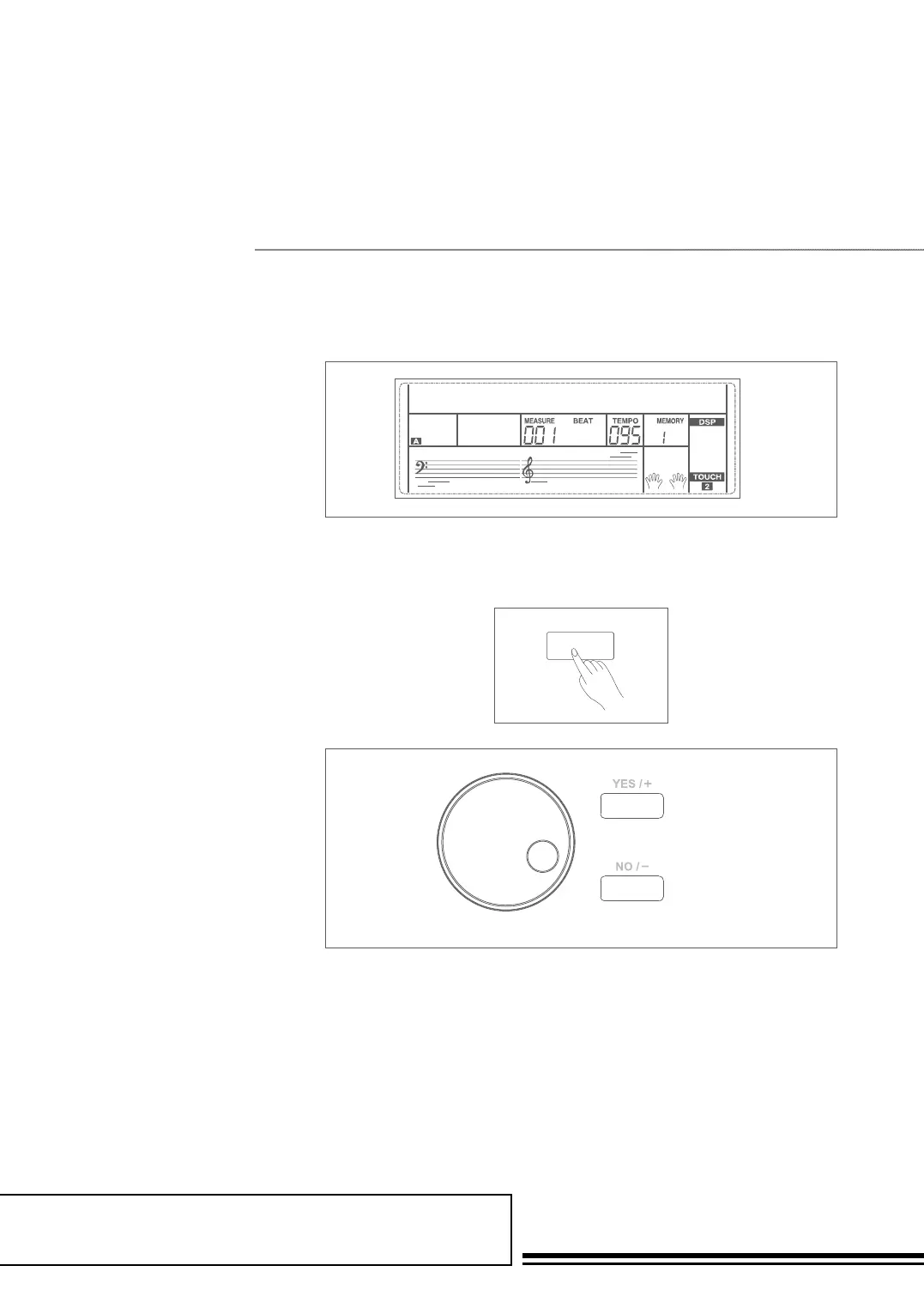
1. Press the BANK button. There
are 8 banks in all and each bank
has 4 memories(M1-M4). Press
the BANK button, the LCD
displays “Mem Bank”.
2. Select a bank. Use the data dial,
+/YES or -/NO button to select
a bank from 1 to 8.
STORE M1 M2 M3 M4
MEM STOR001
STORE M1 M2 M3 M4
BANK
MUSTTE105
STORE M1 M2 M3 M4
MEM STOR001
STORE M1 M2 M3 M4
BANK



 To Next Page