6
1
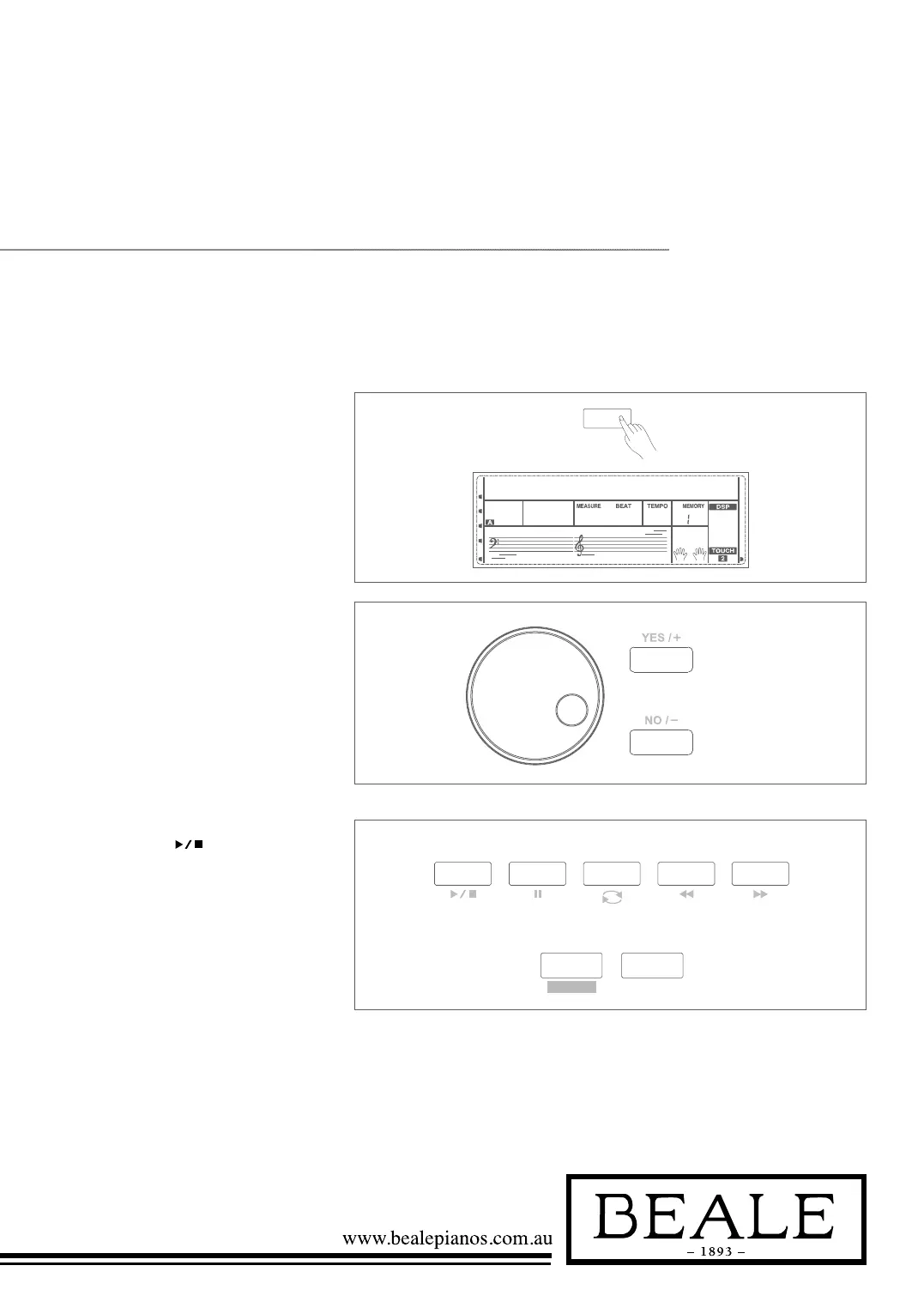
1. Press the SONG button to enter
the song mode. The LCD shows
“SONG” and it will play all songs
on loop.
SONG
JAMBALAY001
200
-01
BA
RL
INTRO/
ENDING
SYNC
START
START /
STOP
STYLE
VOICE
PERFORM
DEMO
SONG
LESSON
L&R
DICT.
JAMBALAY001
200
-01
BA
INTRO/
ENDING
SYNC
START
START /
STOP
STYLE
VOICE
PERFORM
DEMO
Listen to the Songs
song
The piano has 63 songs in all, including 3 user songs.
2. Use the data dial, +/YES or
-/NO button to select a song.
3. Once you start playing a song by
pressing
button, it will play
current song repeatedly on a loop.
4. When the song is stopped, press
the STYLE or VOICE DIRECT
button, DUAL button and so on
will exit the song mode.



 To Next Page