49
Harmony Type
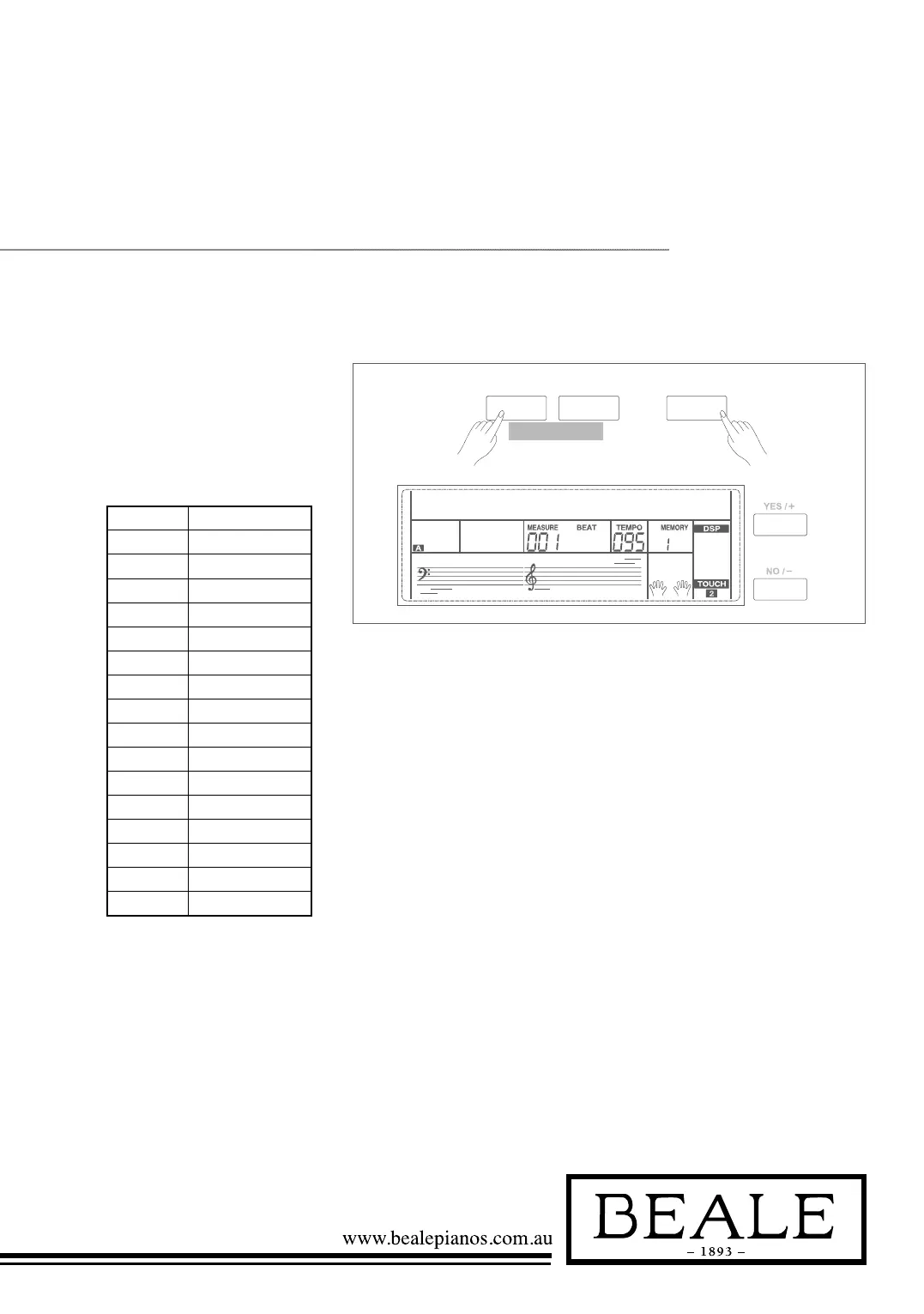
1. Holding down SHIFT button,
press FUNCTION+/- button to
select harmony type menu. LCD
displays “xxx xxxx”. Use +/YES
/ -/NO or data dial to change
harmony type.
The harmony types are as follows:
Number LCD Display
1 Duet
2 StandardTrio
3 Full Chord
4 Rock Duet
5 Country Duet
6 Country Trio
7 Block
8 4 Close 1
9 4 Close 2
10 4 Open
11 1+5
12 Octave
13 Strum
14 Echo
15 Tremolo
16 Trill
2. Press +/YES and -/NO
simultaneously will set harmony
type to default setting: Duet.
3. When the harmony type is
echo, tremolo or trill, the speed
of harmony effect note can be
adjusted. Please refer to the
harmony speed setting.
4. When the harmony type is strum,
echo, tremolo or trill, the tempo
setting will also change the
harmony note speed.
SHIFT
- +
FUNCTION
Duet000



 To Next Page