A part of Australian history since 1893.
27
Auto Accompaniment (rhythm track only)
8bt piano
001
STYLE
DEMO
CHORD MODE
START/
STOP
SYNC
START
DEFAULT AUTO ACCOMPANIMENT SECTION
SCALE
8btpiano
001
SCALE
STYLES
8Bit Piano
March
WaltzTechno 1Cha Cha 1Rock
8bt piano
001
STYLE
DEMO
CHORD MODE
START/
STOP
SYNC
START
DEFAULT AUTO ACCOMPANIMENT SECTION
SCALE
8btpiano
001
SCALE
STYLES
8Bit Piano
March
WaltzTechno 1Cha Cha 1Rock
The auto accompaniment feature puts
a full backing band at your fingertips.
To use it, all you have to do is to play
the chords with your left hand using
your selected accompaniment style,
and then the accompaniment will
automatically play along, instantly
following the chords you play.
With auto accompaniment, even a
solo performer can enjoy playing
with the backing of an entire band or
orchestra. This keyboard features 200
styles in a variety of musical genres.
Try to select some of the different
styles (refer to Style List) and enjoy
the auto accompaniment feature.
1. Press any of the style direct
button or STYLE button to enter
the style mode. LCD displays
the name and number of the
current style.
2. Use the data dial, the +/YES,
-/NO button or the style direct
button to choose the style you
want to play.
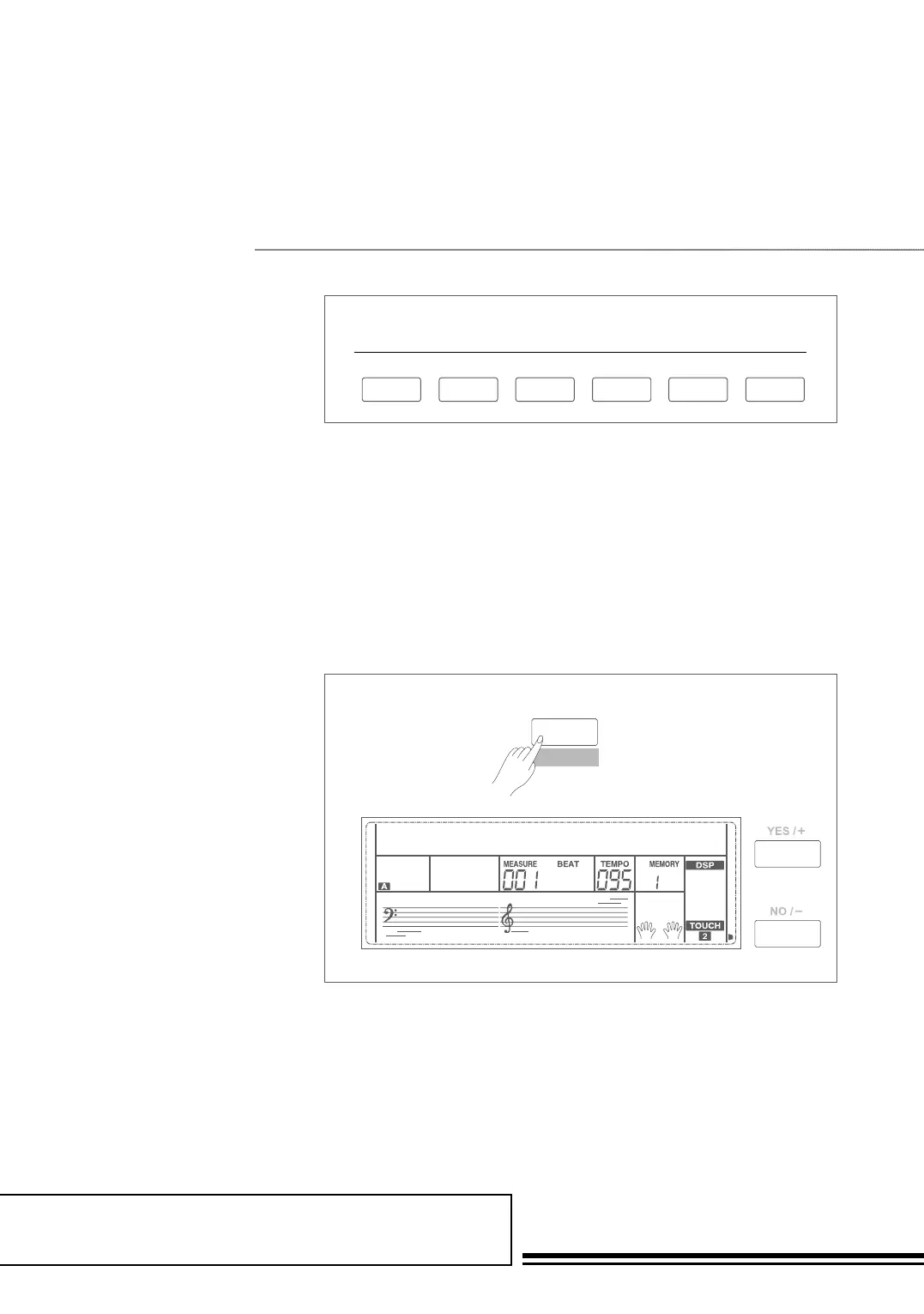
3. Press the START/STOP
button to start the rhythm tracks
of the auto accompaniment.
Also you can press SYNC
START and then play any key
to start the rhythm tracks of
the auto accompaniment.
aUto aCCoMPaniMent



 To Next Page