36
PerforManCe assistant
PERFORM
PERFORM
STEEL GTR118
SHIFT
- TEMPO +
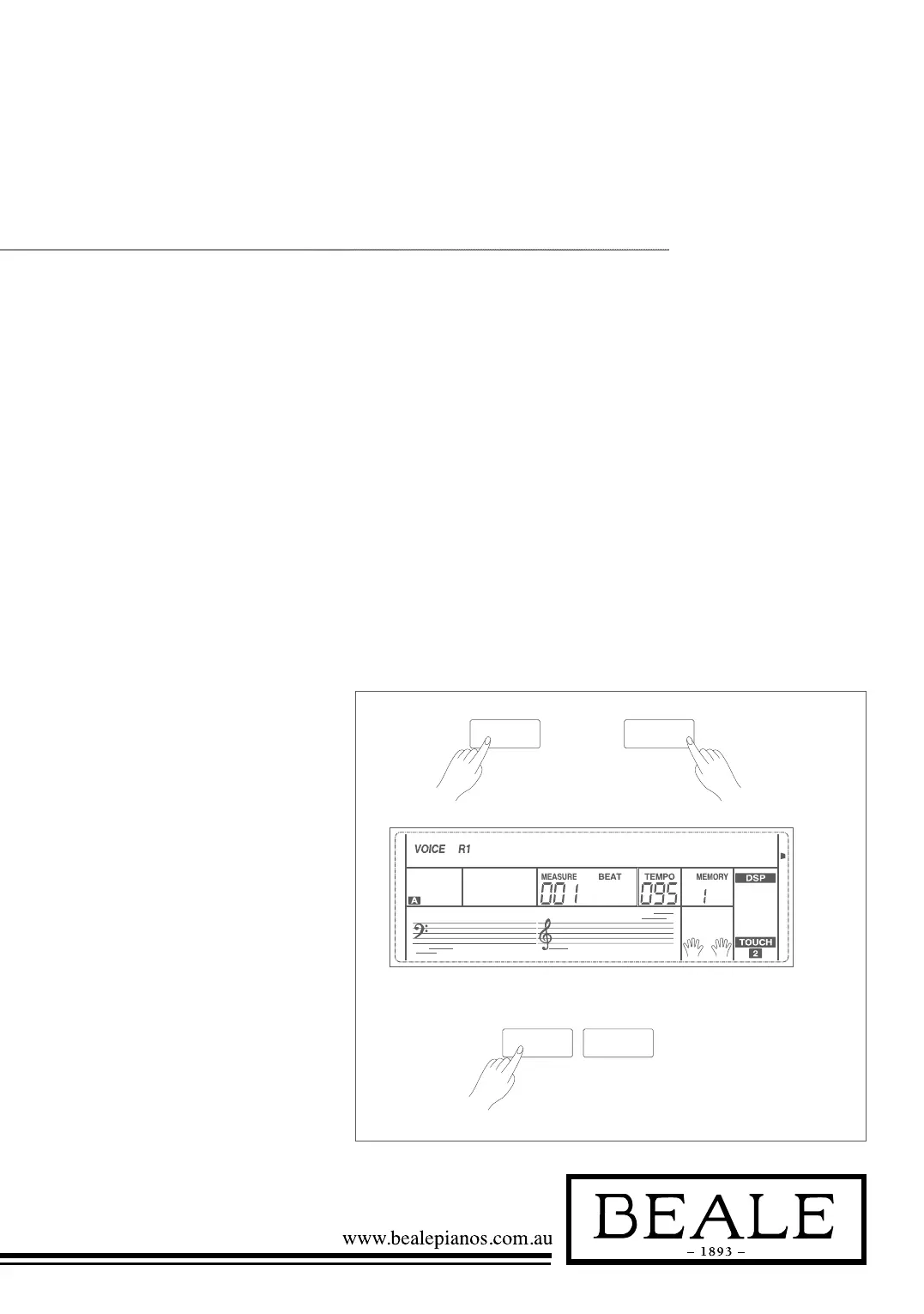
1. Holding down SHIFT button,
and then press PERFORM
button you can enter the
performance assistant mode. The
default setting is Guitar Mode
and the LCD will display Guitar’s
voice name.
2. You can use the Data Dial,
+/YES or -/NO button to change
the voice you want to perform.
3. In the measure field in LCD, the
“4-4” will be displayed. It means
the default beat value is the 4/4
and you can change the beat
value you want in function menu.
Please refer to Performance Beat
setting in function menu. You can
choose the beat between 2/4, 3/4,
4/4, and 6/8 beat.
4. In Performance Assistant mode,
use TEMPO+ or TEMPO- to
change the tempo.
There are 7 voices you can select to perform in performance assistant mode:
Guitar, Piano, Gu Zheng, Pi Pa, San Xian , Yang Qin, and Zhong Ruan.
Performance assistant is an easy-to-use function. With this function you will
find playing to be more interesting. Even if you are not a keyboard player, the
performance assistant will help you to play familiar instrument voices on the
keyboard. If you’re a pianist, you can easily achieve many hard performance skills
on the keyboard with the help of this function.
What is the Performance Assistant?
Enter the Performance Assistant



 To Next Page