4
1
With the built in digital effects, you
can add ambiance and depth to your
music in a variety of ways such as
adding reverb that makes you sound
like you are playing in a concert hall
or adding harmony notes for a full,
rich sound.
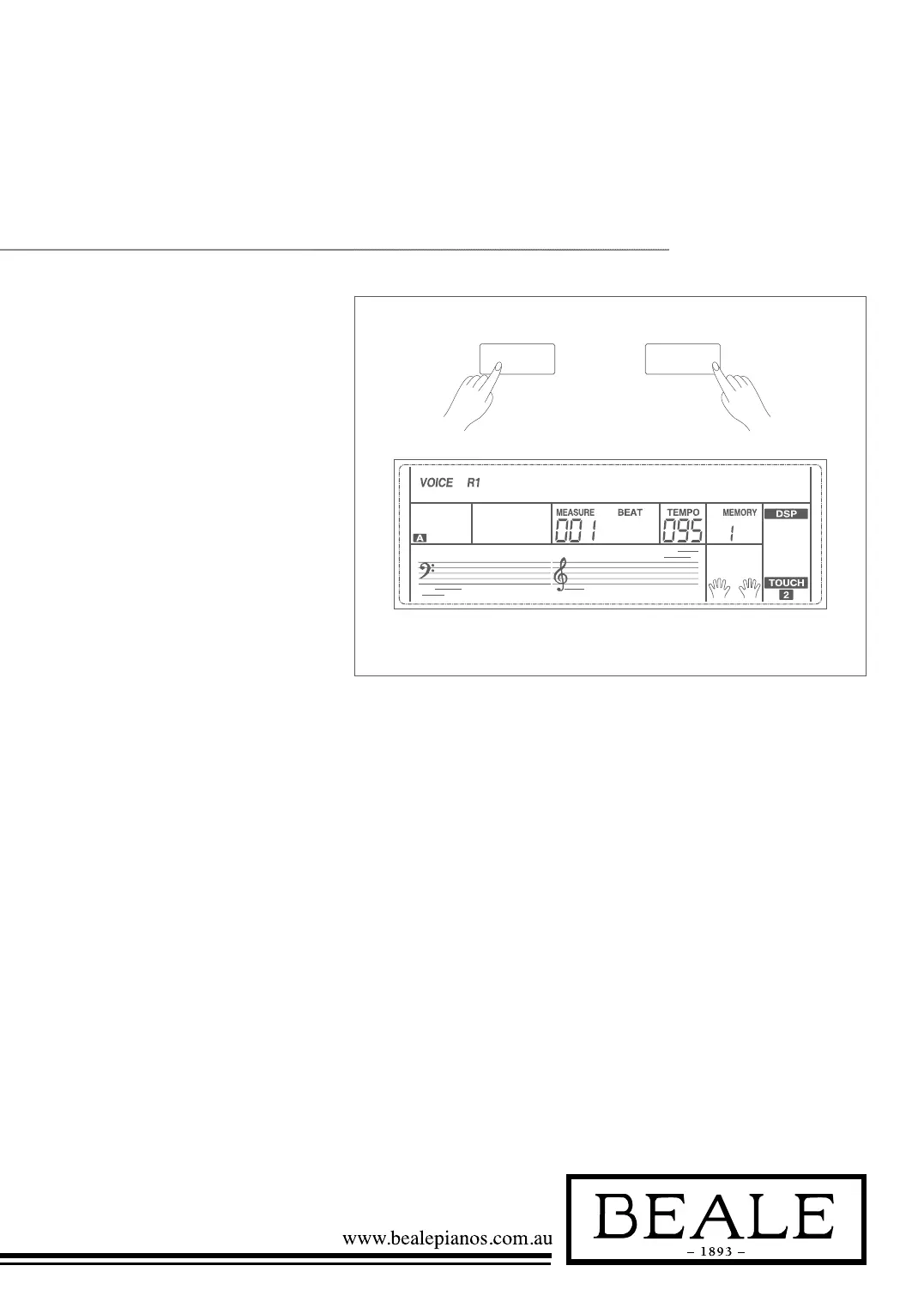
1. The DSP effect is set to ON and
the icon on the LCD is lightened
when keyboard is power on. The
chorus and reverb value can be
adjusted in the function menu.
2. Holding down SHIFT button,
and then press the DSP button to
turn DSP effect on or off.
Note:
It may cause a break or a noise while switching on/off
the DSP when style and song playing. This is normal.
DSP
STGRDPNO001
SHIFT
DsP effeCt



 To Next Page