30
Playing Dierent Accompaniment Sections
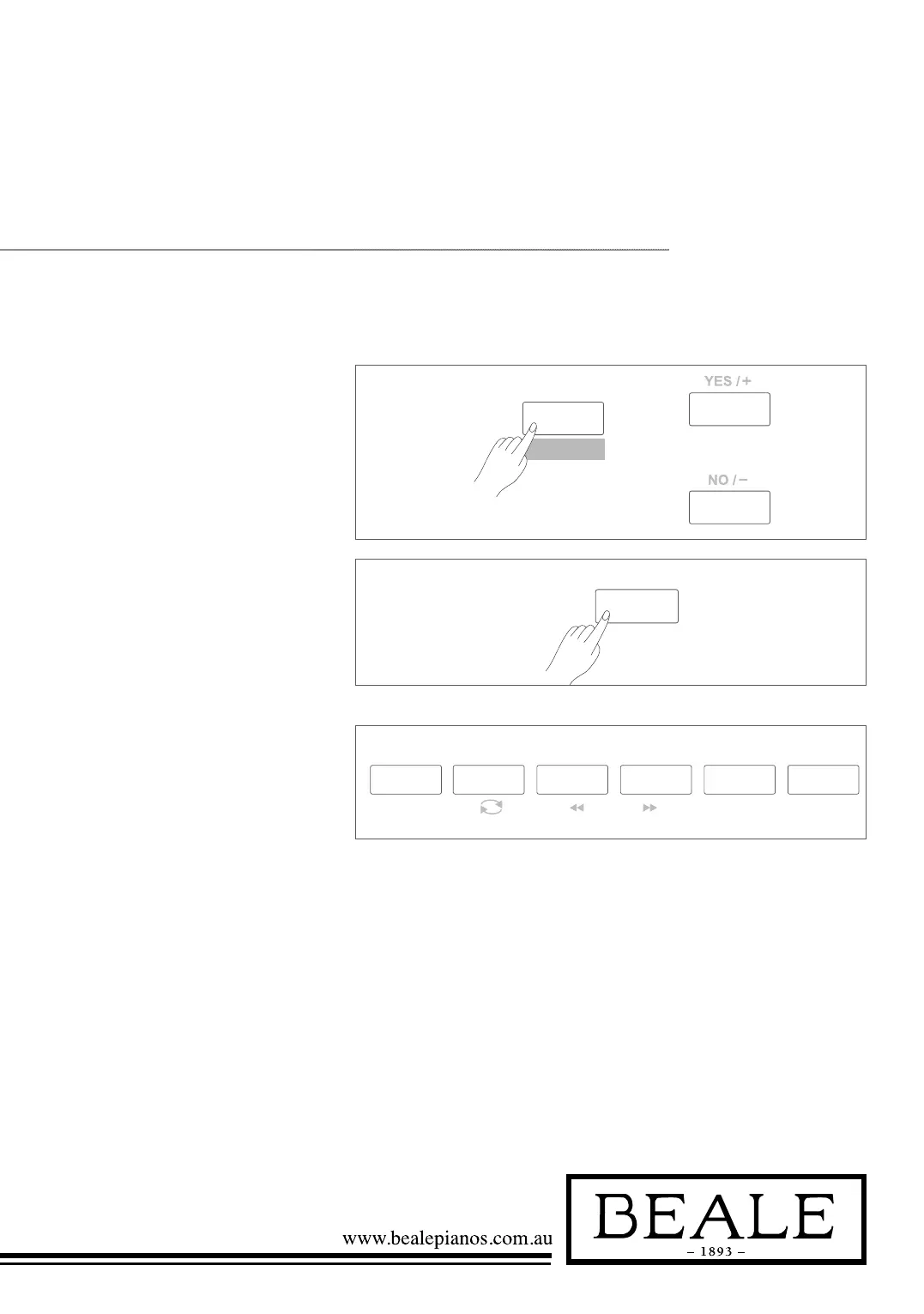
1. Press the STYLE button.
2. Press style direct button or use
the data dial, +/YES / -/NO
button to select a style.
8bt piano
001
INTRO/
ENDING
SYNC
START
A B C D
CHORD MODE
STYLE
DEMO
8bt piano
001
INTRO/
ENDING
SYNC
START
A B C D
CHORD MODE
INTRO/
ENDING
SYNC
START
A B C D
3. Press CHORD MODE
button to enter A.B.C.
(auto bass chord) mode.
4. Press SYNC START button.
5. Press FILL A button.
6. Press the INTRO/ENDING
button. Now the “A” is displayed
on the LCD, and the style is
ready to play.
7. As soon as you play a chord
with your left hand, the auto
accompaniment starts. When the
playback of the intro is finished,
it automatically leads into Main
A section.
8. Press the FILL B / FILL C /
FILL D button. A fill-in plays,
automatically followed by the
Main B/C/D section.
9. Press the INTRO/ENDING
button again, and it will enter
the Ending Section.
When the ending is finished,
the auto accompaniment
automatically stops.



 To Next Page