59
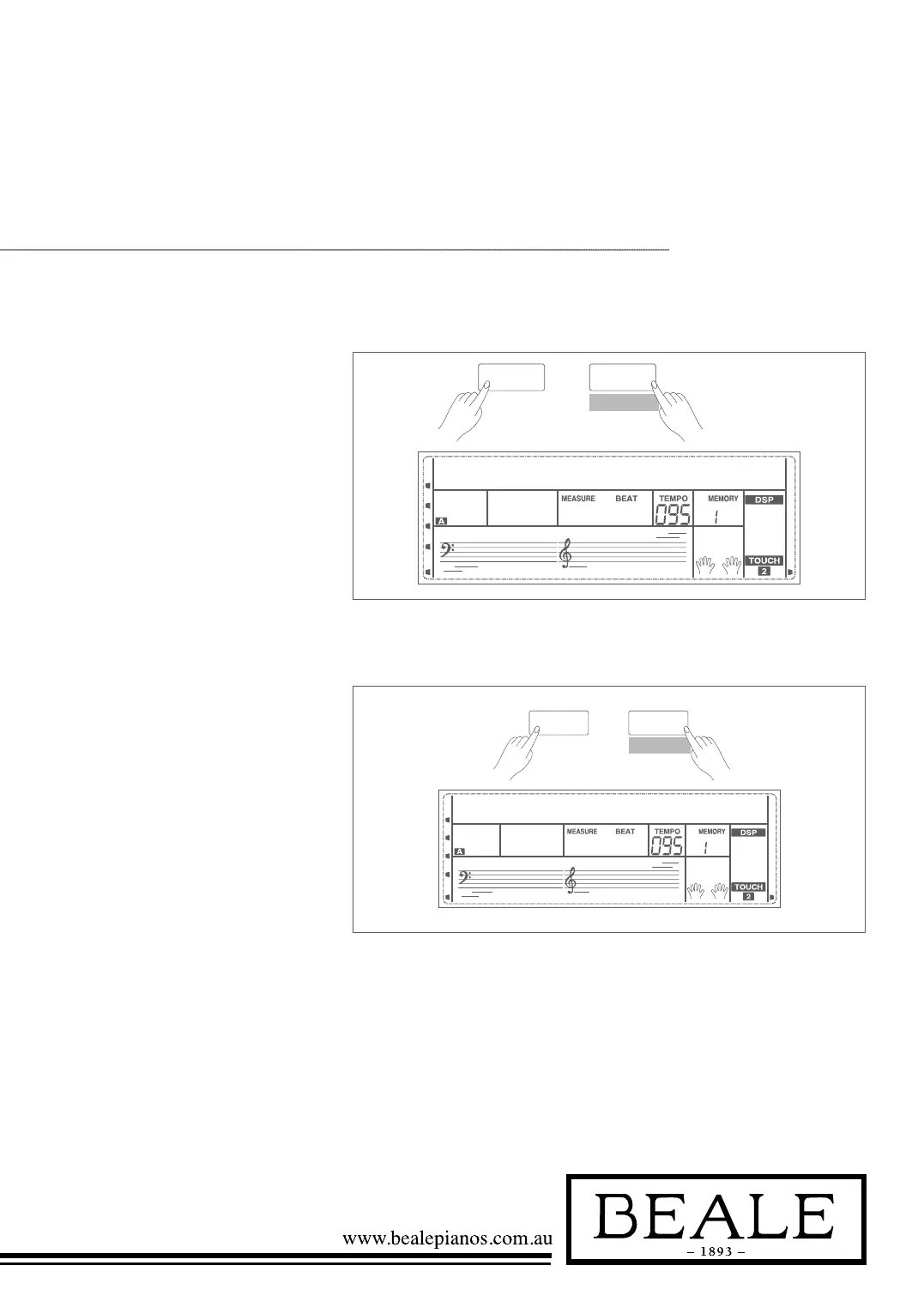
1. When recording is in process,
holding down SHIFT button and
then press the RECORD button
to stop recording.
2. When recording is in process, if
the memory is full, the recording
will stop and save automatically,
and the LCD displays “Rec_Full”.
3. If you choose the accomp.
recording, the recording will stop
automatically when the ending of
the rhythm finishes.
1. When recording is in process,
hold down the SHIFT button
and then press the RECORD
button, to stop recording and
enter the song play mode, and the
current recorded song will play
automatically in a loop.
2. Press the SONG button to enter
the song mode and it will play all
songs circularly. Use the data dial,
+/YES or -/NO button to select
a song, there are 63 songs in all,
including 3 user songs (61~63).
If there is no data in the selected
user song, it will display “NoFile”
and stop playing.
3. You can select one user song in
song stop playing mode, press
PLAY/STOP button, this user
song will play in a loop.
SHIFT
RECORD
REC full
043
SHIFT
RECORD
NoFile!061
043
SHIFT
RECORD
Delete?001
001 120
Stop Recording
Playback Recording



 To Next Page