A part of Australian history since 1893.
15
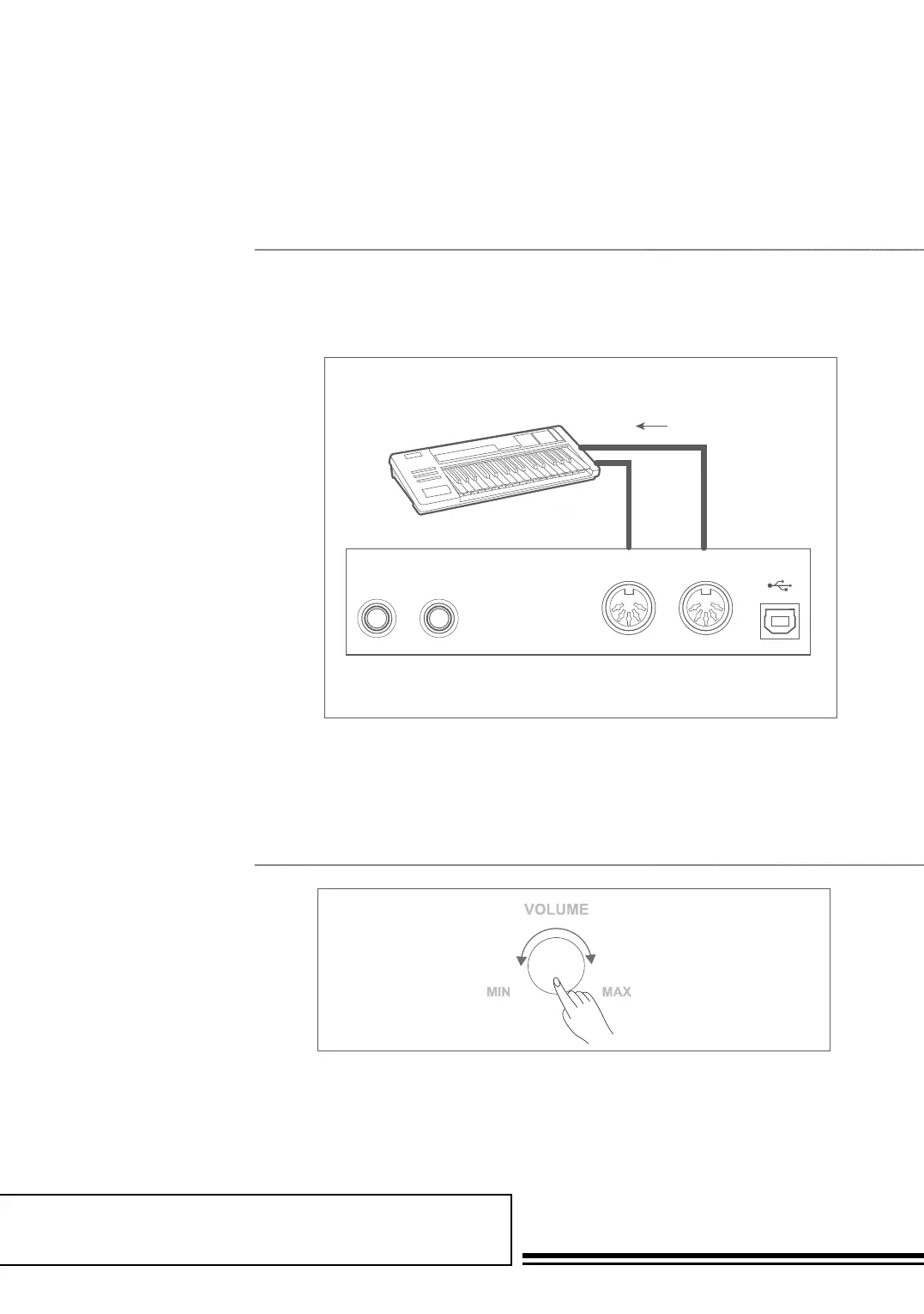
Connecting to Other Device
Connect the MIDI OUT of the other
Device to the MIDI IN jack on the
rear panel, this will control the sound
module. Connect the MIDI IN of
the other Device to the MIDI OUT
jack on the rear panel this will be the
MIDI Controller.
Turn the VOLUME knob clockwise,
to increase the volume and
anti-clockwise to decrease the volume.
ConneCtions 2
aDjUsting the Master VolUMe
Headphone Jack 1
Headphone Jack 2
USBMIDI OUTMIDI INAUX OUTAUX IN
USBMIDI OUTMIDI INAUX OUTAUX IN
USBMIDI OUT
MIDI OUT
MIDI OUT
MIDI IN
MIDI IN
MIDI IN
AUX OUTAUX IN
USBMIDI OUTMIDI INAUX OUTAUX IN
ON/OFF
ON/OFF
ON/OFF
Wait...!



 To Next Page