18
Playing VoiCes
The DP500 features 500
exceptionally realistic voices.
Please refer to Voices List on pg#.
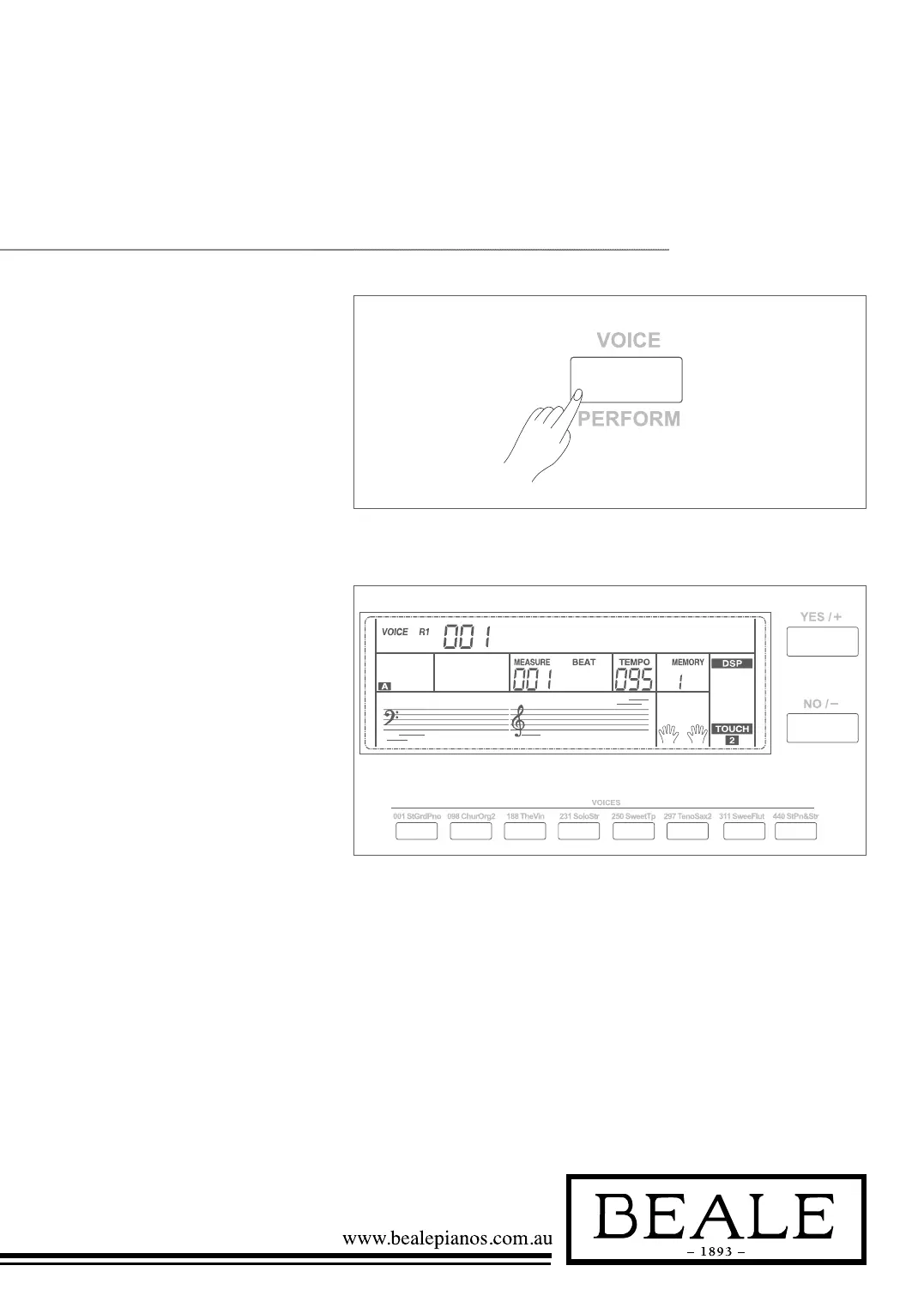
1. In idle mode, press VOICE
button or one of the voice direct
buttons to enter the voice mode.
LCD will display the “VOICE R1”
indicate, and display the current
voice name and number.
St GRDPNO
2. Use the data dial, +/YES / -/NO
button to select a voice you want
to play. You can also use the voice
direct button to select one.
3. You can play the keyboard and
listen to the wonderful voice.
Note:
When the DUAL and LOWER function is on,
you can press VOICE button repeatedly to choose
the voice source. The corresponding LCD indicate
will highlight between R1, R2, L.



 To Next Page