A part of Australian history since 1893.
4
4
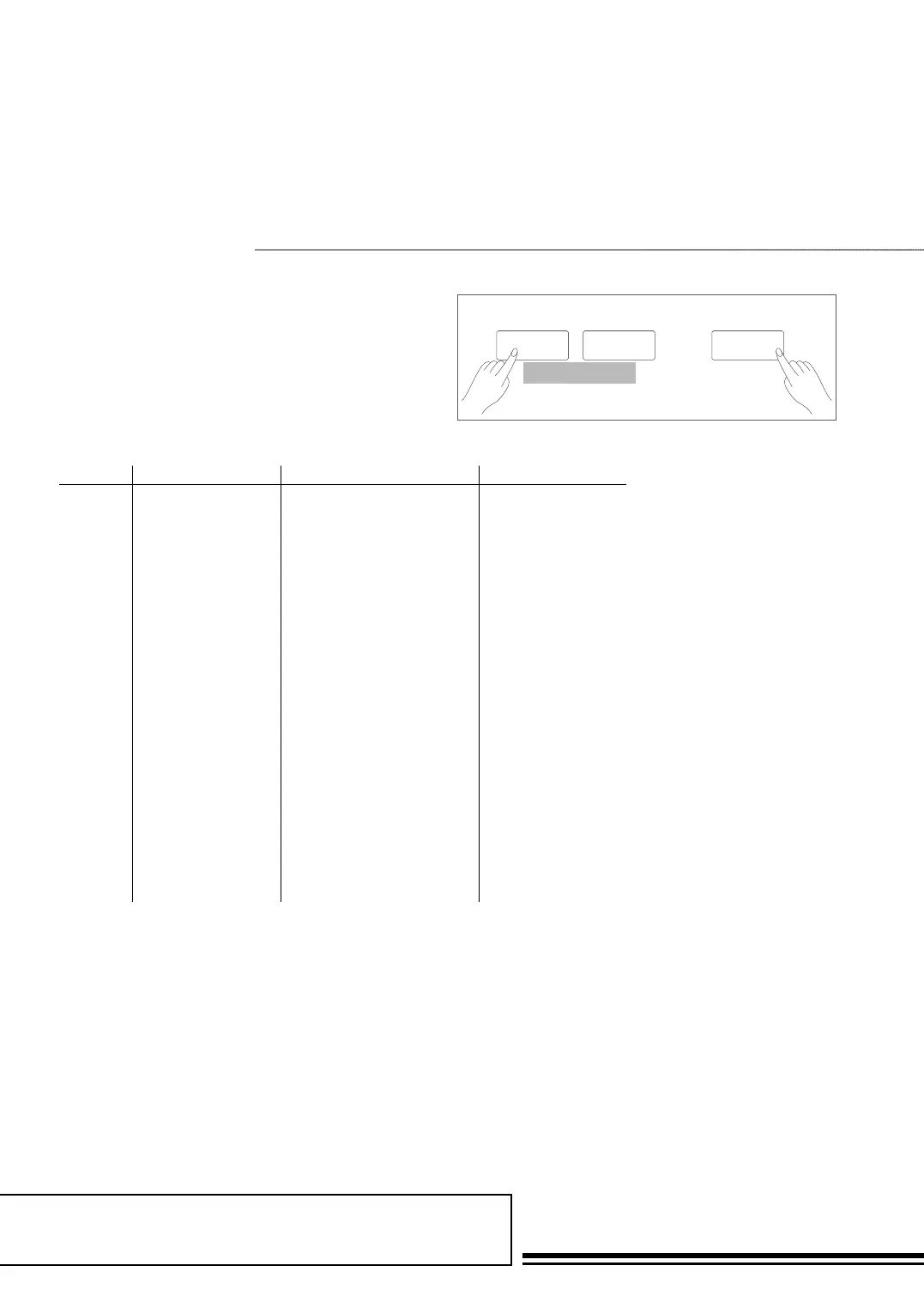
Holding down SHIFT button, press FUNCTION+/- button
to enter function menu. The LCD displays the current function
menu option. Use +/YES / -/NO or data dial to set parameter
of the current menu.
fUnCtion MenU
The option and parameters are as follows:
Number LCD display Range Default
1 xxx Tune -50 ~ +50 000
2 xxx Keysplit 1 ~ 88 034
3 xxx BeatType 0, 2 ~ 9 004
4 xxx MetroVol 0~127 90
5 00x Pedal xxxx Sust,St/T, Mem Sust
6 xxx ReverbVol 0 ~ 127 Depend on voice
7 xxx ChorusVol 0 ~ 127 Depend on voice
8 xxx xxxx Duet, StandardTrio, Full
Chord, Rock Duet, Country
Duet, Country Trio, Block,
4 Close 1, 4 Close 2, 4 Open,
1+5, Octave, Strum, Echo,
Tremolo, Trill
Duet
9 xxx HarmonySpeed 1 ~ 4 1
10 xxx Midi In 1 ~ 16, ALL ALL
11 xxx Midi Out 1 ~ 16 001
12 xxx PowerOff OFF, 30,60 030
13 xxx Perform Beat 4-4,3-4,2-4,6-8 4-4
Note:
The function menu status will exit if no operation is done within 5 seconds.
SHIFT
- +
FUNCTION



 To Next Page