6
7
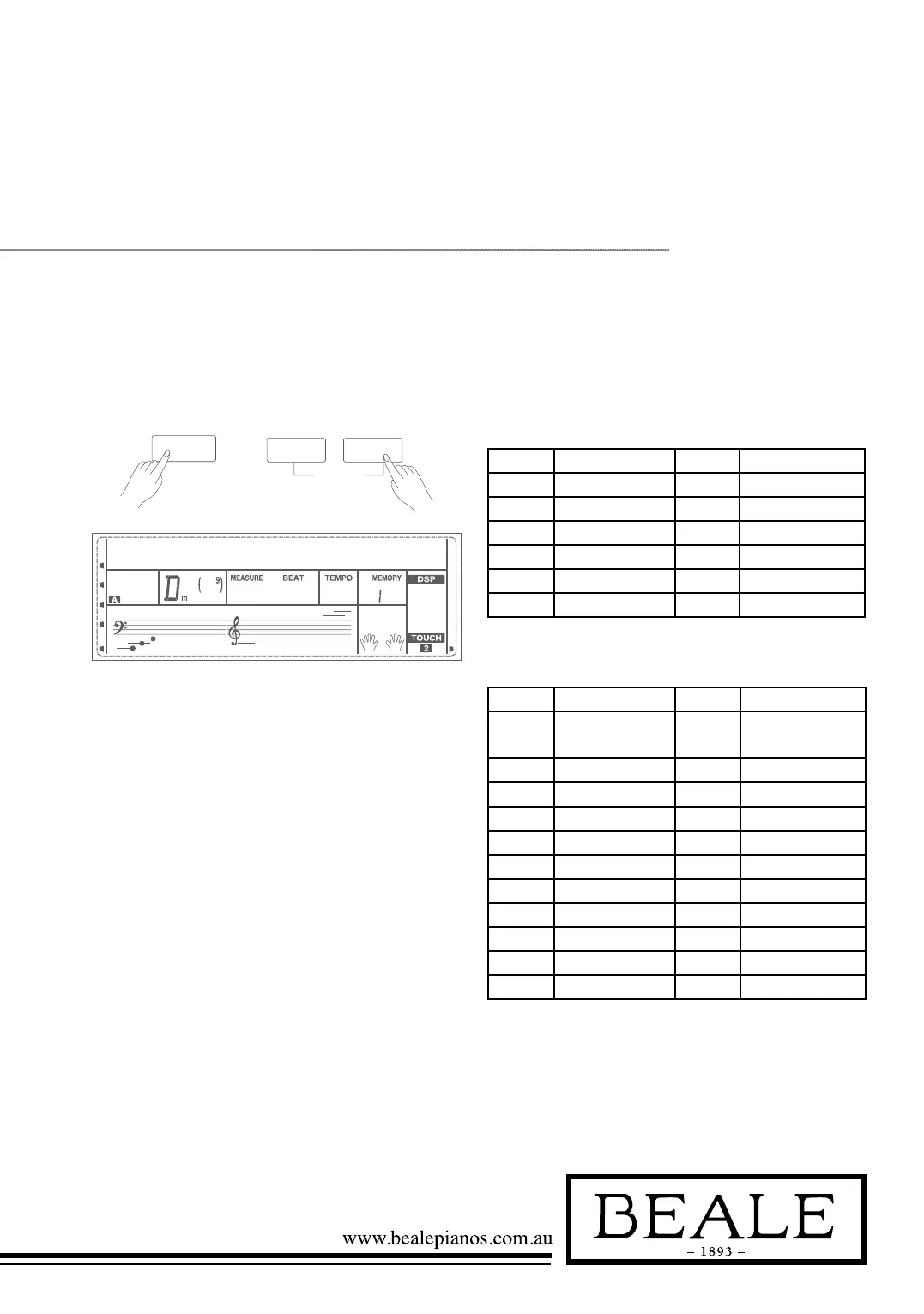
Hold down the SHIFT button, and then press the [DICT.]
button to enter the DICT 2 mode. This is an Examining
mode. The chord area on the LCD will display a random
chord while the keyboard position doesn’t display anything
on LCD.
When you play the correct chord within 3 seconds, the
next chord (random) will be displayed on LCD to wait for
the correct chord playing. If not, LCD will display the
corresponding keyboard position automatically. In DICT
2 mode, hold down [SHIFT] button, and then press the
[DICT.] button again to turn off chord dictionary. 24
Chords will be displayed in the dictionary mode as follows:
DICT 2 (Chord Examining Mode)
SHIFT
DICT.2
200
-01
L&R
DICT.
RL
CHORD ROOT:
NOTE CHORD ROOT NOTE CHORD ROOT
C6 C F6# F#/Gb
C6# C#Db G6 G
D6 D A6b Ab/G#
E6B Eb/D# A6 A
E6 E B6b Bb/A#
F6 F B6 B
CHORD TYPE:
NOTE CHORD ROOT NOTE CHORD ROOT
C4
C4#
M
M(9)
C5
C5#
7(b9)
7(9)
D4 6 D5 7(#9)
E4b mM7 E5b 7(b13)
E4 m7 E5 7(13)
F4 m F5 7(#11)
F4# m(9) F5# dim7
G4 m6 G5 dim
Ab4 m7(9) A5b 7aug
A4 m7 A5 aug
B4b m7b5 B5b 7sus4
B4 7 B5 sus4



 To Next Page