36
Beam
®
, Operating Manual, Rev. 4.6.1 01/2016, GmbH
ECG Recorder Beam
®
preparation for recording
Initial Situation:
■ ECG Recorder Beam
®
is shut off,
■ PC is turned on,
■ Interface for ECG Recorder Beam
®
is known to HMS CS program.
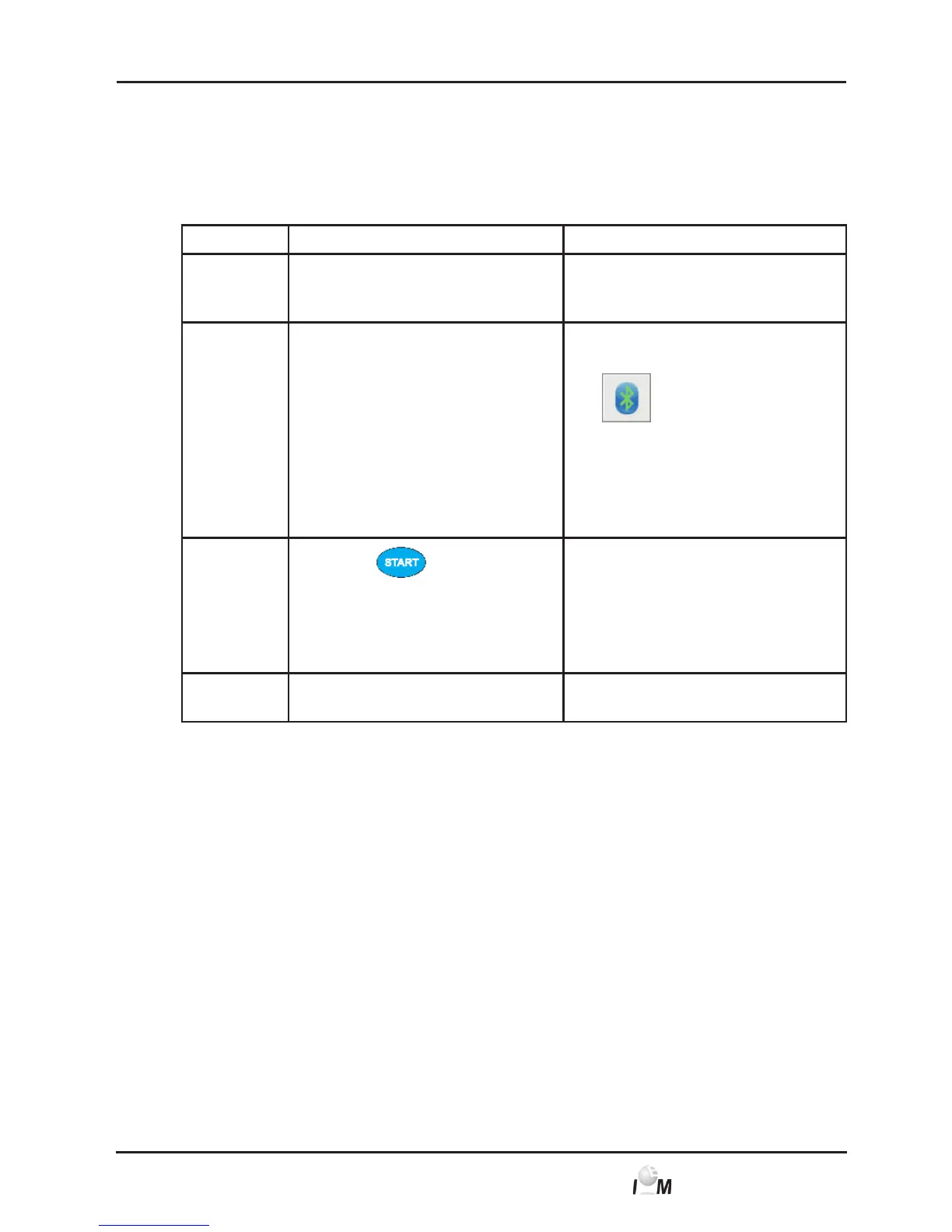
Step ECG Recorder Beam
®
PC
1) ► Insert the battery into
the ECG Recorder
Beam
®
.
2) ► Start the HMS CS program.
In the task bar indicates
the active Bluetooth
connection.
► Display the patient (see
4.6.1, Create new patient
and 4.6.2, Select already
created patient)
3)
► Press
and hold
for 3 seconds.
The buzzer sounds
and the LED turns
orange.
4) The Device action windows
appears.



 To Next Page