Operating Instructions
Frequency Selection Modes
102 Transceiver Family 620X DV14307.03 Issue 04 March 2016
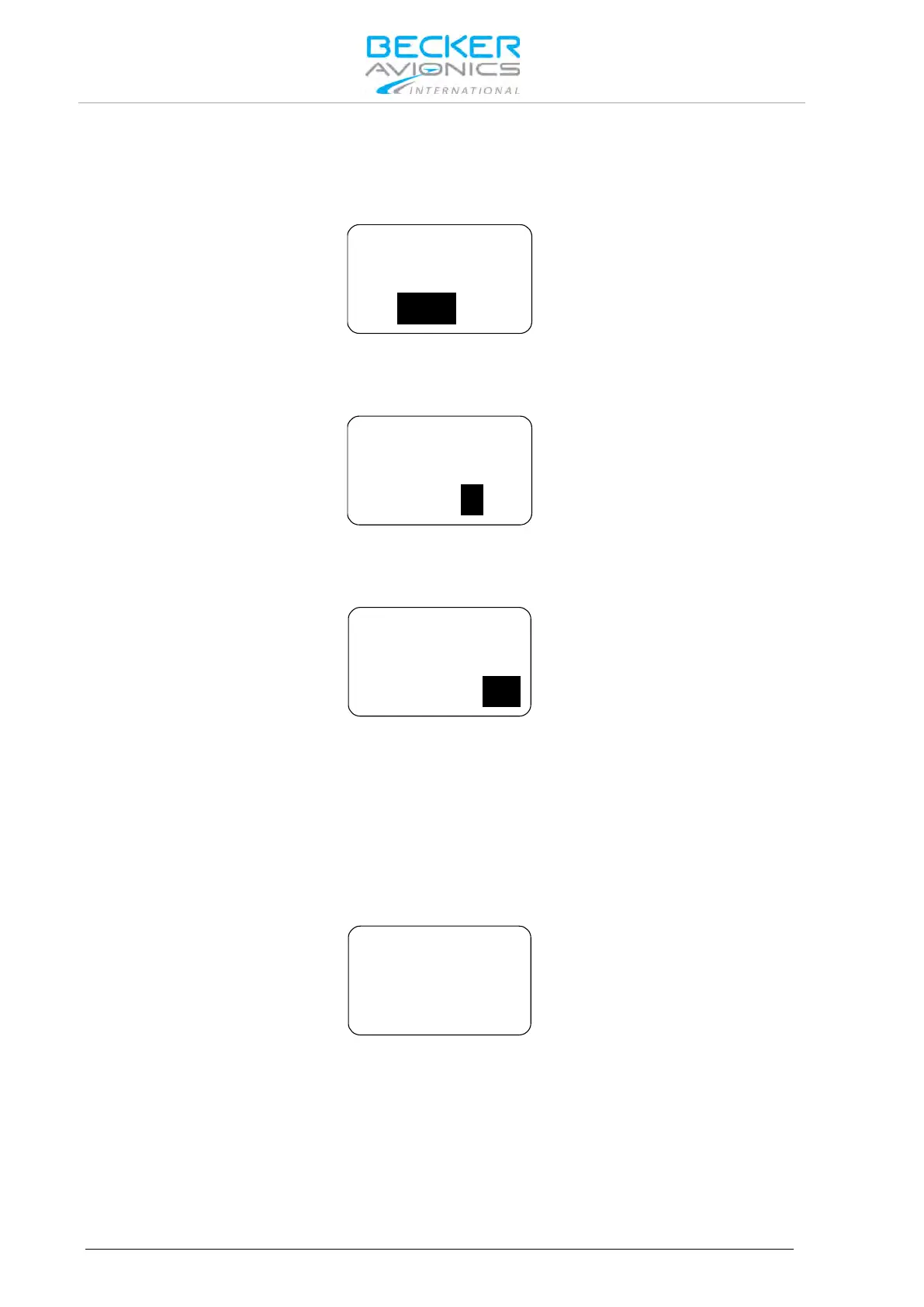
Changing the preset frequency in standard mode:
• Make a "short press" on the "ROTARY ENCODER" for modification of the 100 MHz digits.
Rotate the "ROTARY ENCODER" clockwise/counter clockwise to change the frequency in
1 MHz steps.
• Make another "short press" on the "ROTARY ENCODER" for modification of the 100 kHz
digits.
Rotate the "ROTARY ENCODER" clockwise/counter clockwise to change the frequency in
100 kHz steps.
• Make another "short press" on the "ROTARY ENCODER" for modification of the
25/8.33 kHz digits.
Rotate the "ROTARY ENCODER" clockwise/counter clockwise to change the frequency in
25/8.33 kHz steps.
A short press of the "↨/SCN" key, exchanges active frequency to preset frequency and vice versa.
If wanted, please press now the "STO" key to store the active frequency into the next vacant memory
place of the user channels database.
Note: While the transceiver operates in transmit mode, the toggle function is disabled.
3.5.2. Direct Tune Mode
Press the "MDE" key until the direct tune mode page appears.
Note: The battery information is only displayed if BATTERY VOLTAGE in the
configuration setup is selected.
In direct tune mode, the active frequency appears in the top line. It can be edited by means of the
"ROTARY ENCODER" following the procedure.



 To Next Page