Operating Instructions
Menus
112 Transceiver Family 620X DV14307.03 Issue 04 March 2016
3.12.2. User Menu
Press the "MDE" key for 2 seconds to start the user menu. Toggling between the pages by a short
press of the "MDE" key, or by a short press of the "ROTARY ENCODER".
The user menu consists of two pages:
• BRIGHTNESS
• SQUELCH TRH
To exit the user menu either
• Wait 5 seconds without any switch selections.
• Press the "MDE" key again for 2 second,
• Press the "ROTARY ENCODER" when the SQUELCH setting page is visible,
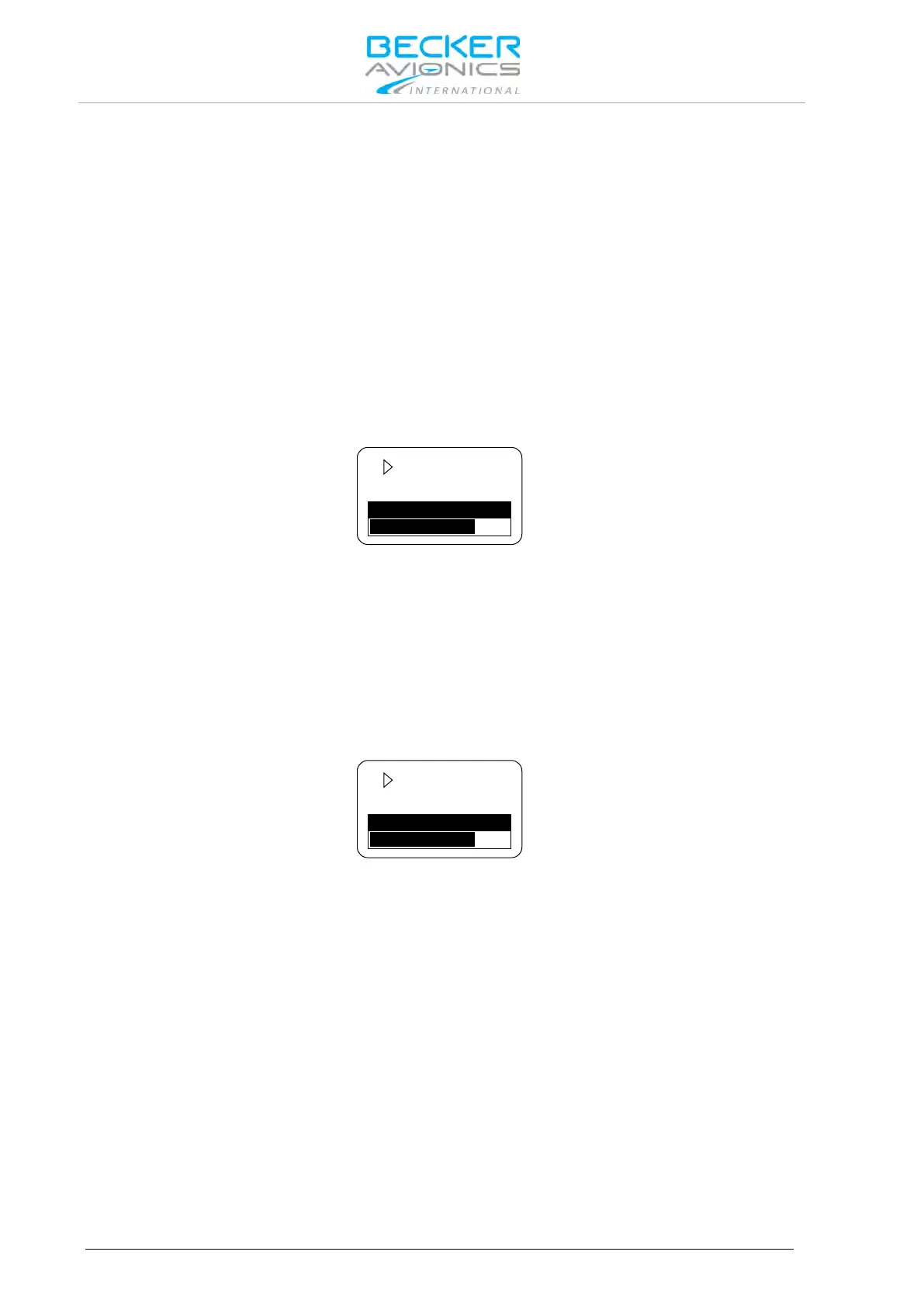
BRIGHTNESS
The active frequency appears in the top line of the display "BRIGHTNESS" label appears in
combination with a bar graph and the selected value.
The panel brightness for display illumination and push buttons can be changed from 0 (illumination off)
to 100 (maximum brightness) by turning the "ROTARY ENCODER".
Note: This page is not available if in configuration setup the dimming input is set to
14 V or 28 V. For this setting, the aircraft dimming circuit controls the
brightness parameters.
SQUELCH
A short press on the "ROTARY ENCODER" provides "SQUELCH" trigger level adjustment. The active
frequency appears in the top line of the display. On the bottom line "SQUELCH" with bar graph and
value is indicated.
By means of the "ROTARY ENCODER", the squelch threshold is adjustable:
• At a setting to 6 (very weak signals are audible with high noise content; squelch opens at
about -105 dBm).
• At a setting to 26 (only quite strong signals are audible with low noise content; squelch
opens at about -87 dBm). With this adjustment the receiver sensitivity is significant
reduced.



 To Next Page