Installation
Configuration Setup
DV14307.03 Issue 04 March 2016 Transceiver Family 620X 55
2.8.6. Configuration Setup Pages - Description
After entering the "Configuration Setup" the first page "DEVICE INFO" is
displayed. This page shows information about the SW version and the
serial number of the transceiver.
CM SW VER 2.06
CH SW VER 4.06
AR SN 03665
DEVICE INFO
For AR620X "DEVICE INFO" displays information about;
• Transceiver SW version (CM SW VER).
• Controller SW version (CH SW VER).
• AR620X serial number (AR SN).
controller of RT6201
CM SW VER 2.06
CH SW VER 4.06
CM SN 00005
CH SN 00005
DEVICE INFO
For RCU6201 connected as primary controller of an RT6201, this
page displays information about;
• Transceiver SW version.
• Controller SW versions (CH SW VER).
• RT6201 serial number (CM SN).
• RCU6201 serial number (CH SN).
controller
CH SW VER 4.06
CH SN 00005
DEVICE INFO
For RCU6201 connected as secondary controller this page
displays information about;
• Controller SW version (CH SW VER).
• RCU6201 serial number (CH SN).
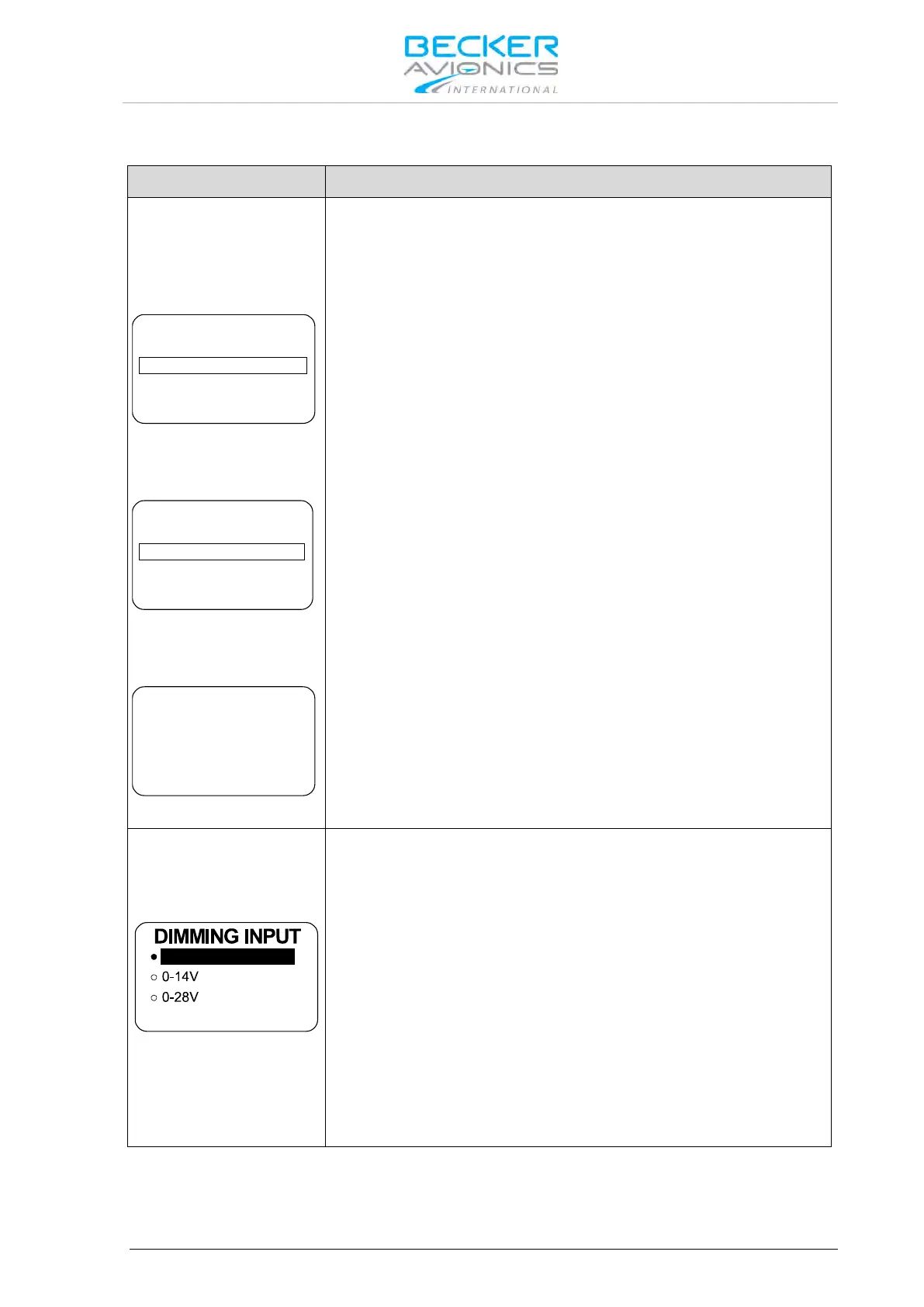
One of three options can be selected by turning the "ROTARY
ENCODER" to dim illumination for the display and push-button. Finalize
the selection by pressing "STO" push-button.
The illumination for LCD and push-buttons is controlled via the
"ROTARY ENCODER" on the transceiver itself. The pilot can adjust the
brightness in the user menu.
0…14 V or 0…28 V:
The background lighting for LCD and push-buttons is controlled (via pin
P1-10/P1-23) by the dimming bus of the aircraft. The dimming curve is
adjustable within the range from 0…14 VDC respectively 0…28 VDC.
Adjusting the brightness via the "ROTARY ENCODER" is no longer
possible after selecting this option.
Note: Menu available on primary and secondary controller.



 To Next Page