Operating Instructions
SQUELCH
DV14307.03 Issue 04 March 2016 Transceiver Family 620X 107
3.5.6. Scan Mode
In Scan Mode the display shows both the active frequency on the top line and the preset frequency on
the bottom line. The SCAN sign in the display indicates that scan function is active.
In all frequency selection modes;
• A long press of "↕/SCN" key activates the scan function and changes to STANDARD
MODE if activated from CHANNEL or DIRECT TUNE mode.
• A short press on the "MDE" key or a long press on "SCN" key terminates scan function.
After leaving scan function, the device will remain in standard mode.
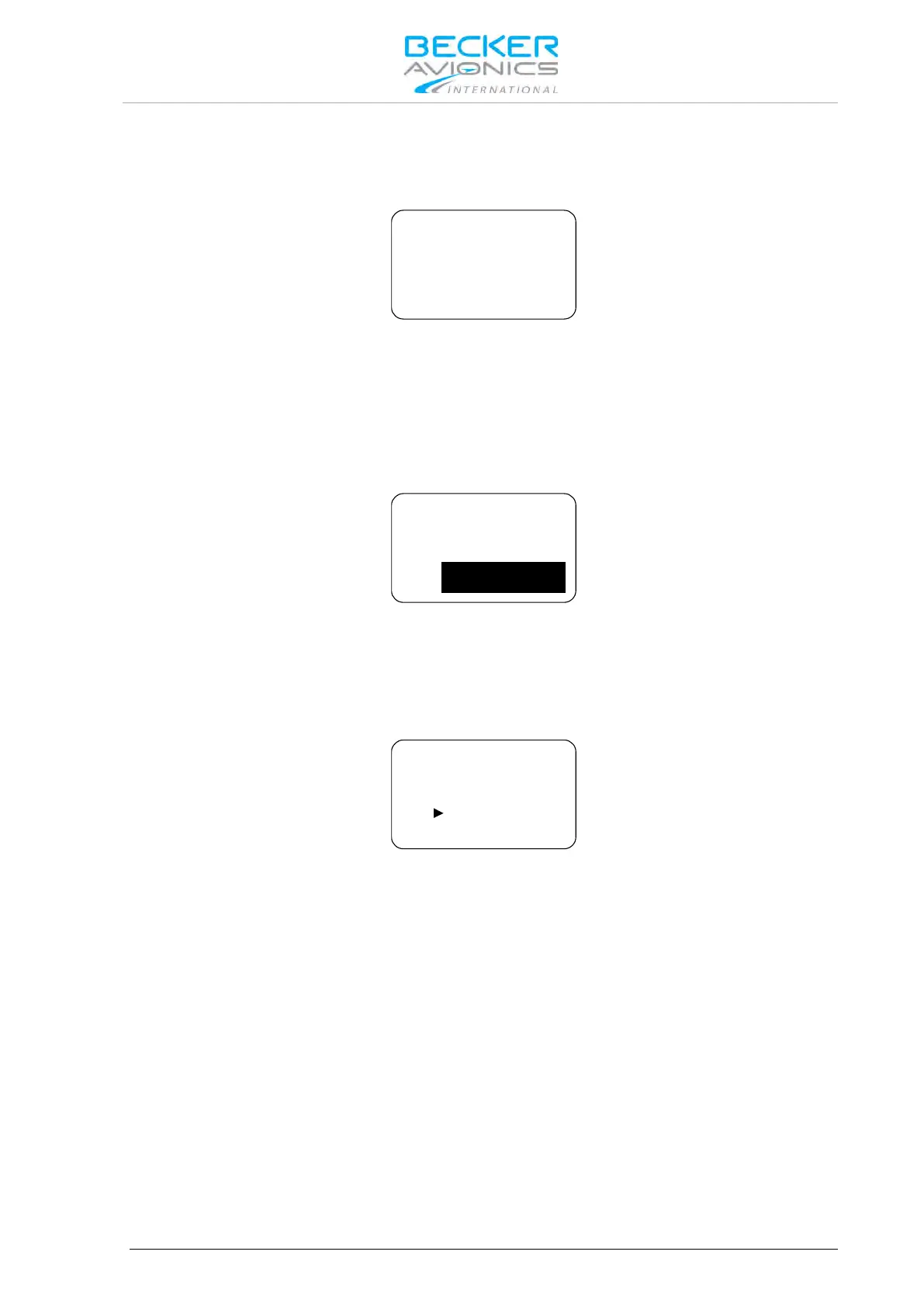
The arrow sign "►" in front of the active frequency indicates that this frequency is audible.
If both the active frequency and preset frequency simultaneously detect a signal, the active frequency
(top) takes priority. The preset frequency then inverts and blinks.
If selected in the configuration setup an audio notification "beep" tone becomes audible in addition to
the blinking preset frequency to indicate the presence of an RX signal on the preset frequency.
Reception on Preset Frequency in Scan Mode
If the preset frequency detects a signal while no signal is present on the active frequency, the
transceiver automatically switches over to the preset frequency.
The arrow sign now appears in front of the preset frequency and the signal is audible.
Note: Transmission always uses the active frequency, even if the monitored
frequency is currently audible.
If TX on the preset frequency is required, push the "↨/SCN" key to swap active
and preset frequency.



 To Next Page