Operating Instructions
SQUELCH
108 Transceiver Family 620X DV14307.03 Issue 04 March 2016
3.6. SQUELCH
Independent of the selected operation menu, squelch can be toggled "ON" or "OFF" by a short press
on "SQL/IC" key.
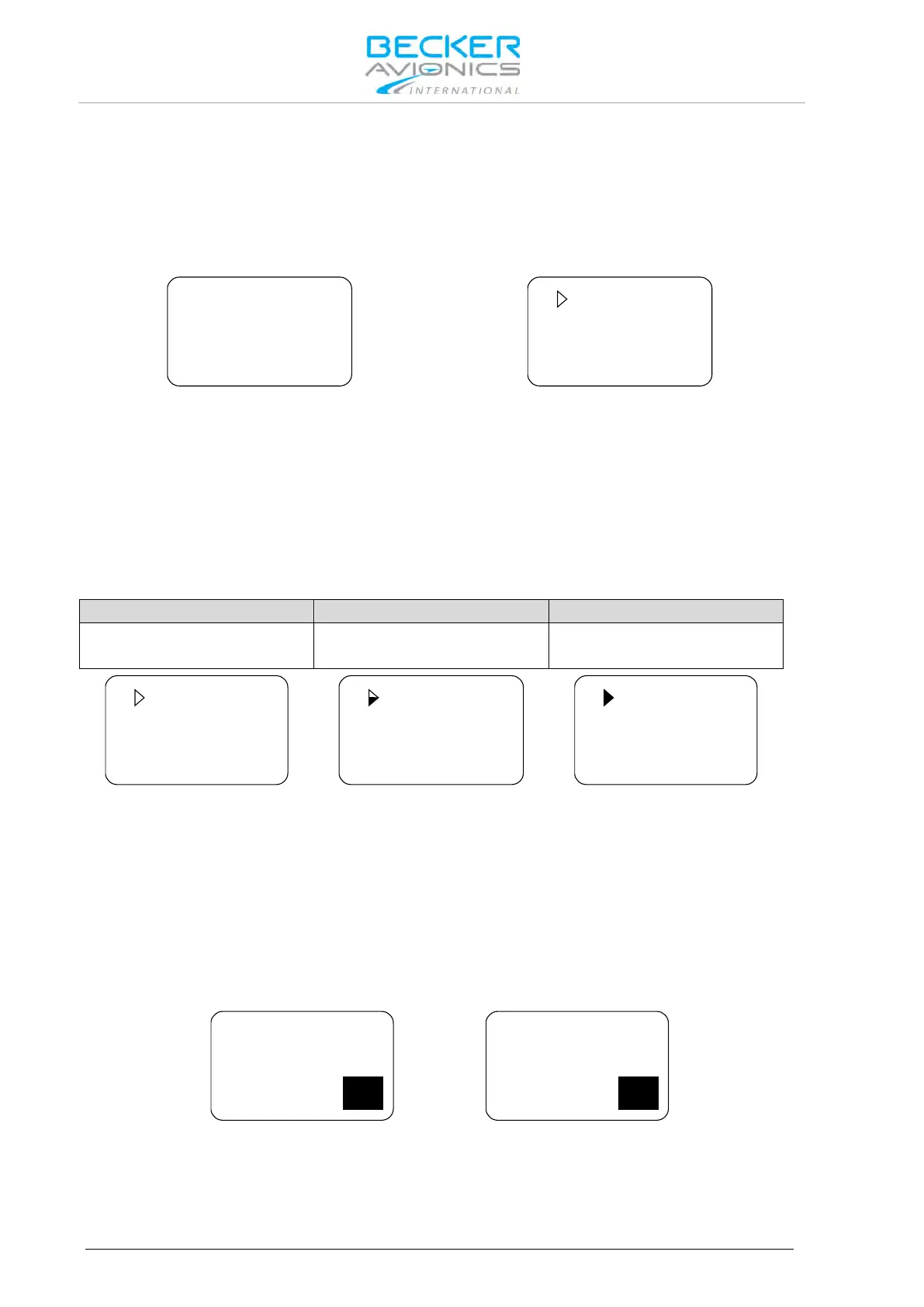
• If the squelch function is active ("ON") the receivers noise is muted.
• If the squelch is "OFF" the arrow sign "►" in front of the active frequency stay visible all
the time and receiver noise will be audible as long as signal is receiving.
In the user menu, the squelch threshold is adjustable to a convenient trigger level. See "User Menu"
page 112.
3.7. RX Field Strength Indication
The field strength indicator, represented by triangle on the left upper corner of the corresponding
frequency, will appear next to the active or preset frequency in all frequency selection modes.
The field strength of an incoming signal relates to the measured RSSI level. The three levels displayed
are:
Excellent Signal Strength
RSSI passing squelch levels
(empty triangle)
(half-filled triangle)
(fully filled triangle)
3.8. Channel Spacing Mode
The transceiver provides two operation modes of frequency channel spacing, (8.33 and 25 kHz),
selectable by means of pressing "STO" and "MDE" keys simultaneously for at least 2 seconds.
In 25 kHz mode, 5 frequency digits are shown. Only operating frequencies with a channel spacing of
25 kHz are selectable. If 8.33 kHz channels are not in use, this mode provides the advantage of faster
tuning since skipping the 8.33 kHz frequency steps.
In 8.33 kHz and 25 kHz mixed mode 6 frequency digits are shown. The transceiver tunes to all
possible frequencies within the aviation VHF frequency band. The channel spacing and operating
frequency is derived automatically from the selected and displayed frequency.
8.33 kHz channel spacing (left) / 25 kHz channel spacing (right)
Toggling between the frequency channel spacing modes is only available for AR-, RCU620X-(0XX)
variants. The AR-, RCU620X-(1XX) variants provide operation in 25 kHz Mode only.



 To Next Page