Operating Instructions
VOX & Speaker Operation
110 Transceiver Family 620X DV14307.03 Issue 04 March 2016
• It is enabled
• User switched the VOX off
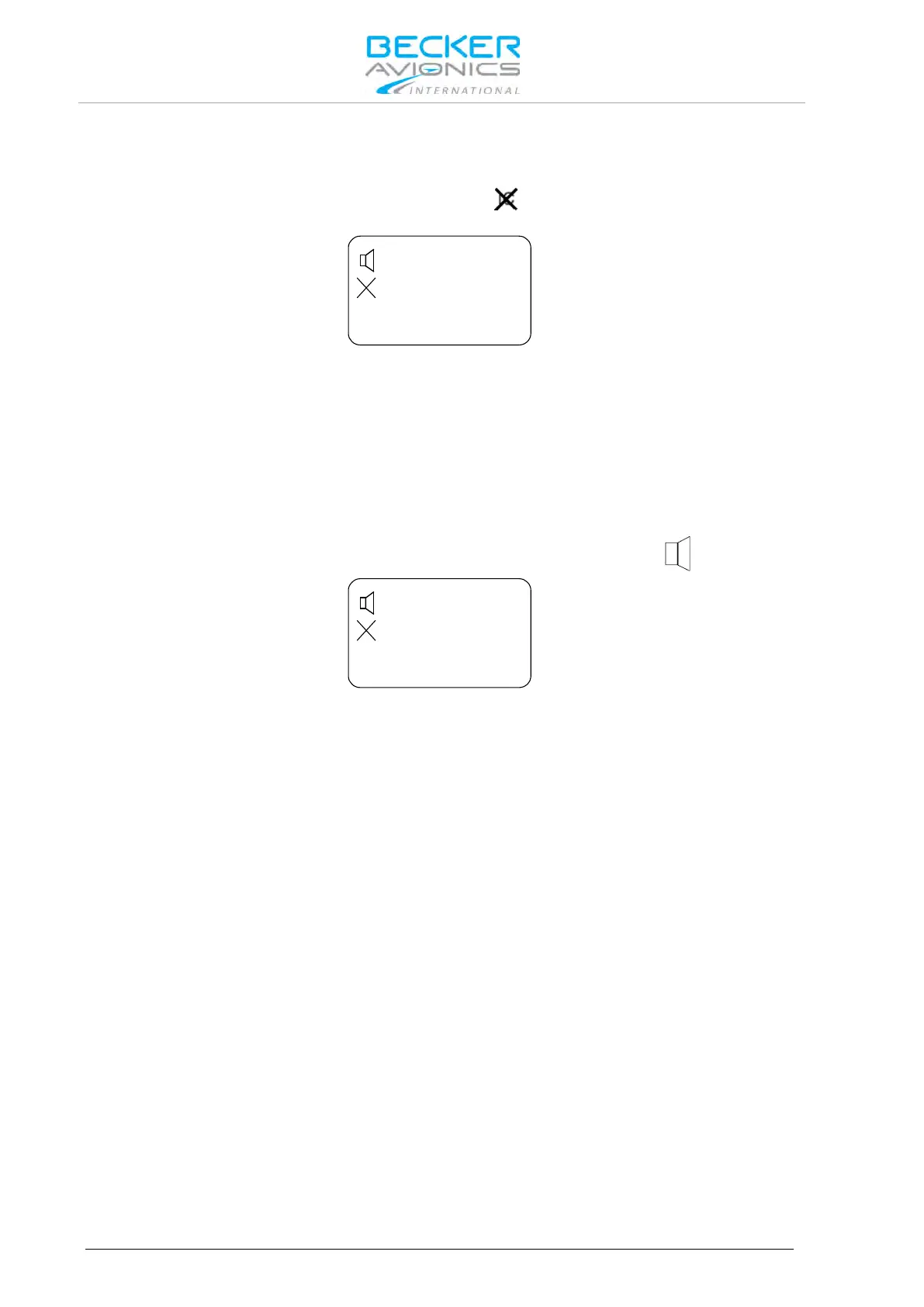
In both cases, VOX is disabled and the display shows the
sign to indicate that activation via VOX
is not possible.
Intercom Operation via Intercom Switch
Via intercom switch (pin P1-7) independent of VOX or speaker status (enabled/disabled) the intercom
operation can be activated externally. The external intercom switch has priority. During intercom
operation the speaker output is disabled.
3.11. VOX & Speaker Operation
Depending on wiring and configuration setup, the speaker may either always been enabled, or the
speaker can be enabled/disabled by switching configurations using external switch /MIKE_SW.
When speaker enabled and not muted, the display will show the loudspeaker sign.
With active enabled speaker in audio configuration, VOX always forced "OFF" and intercom via VOX
is not possible (to avoid oscillation of VOX due to acoustical feedback).
In transmission mode the speaker output is muted (switched "OFF") even if speaker is enabled in
current audio configuration in one of the following cases:
• Intercom is activated by external intercom switch (I/C input).
• Power is below 10 V.
3.12. Menus
During normal operation in one of the frequency selection modes, the following menus are available:
• The Intercom menu allows adjustment of intercom volume and VOX threshold.
• The user menu allows adjustment of panel brightness and squelch threshold.
3.12.1. Intercom Menu
A long press (2 s) on "IC/SQL" key activates the intercom menu.The page intercom volume appears.
In this menu a short press on "IC/SQL" key provides toggling between the pages.
The intercom menu consists of two pages:
• IC VOLUME,
• IC VOX.
A long press on "MDE" key terminates intercom menu, otherwise the menu automatically terminates
after 5 seconds timeout.



 To Next Page