AeroNav 900/880 Series Pilot’s Guide
89000039-010
Rev 1 May 2019 SVS Subsystem 2-5
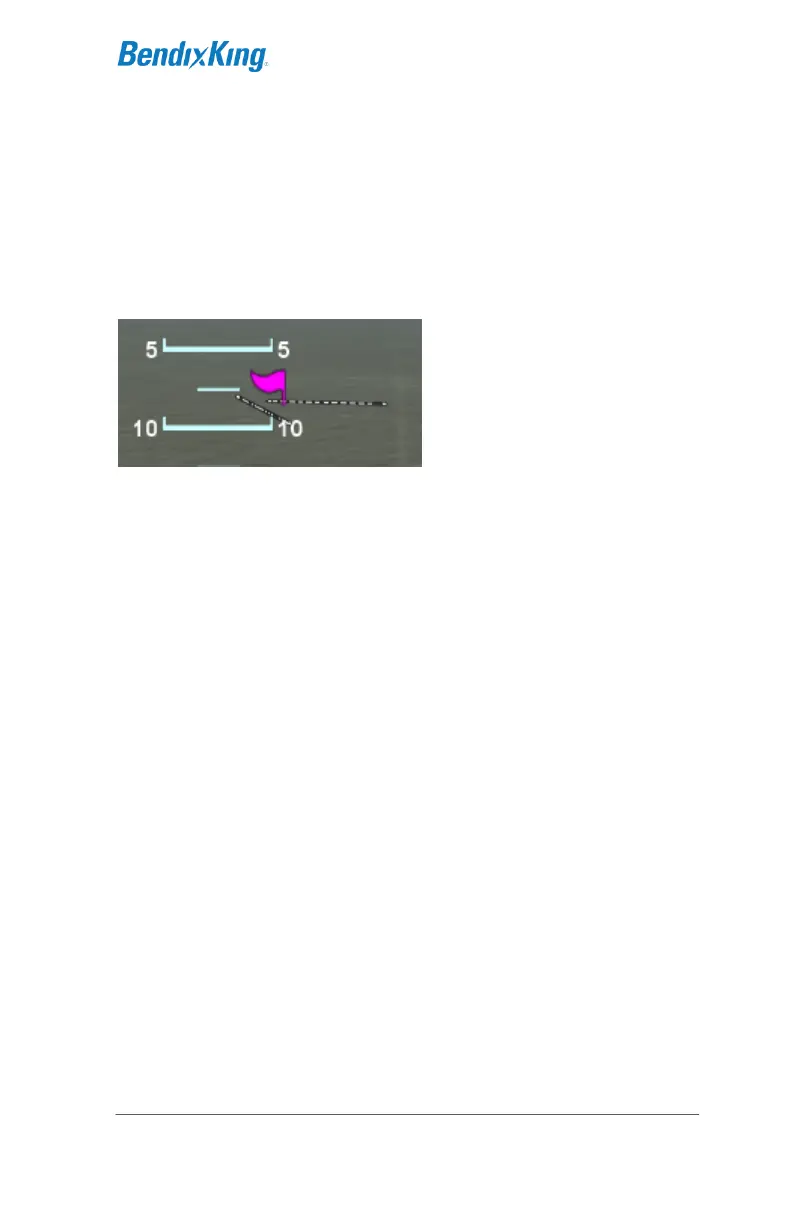
Any airfield that is in the FMS database and in the SynVis field of
view will be depicted in the SynVis scene with a METAR looking
gray flag until the airfield is within 1.5nm at which time, the flag is
removed and the runway outlines should be clearly visible. If the
AeroNav receives a valid METAR, the airfield flag will be color
coded to represent the ceiling and visibility, consistent with the
map.
Airport Flags
Any runway that is part of the active flight plan will be further
outlined in magenta.
Provided aircraft position is close enough to the runway, runway
numerical identification (e.g. “04”) will be visible as will centerline
markings.



 To Next Page