AeroNav 900/880 Series Pilot’s Guide
89000039-010
2-6 SVS Subsystem Rev 1 May 2019
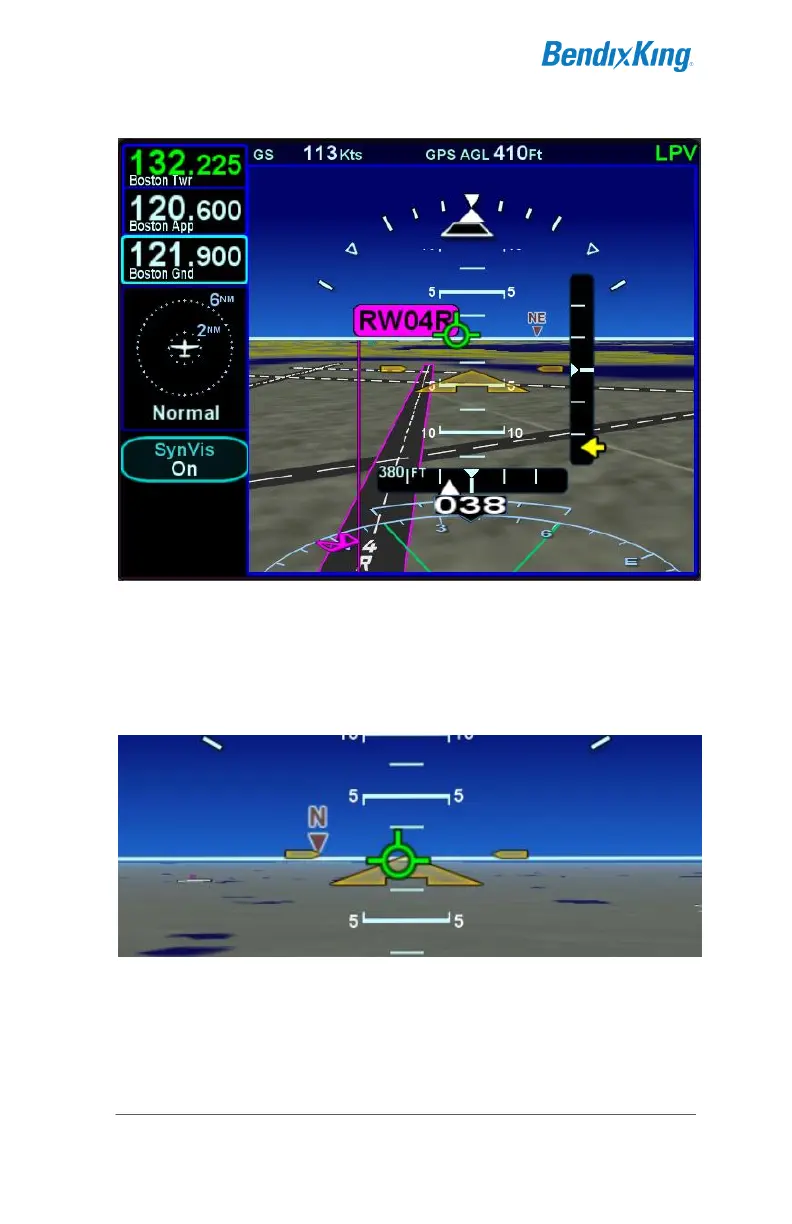
SynVis Runway Depiction
The User Options page provides a means to turn on/off cardinal
heading tick marks and labels (e.g. N, NE, E, SE, etc) along the
horizon line in the SynVis scene.
Heading Horizon Tick Marks and Labels
The User Options page also provides a means to turn on/off the
Horizontal Deviation Indicator (HDI) in the SynVis scene and
traditional blue/brown attitude indication view.



 To Next Page