BENNING IT 130 Measurements
- 23 -
4.1.6 Help menu ("HELP" key)
HELP
Opens the help menu.
Help menus are available for all measuring functions. The help menu contains graphic
connection diagrams showing how to connect the installation tester to the electrical installation.
After having selected the desired measuring function, press the "HELP" key to view the
corresponding help menu.
Keys used in the help menu
UP / DOWN
Selects the next / previous connection diagram
ESC / HELP /
function selector switch
Use these keys to exit the help menu.
Figure 4.1: Connection diagrams of the help menu
4.1.7 Background lighting and contrast
Use the key for background lighting and contrast to make the following settings:
Briefly press the key
Activates the background lighting for approx. 10 seconds
Press and hold the key for
1 second
Switches the background lighting on permanently until the tester
switches off or the key is pressed again
Press and hold the key for
2 seconds
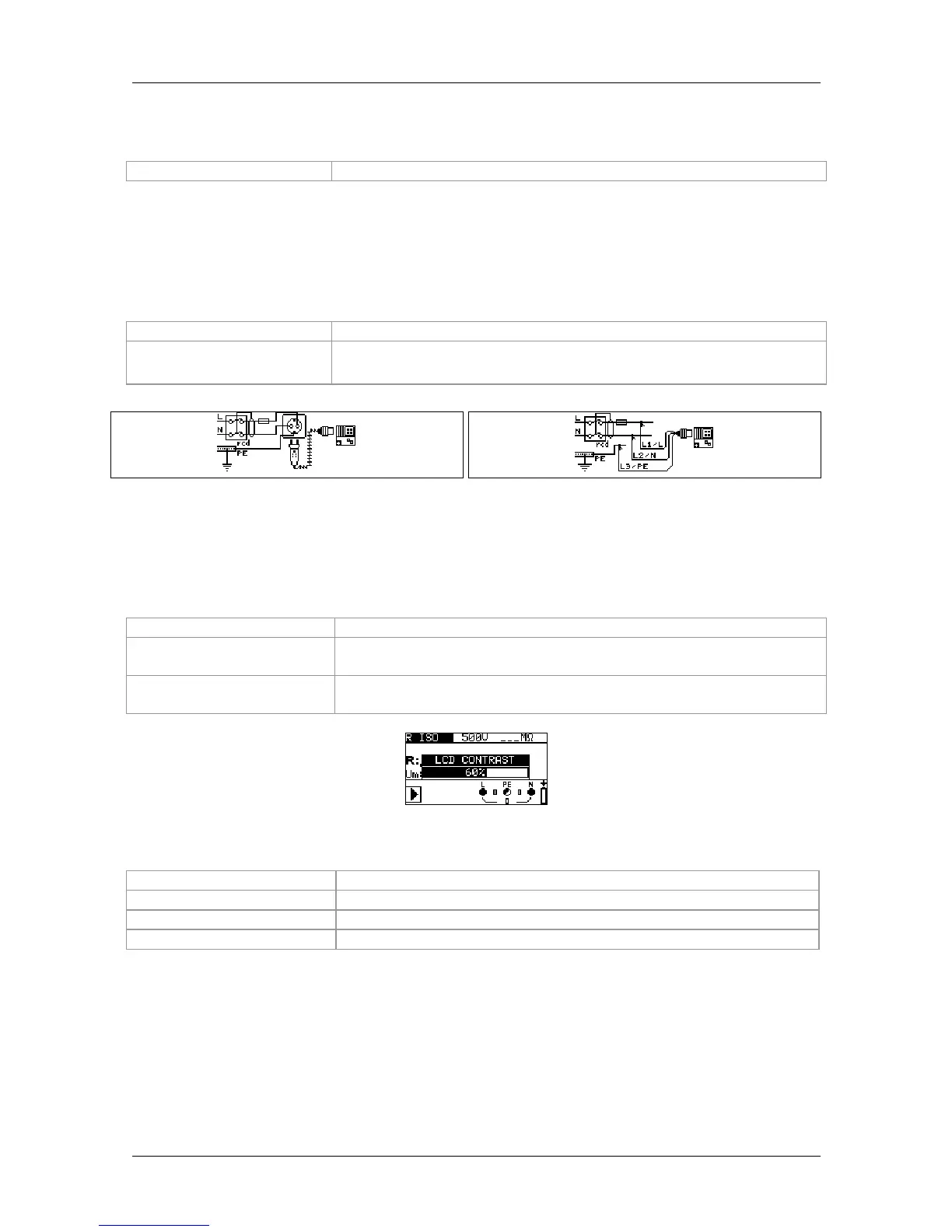
Allows to set the LCD contrast
Figure 4.2: LCD contrast setting
Keys used for contrast setting
UP
Increases the contrast
DOWN
Reduces the contrast
TEST
Applies the adjusted contrast
ESC
Exits the settings without any changes



 To Next Page