BENNING IT 130 Measurements
- 26 -
Keys used:
UP / DOWN
Selects the language
TEST
Confirms the selected language and returns to the Settings menu
ESC
Back / cancel to the Settings menu
Function selector switch
Back / cancel to the selected measuring function
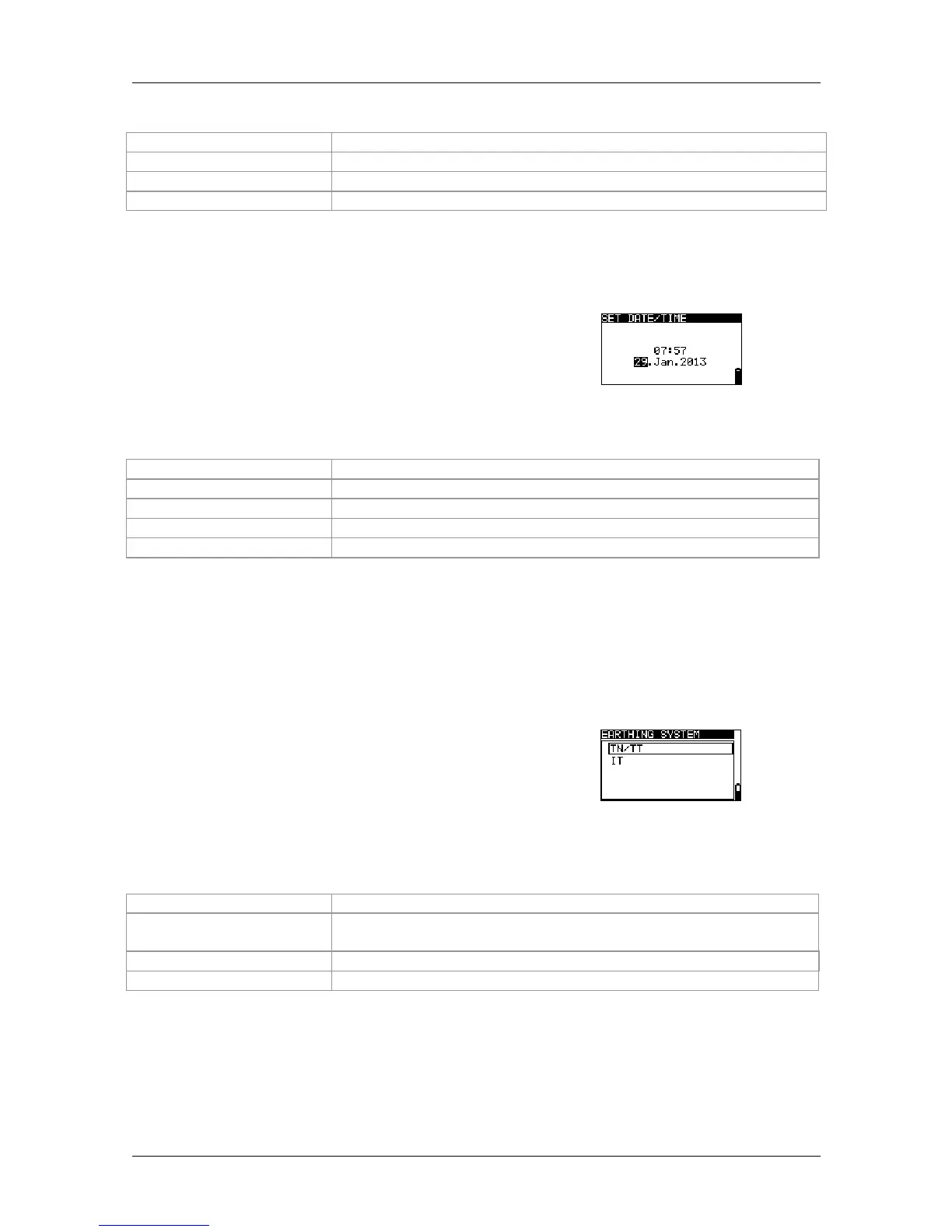
4.4.3 Date and time
In this menu, it is possible to set the date and time.
Figure 4.6:
Setting date and time
Keys used:
TAB
Selects the date / time field
UP / DOWN
Modifies the selected field
TEST
Confirms the change and returns to the Settings menu
ESC
Back / cancel to the Settings menu
Function selector switch
Back / cancel to the selected measuring function
Note:
If the batteries are removed for more than 1 minute, the date and time settings will be
lost.
4.4.4 Earthing system (power supply network)
In this menu, it is possible to set the available
earthing system (power supply network).
The following options are available:
TN / TT network
IT network
Figure 4.7:
Selecting the earthing system
Keys used:
UP / DOWN
Selects the earthing system
TEST
Confirms the selected earthing system and returns to the Settings
menu
ESC
Back / cancel to the Settings menu
Function selector switch



 To Next Page