BENNING IT 130 Measurements
- 66 -
6.4.3 Deleting an individual measurement
Select the SETTINGS mode by means of the function selector switch.
Select "DELETE RESULTS" in the "MEMORY" menu.
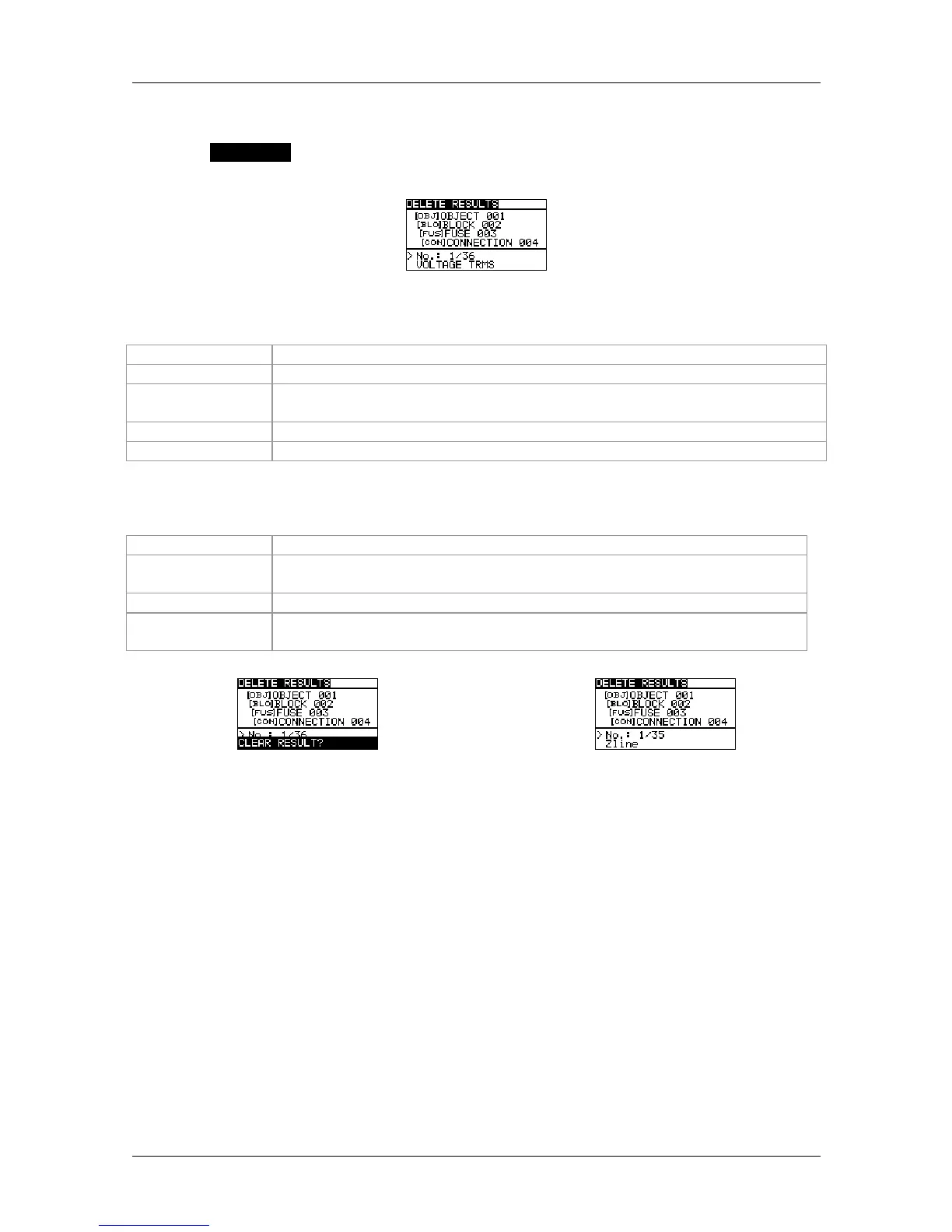
Figure 6.9: Deleting an individual measurement (installation structure field selected)
Keys used in the installation structure field:
TAB
Selects the storage location (object / block / fuse / measuring point)
UP / DOWN
Selects the no. of the selected storage location (1 to 199)
Function
selector switch
Back / cancel to the selected measuring function
ESC
Back / cancel to the "MEMORY" menu
MEM
Enters the measuring result field of individual measurements
Keys used in the measuring result field:
UP / DOWN
Selects an individual measurement
TEST
Enters a dialog box for deleting an individual measurement.
Press the key again to delete the individual measurement.
TAB / ESC
Back / cancel to the installation structure field
Function
selector switch
Back / cancel to the selected measuring function
Figure 6.10:
Deleting an individual measurement
Figure 6.11:
Display after the measurement has been deleted



 To Next Page