BENNING IT 130 Measurements
- 30 -
Measuring function
Sub-function
Parameter / limiting value
RE No limiting value
R ISO without limiting value,
nominal testing voltage: 500 V
R LOW No limiting value
CONTINUITY No limiting value
ZI (L-N/L) line impedance Fuse type: none selected
∆U voltage drop ∆U: 4.0 %, Z
REF
: 0.00 Ω
Zs (L-PE) loop impedance Fuse type: none selected
Zsrcd Fuse type: none selected
RCD RCD t
Nominal differential current: I
∆N
=30 mA
RCD type: AC, undelayed
Testing current with initial polarity: (0°)
Limiting value for contact voltage: 50 V
Nominal differential current multiplier: ×1
Note:
It is also possible to reset the tester to its initial (factory) settings by pressing the "TAB"
key when simultaneously switching the tester on.
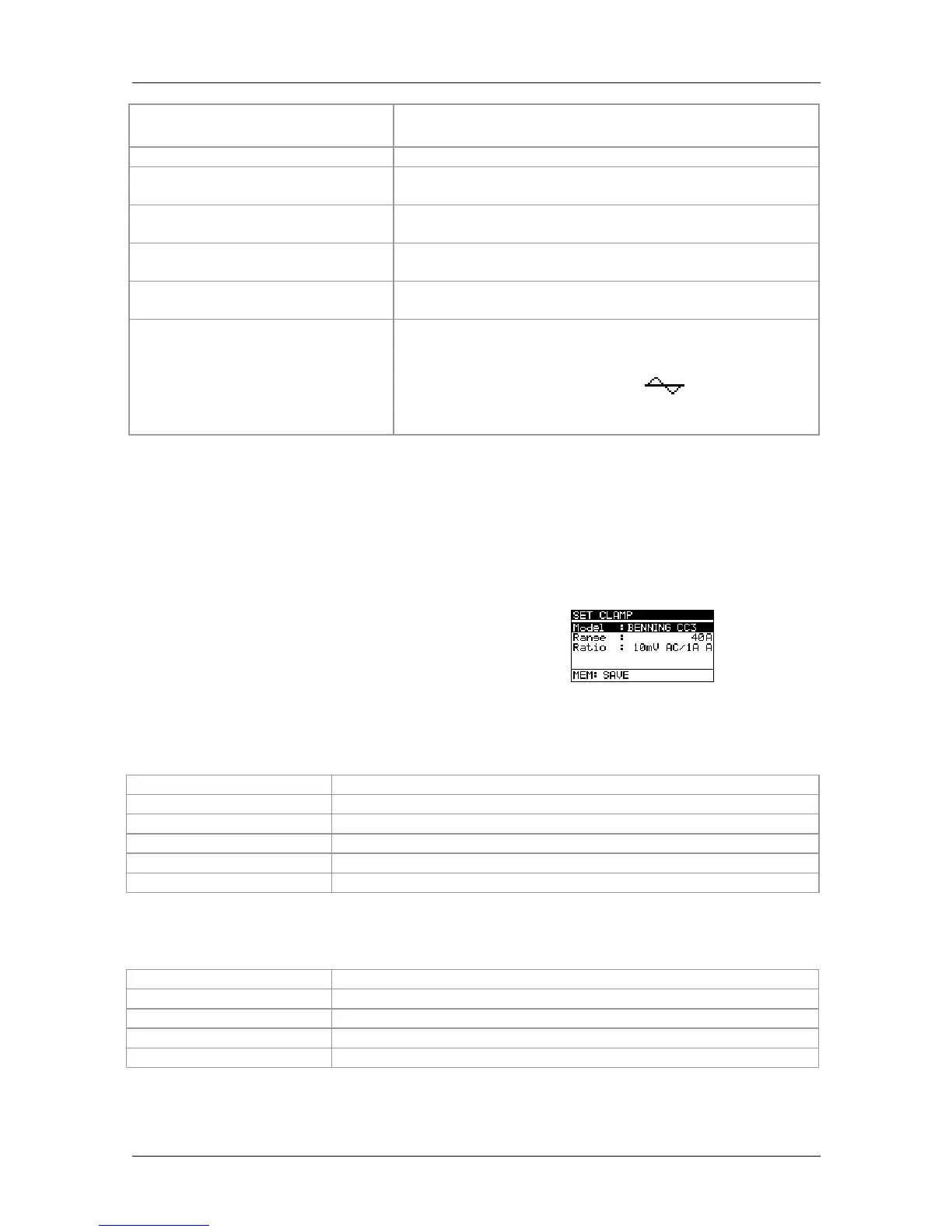
4.4.9 Clamp settings
In the CLAMP settings menu, it is possible
to configure the C1 measuring input to the
current clamp adapter used.
Figure 4.12:
Configuring the current clamp measuring input
Setting parameters:
Type
BENNING CC 1
Measuring range
400 A AC
Type
BENNING CC 2
Measuring range
20 A AC
Type
BENNING CC 3
Measuring range
40 A / 300 A AC / DC
Selecting the parameters
Keys used:
UP / DOWN
Selects the respective options
TEST
Confirms the selected option
MEM
Saves the settings
ESC
Back / cancel to the Settings menu
Function selector switch



 To Next Page