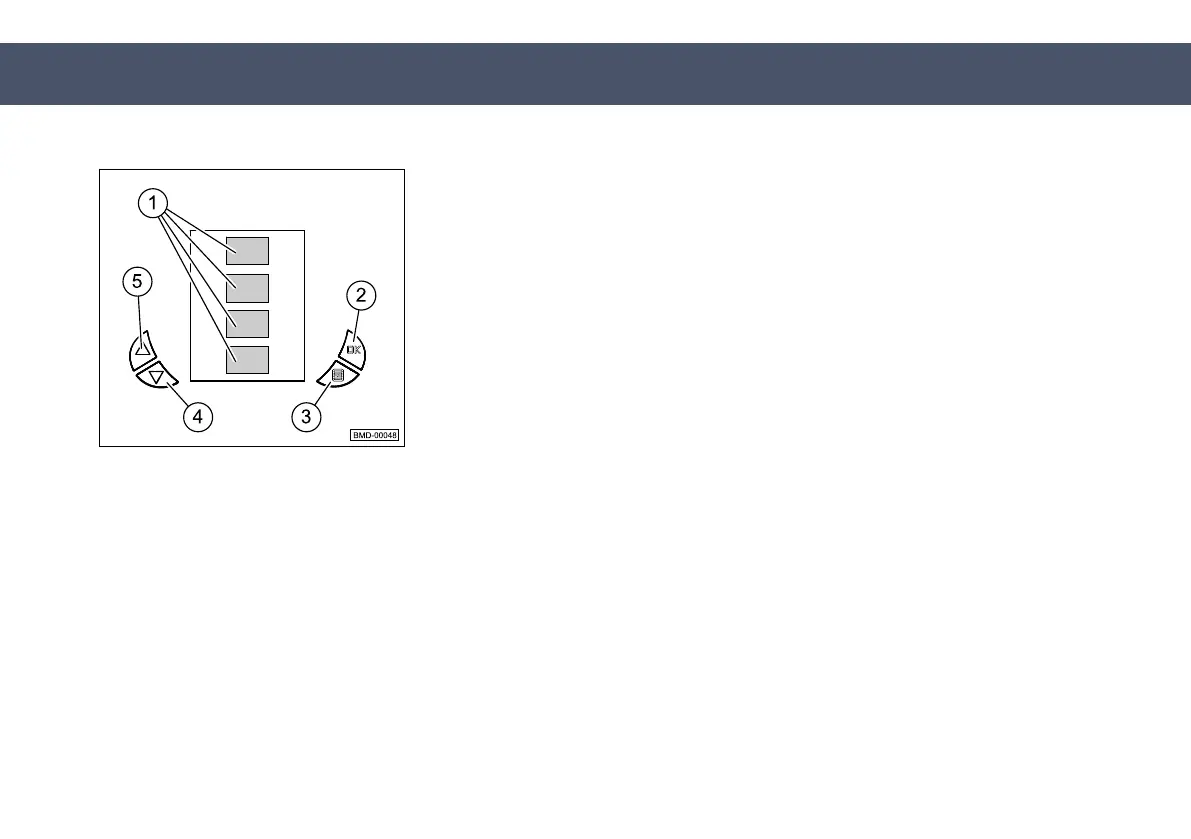
Setting language
submenu
The system language can be set in the
Setting language
submenu.
The particular language can be selected using the
Forward
button (4) and
the
Back
button (5). The
OK
button (2) and
Warning display
button (3) are
used for confirming/canceling the procedure. The respective languages are
displayed on-screen by the corresponding national flags in the fields (1).
Depending on the configuration, the following languages can be set:
n German
n American English
n Spanish
n French
Fig. 8.21
50-020-1011-900_EN
1.0 - © 2/15/2017
190
8 Operation
8.2 Operation of the machine


 To Next Page