Decorative stitches
112
> Touch the icon «i»-Dialog.
> Touch the icon «Long stitch» so that the stitch pattern is sewn less densely.
> Touch the icon «Upper thread tension» to adjust the upper thread tension if necessary.
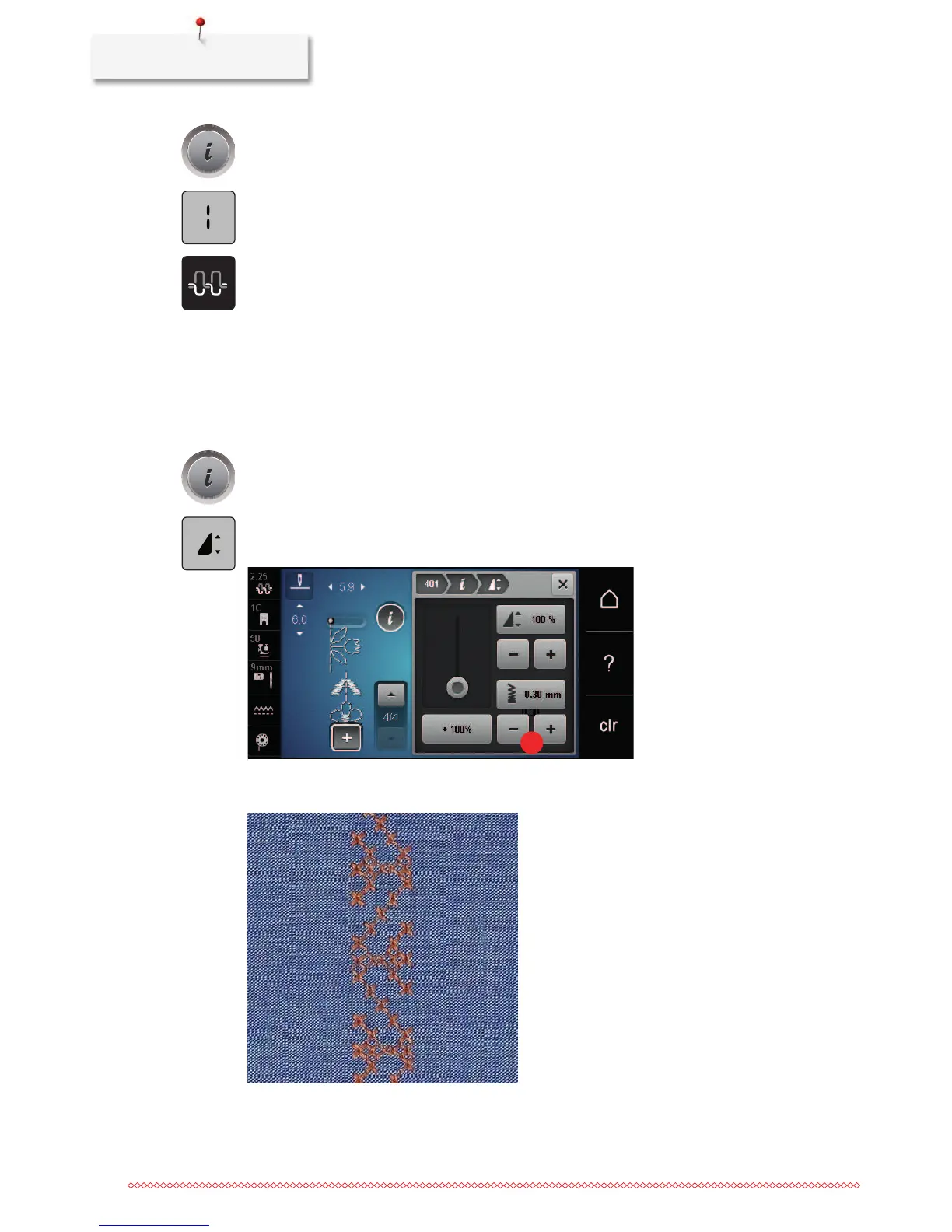
7.3 Altering the stitch density
With certain decorative stitches (e.g.No. 401) the stitch density can be altered. If the stitch density is
increased, the stitch distance is enlarged. If the stitch density is decreased, the stitch distance is shortened.
The programmed length of the stitch pattern is not affected.
> Select the decorative stitch.
> Touch the icon «i»-Dialog.
> Touch the icon «Edit pattern length/stitch density».
> Adjust the stitch density via the icons (1) «-» or «+».



 To Next Page