Setup Program
57
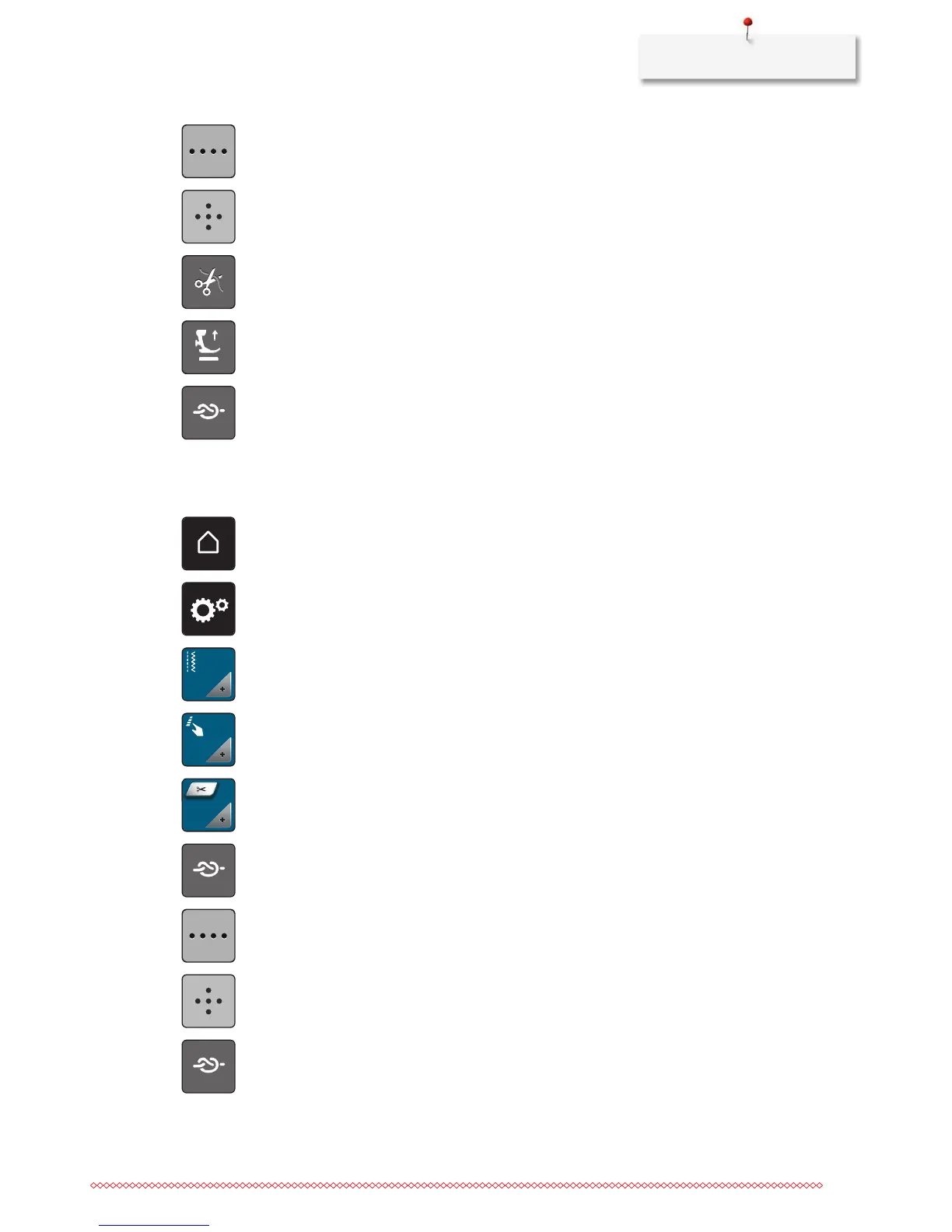
> Touch the icon «Alter the number of securing stitches» to program securing stitches in close succession.
> Touch the icons «-» or «+» to program the number of securing stitches in close succession.
> Touch the icon «Securing stitches in place» to program 4 securing stitches in place.
> Touch the icon «Thread cut» to deactivate the automatic thread cut after securing.
> Touch the icon «Thread cut» again to activate the automatic thread cut after securing.
> Touch the icon «Position the presser foot» so that the presser foot remains down after securing.
> Touch the icon «Position the presser foot» again so that the presser foot remains up after securing.
> Touch the icon «Securing» to deactivate the automatic securing.
> Touch the icon «Securing» again to activate the automatic securing.
Programming the button «Thread cutter»
The automatic securing can be programed before the thread cut takes place.
> Touch the icon «Home».
> Touch the icon «Setup Program».
> Touch the icon «Sewing settings».
> Touch the icon «Program buttons and icons».
> Touch the icon «Program the button thread cutter».
> Touch the icon «Securing» to sew 4 securing stitches in place.
> Touch the icon «Alter the number of securing stitches» to program the number of securing stitches in
close succession.
> Touch the icons «-» or «+» to program the number of securing stitches.
> Touch the icon «Securing stitches in place» to program 4 securing stitches in place.
> Touch the icon «Securing» to deactivate the automatic securing.
> Touch the icon «Securing» again to activate the automatic securing.



 To Next Page