Embroidering preparation
149
> Select the stitch plate CutWork/Straight (optional accessory).
Thread-up command
The machine must be ready for embroidery to bring up the bobbin thread.The bobbin thread can be brought
up in one step for a manual knotting. If no securing stitches are wanted, it is recommended to deactivate the
securing stitches in the Setup.
> Hold the upper thread.
> Press the button «Needle up/down».
– The bobbin thread is brought up automatically.
13.6 Embroidery hoop
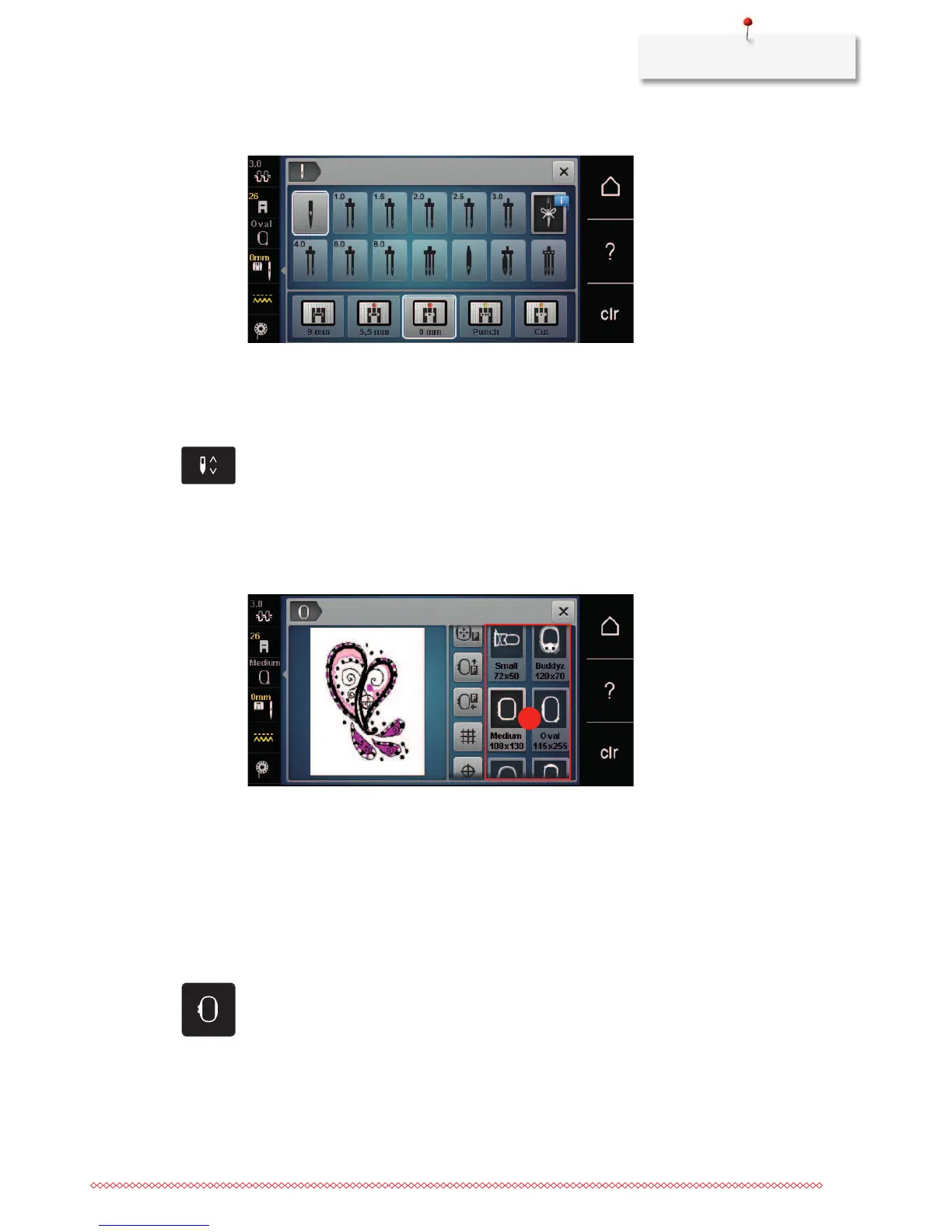
Overview Embroidery hoop selection
1 Hoop selection
Selecting the embroidery hoop
The best embroidery result is achieved when the smallest possible embroidery hoop for the embroidery motif
is selected.
The embroidery motif has a pre-set size which is displayed.
Prerequisite:
• The embroidery motif is selected.
> Touch the icon «Hoop selection».
– The machine selects the optimal embroidery hoop according to the size of the embroidery motif
automatically. If the pre-set embroidery hoop would not be available, another desired embroidery
hoop can be selected. When an embroidery hoop is attached which does not correspond with the
selected one, the attached hoop is considered active and the embroidery motif area is displayed
accordingly.
> Select the desired embroidery hoop.



 To Next Page