> Touch the yellow-framed icon on the left side to reset the alteration to default setting.
Changing the measuring unit
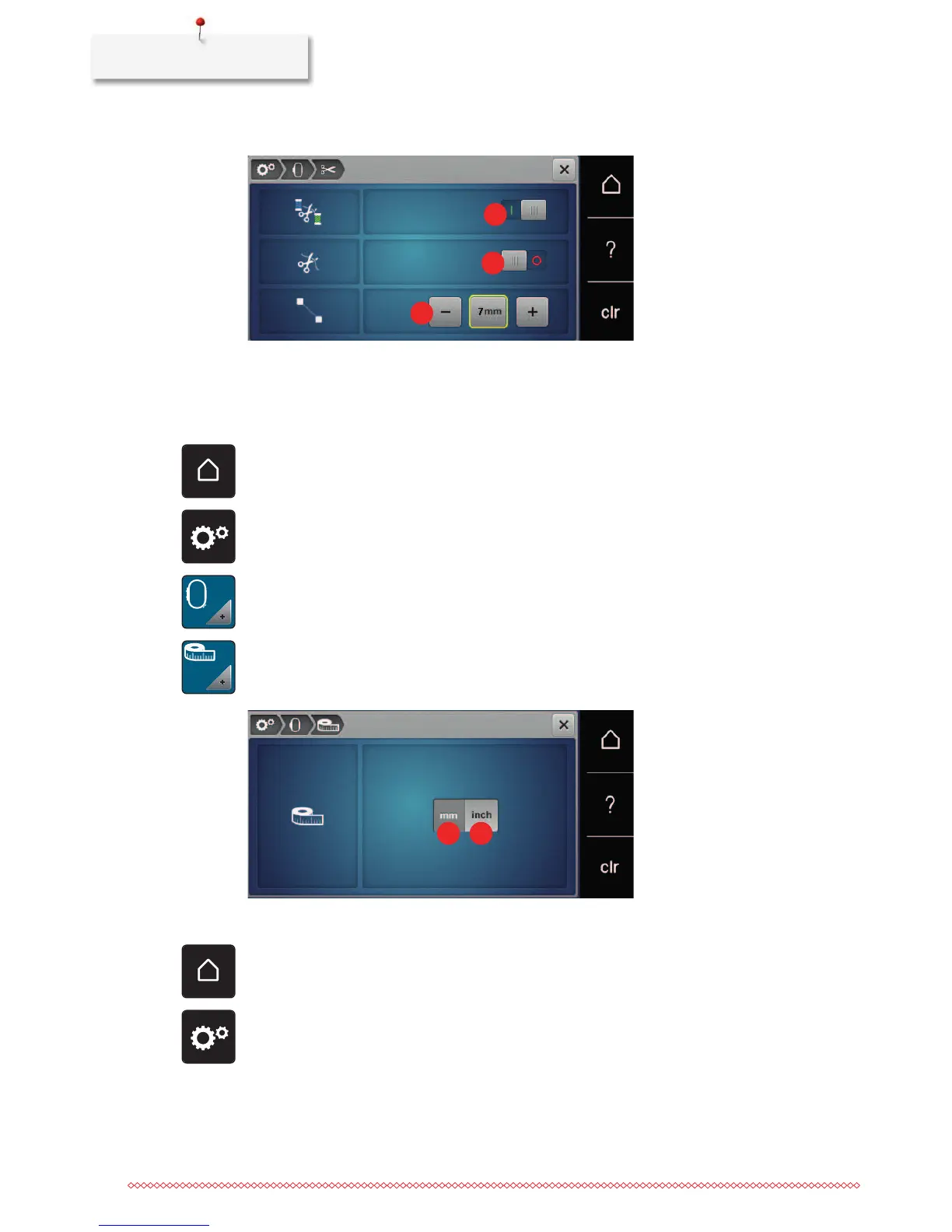
The measuring unit in the embroidery mode can be changed from mm to inch. The standard setting is in
mm.
> Touch the icon «Home».
> Touch the icon «Setup Program».
> Touch the icon «Embroidery settings».
> Touch the icon «Change measuring unit».
> Touch the icon «Inch» (1) to change the measuring unit in the embroidery mode to inch.
> Touch the icon «mm» (2) to change the measuring unit in the embroidery mode to mm.



 To Next Page