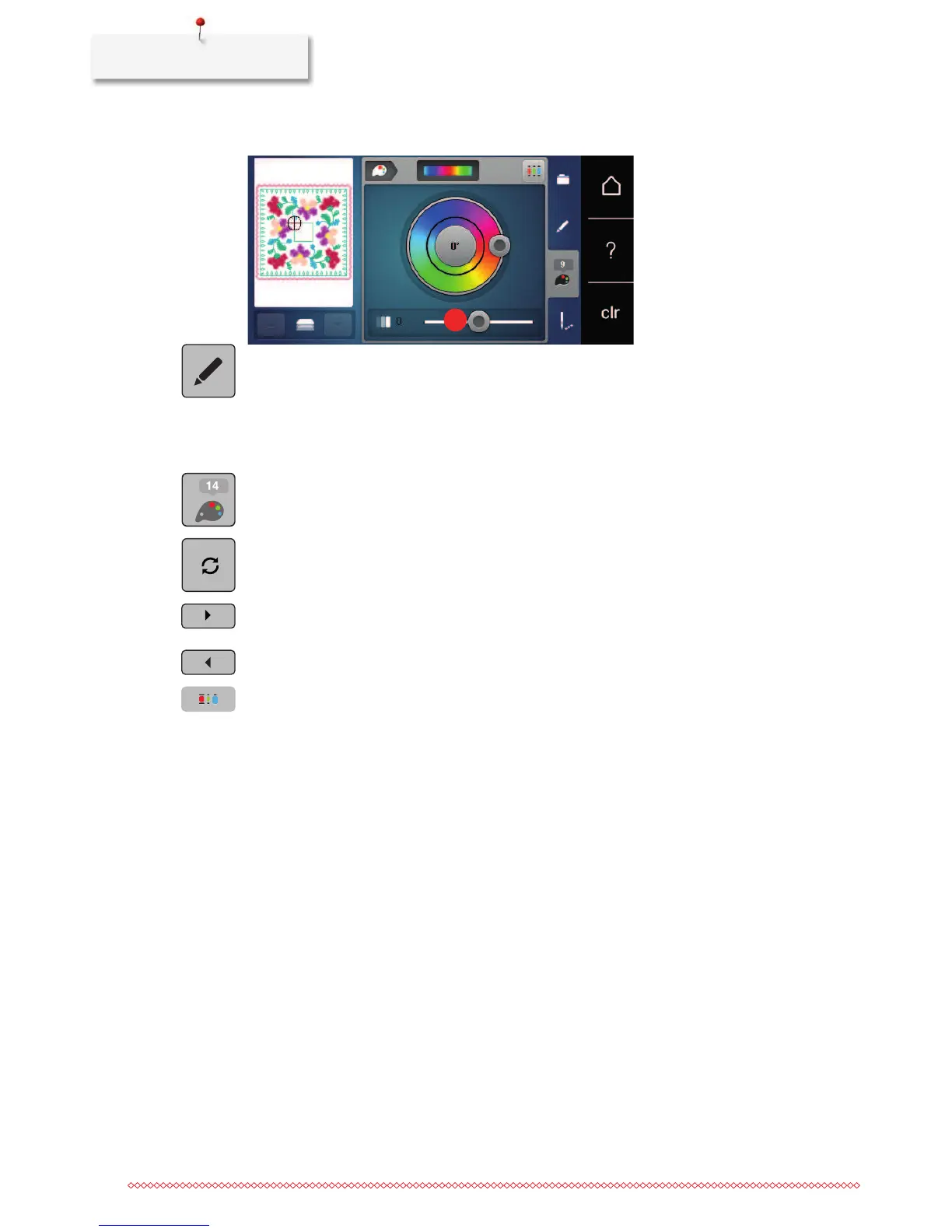
> Touch the icon «Edit».
– The embroidery motif appears in the new colors.
Changing the thread brand
> Select an embroidery motif.
> Touch the icon «Color information».
> Touch the icon «Altering color/brand».
> Touch the icon «Scroll left/right» to display other thread brands.
> Touch the icon «Allocate thread brand».
– Any thread colors of the selected embroidery motif will be matched with the selected thread brand.



 To Next Page