Setup Program
74
The Setup Program provides animations how the machine has to be oiled. In chapter «Maintencance and
cleaning» there are more illustrated step by step instructions Lubricating the machine. Use BERNINA oil to
lubricate.
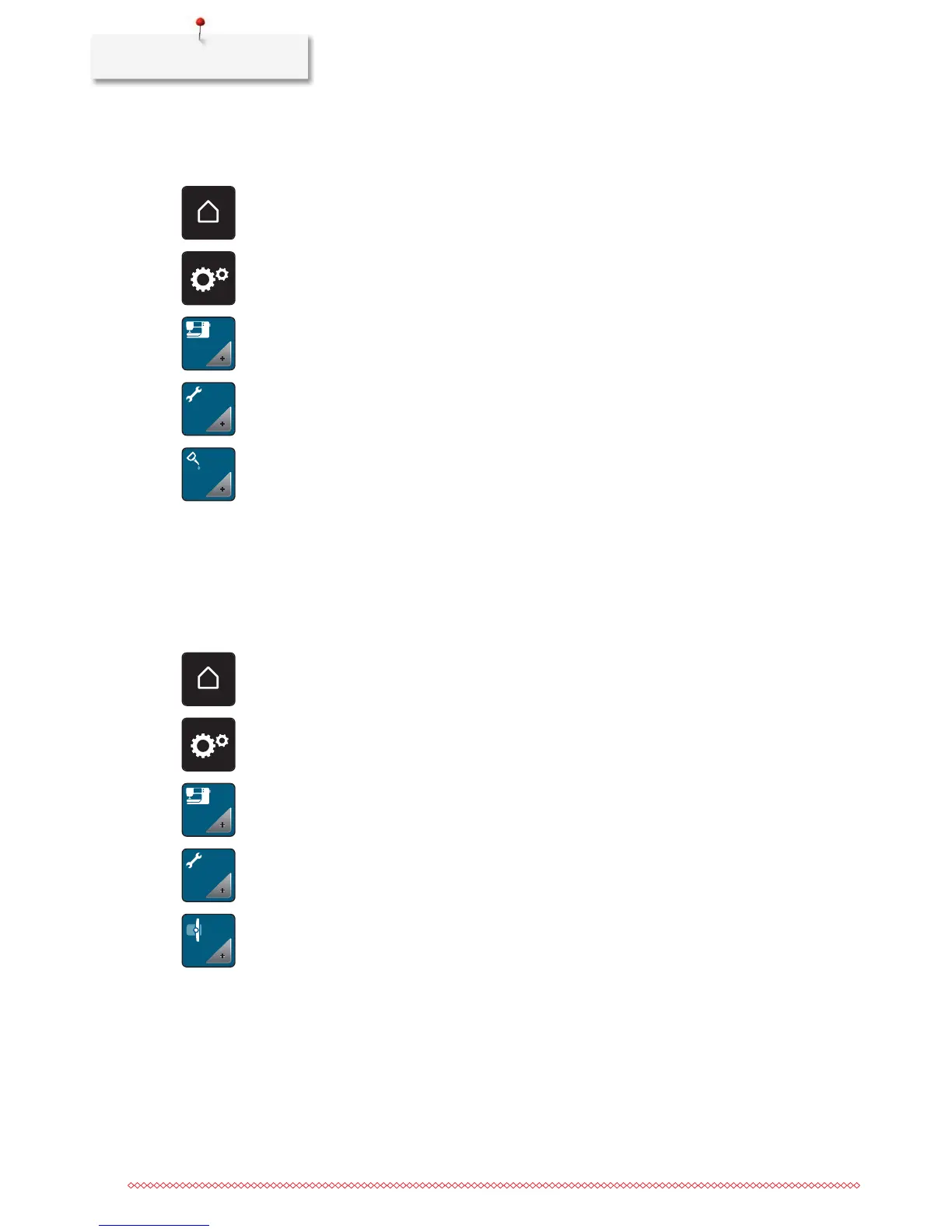
> Touch the icon «Home».
> Touch the icon «Setup Program».
> Touch the icon «Machine settings».
> Touch the icon «Maintenance/Update».
> Touch the icon «Lubricate machine».
> Lubricate the machine according to the instructions on the display.
Packing the embroidery module
To pack the embroidery module into the original packaging without moving the embroidery arm manually,
the embroidery arm needs to be brought to its packing position.
Prerequisite:
• The embroidery module is connected with the machine.
> Touch the icon «Home».
> Touch the icon «Setup Program».
> Touch the icon «Machine settings».
> Touch the icon «Maintenance/Update».
> Touch the icon «Packing position for embroidery module».
> Follow the instructions on the display.



 To Next Page