Setup Program
68
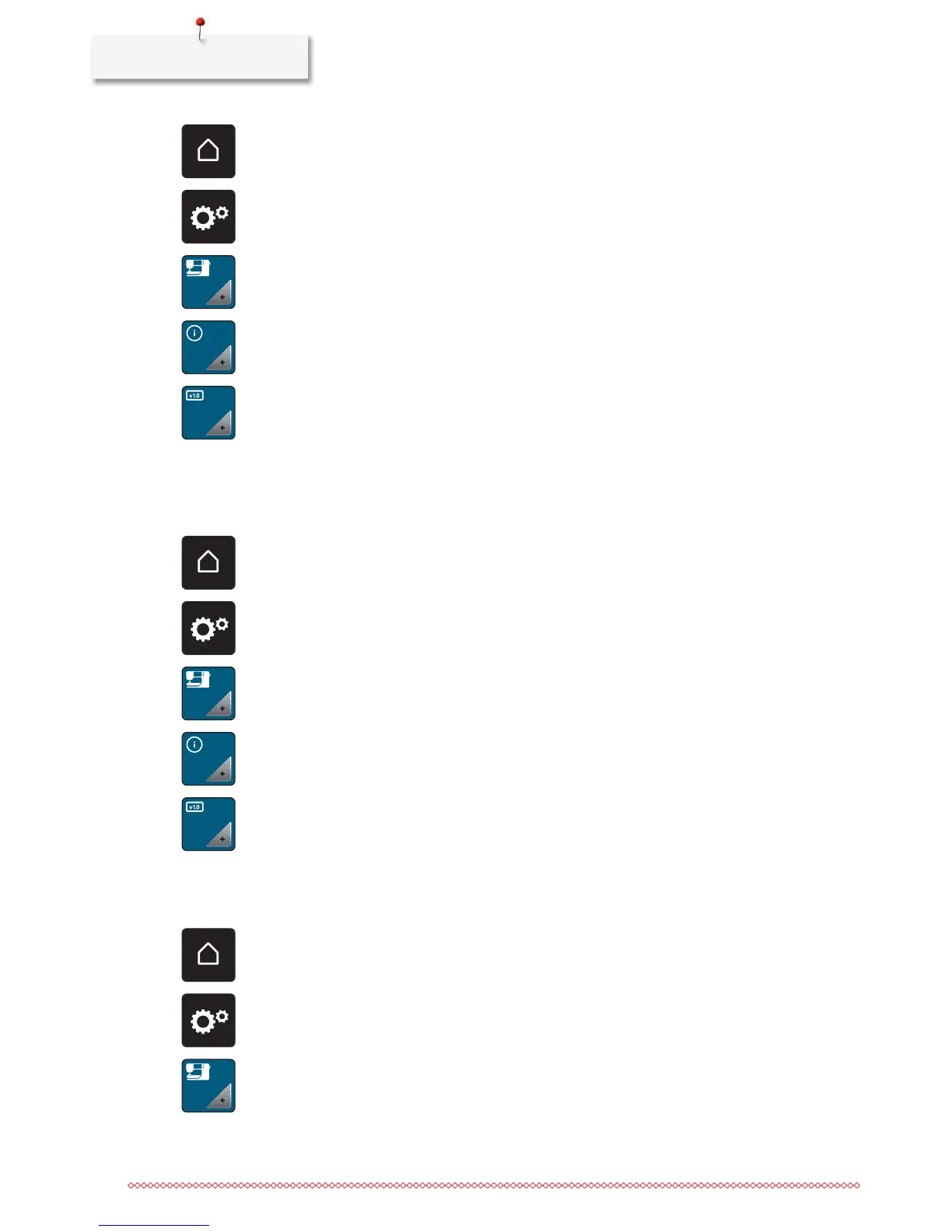
> Touch the icon «Home».
> Touch the icon «Setup Program».
> Touch the icon «Machine settings».
> Touch the icon «Information».
> Touch the icon «Firmware and Hardware Information».
Reviewing the total number of stitches
The total number of stitches of the machine as well as the number of stitches since the last service carried
out by the specialized BERNINA dealer are displayed.
> Touch the icon «Home».
> Touch the icon «Setup Program».
> Touch the icon «Machine settings».
> Touch the icon «Information».
> Touch the icon «Firmware and Hardware Information».
Registering details of the dealer
The contact details of your specialized BERNINA dealer can be registered.
> Touch the icon «Home».
> Touch the icon «Setup Program».
> Touch the icon «Machine settings».



 To Next Page